


마법미사일 키우기 (방치형)
Play on PC with BlueStacks – the Android Gaming Platform, trusted by 500M+ gamers.

Page Modified on: Dec 18, 2025
Overview
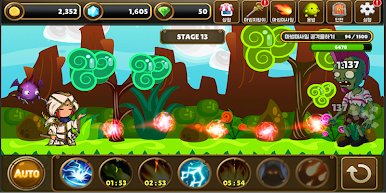
- 간편한 조작으로 게임을 플레이 할 수 있습니다.
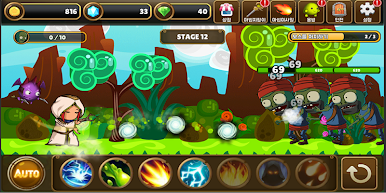
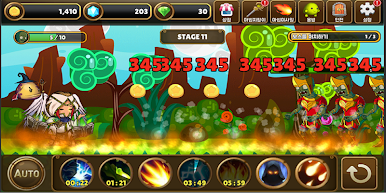
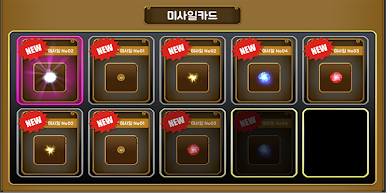
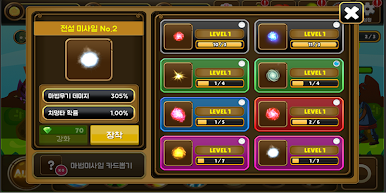
● 다양한 마법미사일 카드
- 다양한 데미지와 치명타가 적용되는 마법카드로
좀비들과 던전 몬스터를 처치해보세요
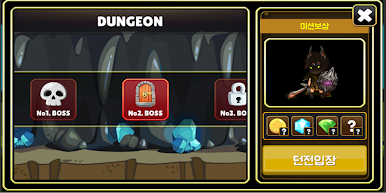
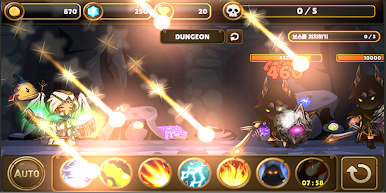
● 던전 몬스터
- 던전에 등장하는 몬스터들은 강하지만
몬스터를 처치하면 다양한 보상이 주어집니다.
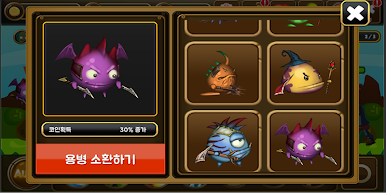
● 용병소환
- 8가지 용병들을 소환하여 도움을 받아보세요
----
개발자 연락처 :
0


Play 마법미사일 키우기 (방치형) on PC. It’s easy to get started.
-
Download and install BlueStacks on your PC
-
Complete Google sign-in to access the Play Store, or do it later
-
Look for 마법미사일 키우기 (방치형) in the search bar at the top right corner
-
Click to install 마법미사일 키우기 (방치형) from the search results
-
Complete Google sign-in (if you skipped step 2) to install 마법미사일 키우기 (방치형)
-
Click the 마법미사일 키우기 (방치형) icon on the home screen to start playing

