

Arrow Arcade
Play on PC with BlueStacks – the Android Gaming Platform, trusted by 500M+ gamers.

Page Modified on: Mar 31, 2026
Play Arrow Arcade on PC or Mac
From the innovators and creators at App Lock LLC, Arrow Arcade is another fun addition to the World of Arcade games. Go beyond your mobile screen and play it bigger and better on your PC or Mac. An immersive experience awaits you.
About the Game
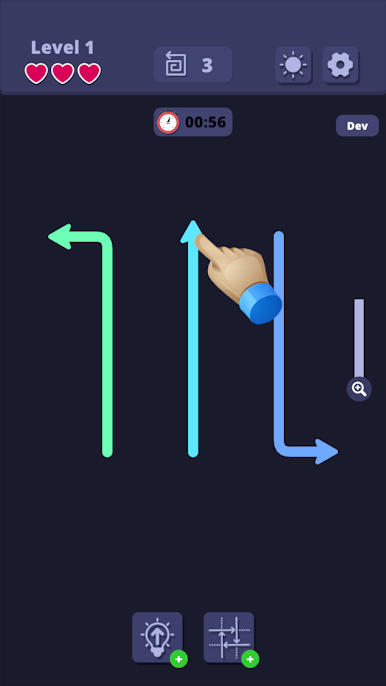
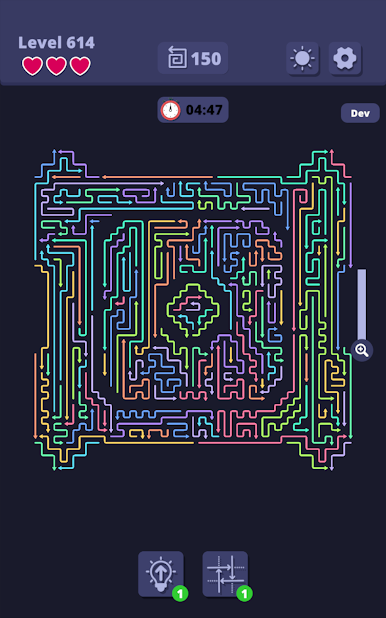
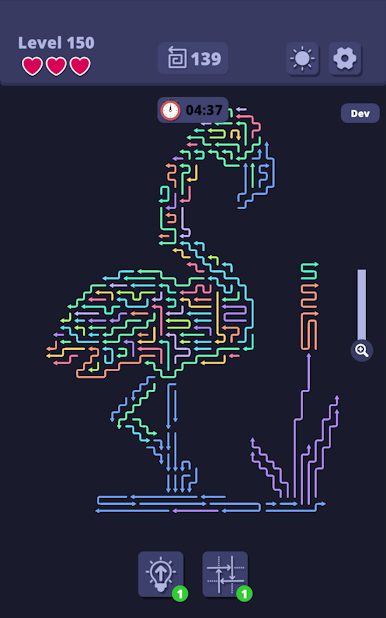
Arrow Arcade is a clever little Arcade puzzler from App Lock LLC where every tap matters. You’re looking at a grid full of arrows, and your job is to hit them in the right sequence to clear the board before the clock hits zero. It’s simple to learn, satisfyingly tricky to solve, and it absolutely rewards thinking a step (or three) ahead.
Game Features
- Handcrafted puzzles: Tackle hundreds of unique boards, from gentle warm-ups to real brain-benders that’ll make you pause and plan.
- Pure logic, no guesswork: Every solution can be worked out if you trace the paths and consider consequences. It’s all about reasoning, not luck.
- Beat the clock: A ticking timer adds just the right amount of pressure, turning calm planning into a fun little race.
- Helpful nudges: Stuck? Hints give you a direction without stealing the aha moment, so the win still feels earned.
- Clean, focused design: Smooth animations and a minimalist look keep your eyes on the puzzle and your mind in the zone.
- Pick-up-and-play: Perfect for a commute, a quick break, or whenever you want a crisp mental reset.
- Plays great on PC with BlueStacks: Prefer a bigger screen and precise clicks? You can enjoy Arrow Arcade there too, nice and comfy.
Make your gaming sessions memorable with precise controls that give you an edge in close combats and visuals that pop up, bringing every character to life.
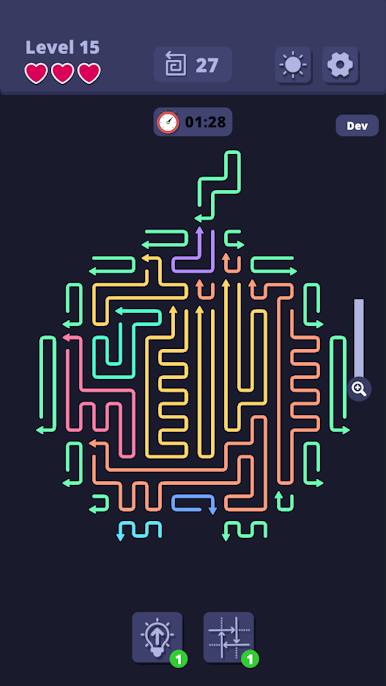
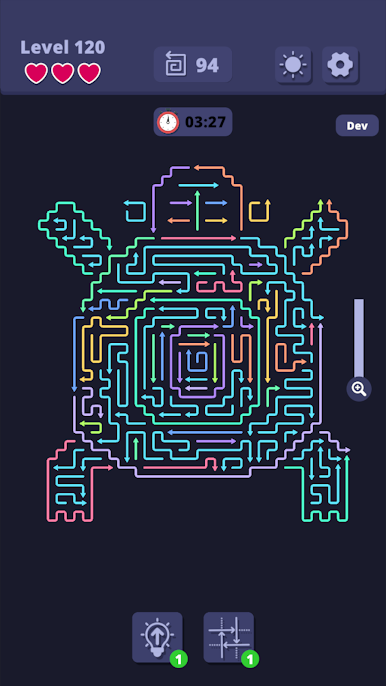
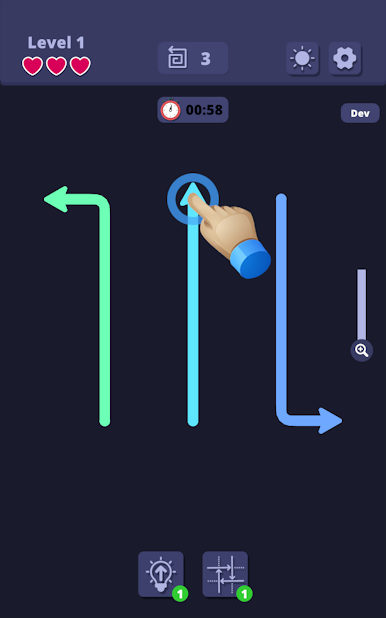
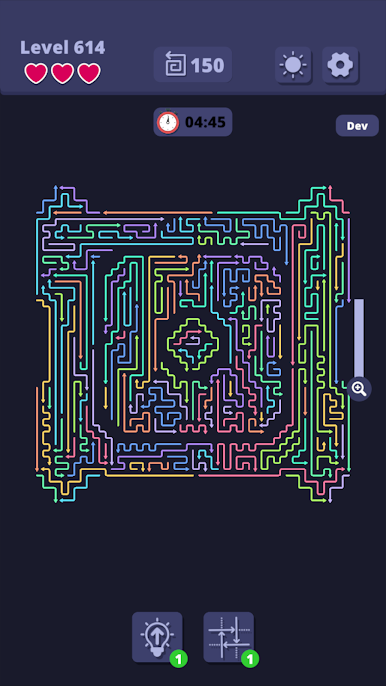
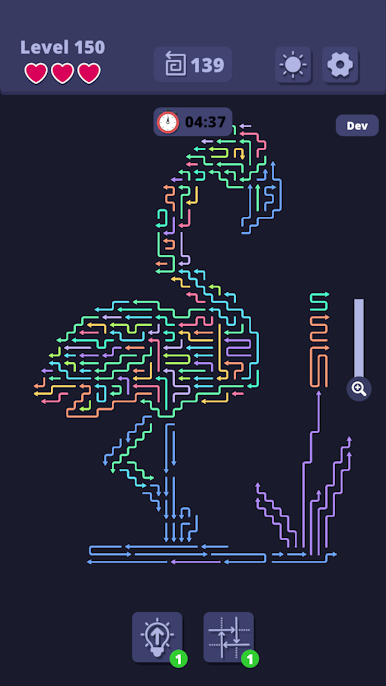
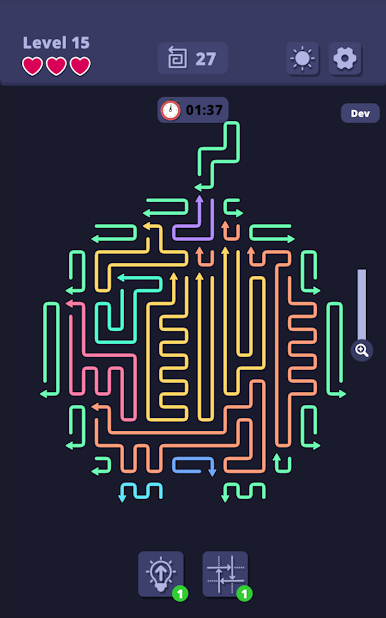
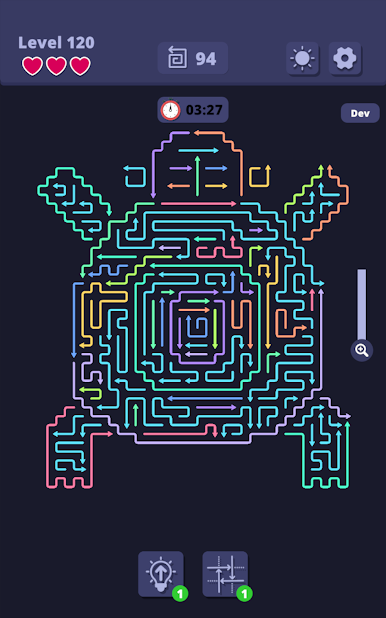
Play Arrow Arcade on PC. It’s easy to get started.
-
Download and install BlueStacks on your PC
-
Complete Google sign-in to access the Play Store, or do it later
-
Look for Arrow Arcade in the search bar at the top right corner
-
Click to install Arrow Arcade from the search results
-
Complete Google sign-in (if you skipped step 2) to install Arrow Arcade
-
Click the Arrow Arcade icon on the home screen to start playing

