


Slapstick Fighter - Fight Game
Play on PC with BlueStacks – the Android Gaming Platform, trusted by 500M+ gamers.

Page Modified on: Feb 5, 2026
Main Slapstick Fighter - Fight Game on PC
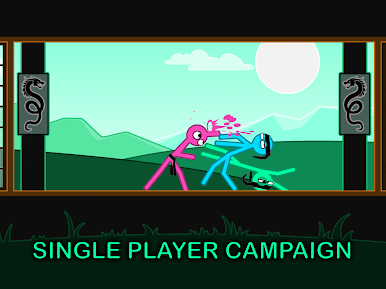
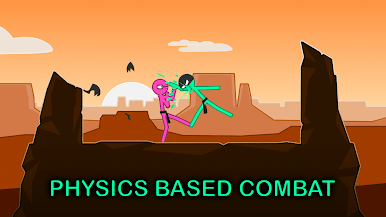
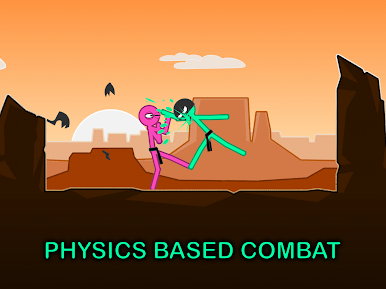
We were able to keep the best part of physics based fighting games, dynamic rag doll stick fight finishes, while still giving you full control of your stickman while you fight. Other fighting games either miss out on physics combat, or make their ragdoll games with sloppy controls.
No other stick man games offer this amount of simple controls, deep fighting, realistic movement and ragdoll fun.
Controls were designed to be simple and playable with two fingers, or thumbs. Most inputs are taps making it as easy to play as the best tap games, while at the same time keeping more game play depth then most stickman games.
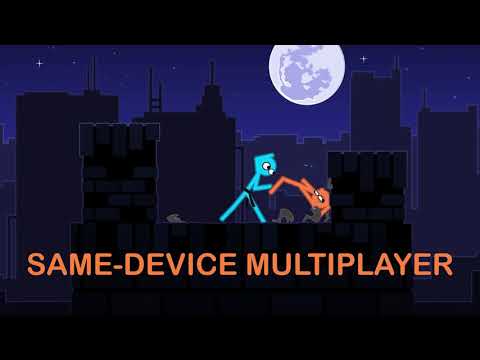
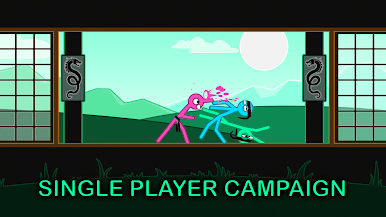
Arenas in the game range from a traditional martial arts dojo to city rooftops.
You can also challenge your friends on the same device. Finally end your rivalry and find out who is the supreme rooftop city fighter.
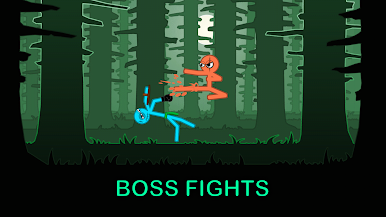
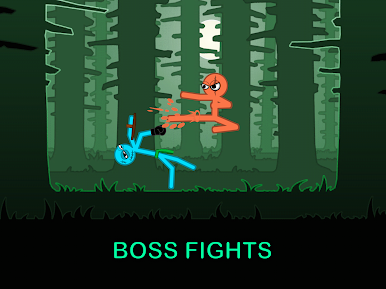
Fight styles range from straight brawler, kick boxing, and a giant thug.
In addition to different fight styles, a range of equipment makes each stick fight unique.
Arenas also have different mechanics. Arenas will change in size and feature spring boards, ice floors and spike walls all aimed at making the ragdoll games more dynamic.
Play Slapstick Fighter - Fight Game on PC. It’s easy to get started.
-
Download and install BlueStacks on your PC
-
Complete Google sign-in to access the Play Store, or do it later
-
Look for Slapstick Fighter - Fight Game in the search bar at the top right corner
-
Click to install Slapstick Fighter - Fight Game from the search results
-
Complete Google sign-in (if you skipped step 2) to install Slapstick Fighter - Fight Game
-
Click the Slapstick Fighter - Fight Game icon on the home screen to start playing

