


Degrees of Stepheration
Play on PC with BlueStacks – the Android Gaming Platform, trusted by 500M+ gamers.

Page Modified on: Jul 21, 2026
Play Degrees of Stepheration on PC
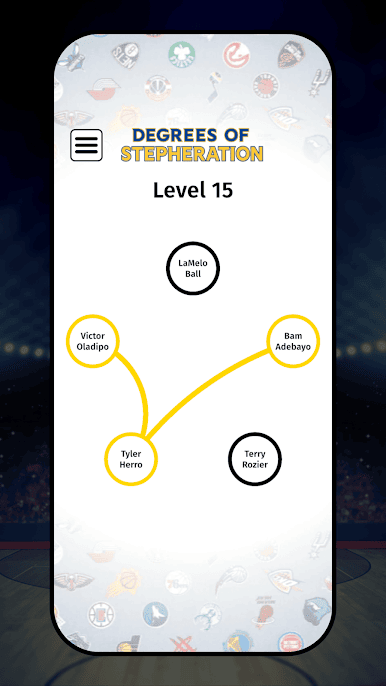
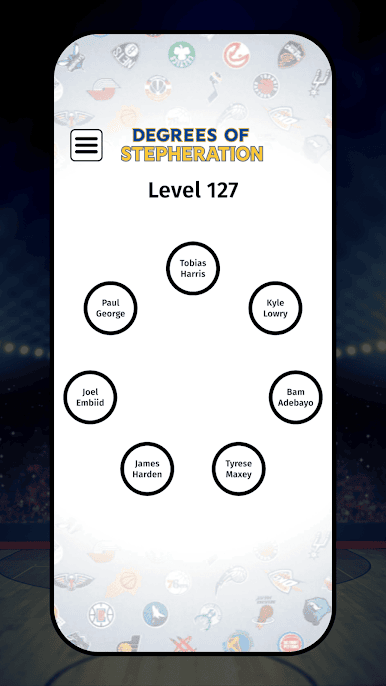
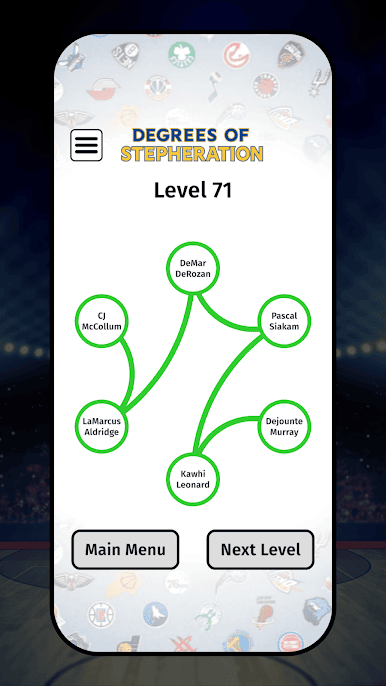
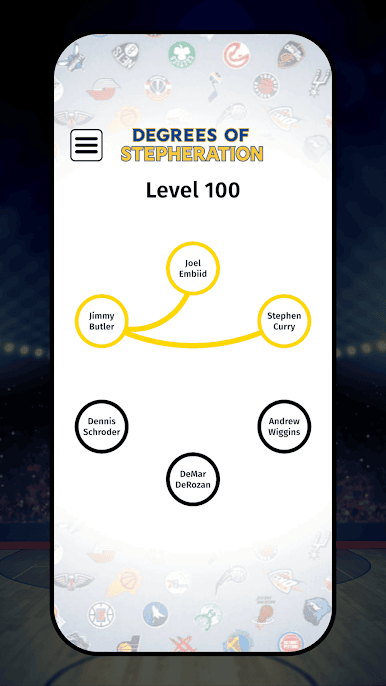
Degrees of Stepheration is the ultimate NBA connection puzzle where your goal is to link players together through shared teammates. Every level challenges you to build a valid chain that includes every player on the board.
Build the chain, discover surprising connections, and see how players from different eras are linked across NBA history.
Features
🏀 Hundreds of handcrafted levels
From easy warm-ups to brain-bending challenges, there's always another puzzle waiting.
🧠 Connect NBA players
Build chains using teammate relationships that span decades of basketball history.
⭐ Easy to Learn, Challenging to Master
Simple gameplay with puzzles that become increasingly difficult.
📈 Increasing difficulty
Start with familiar stars, then work your way through deeper cuts, forgotten teammates, and unexpected connections.
🎯 Perfect for every basketball fan
Whether you know today's superstars or legends from years past, every puzzle is a chance to prove your basketball knowledge.
Why You'll Love It
-Challenge your NBA memory
-Learn surprising player connections
-Play at your own pace
-Great for casual fans and basketball experts alike
-New favorite puzzle for anyone who loves the NBA
How well do you really know the league?
Download Degrees of Stepheration and start connecting the dots across NBA history!
Play Degrees of Stepheration on PC. It’s easy to get started.
-
Download and install BlueStacks on your PC
-
Complete Google sign-in to access the Play Store, or do it later
-
Look for Degrees of Stepheration in the search bar at the top right corner
-
Click to install Degrees of Stepheration from the search results
-
Complete Google sign-in (if you skipped step 2) to install Degrees of Stepheration
-
Click the Degrees of Stepheration icon on the home screen to start playing

