


Exit the Gungeon DEMO
Play on PC with BlueStacks – the Android Gaming Platform, trusted by 500M+ gamers.

Page Modified on: Oct 22, 2025
Main Exit the Gungeon DEMO on PC
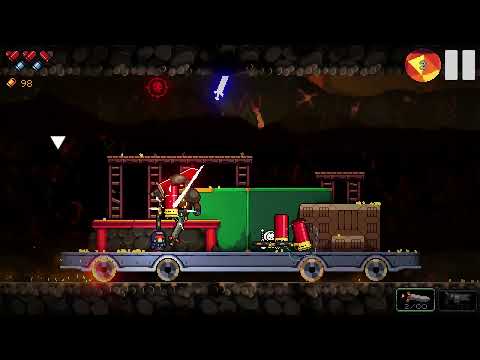
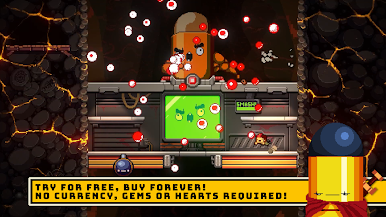
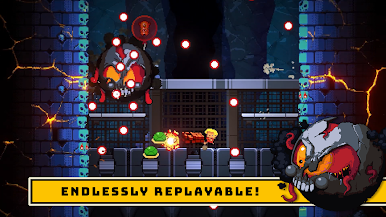
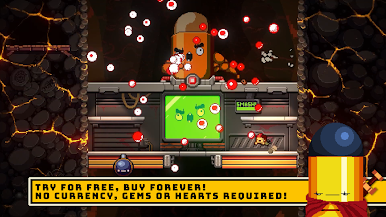
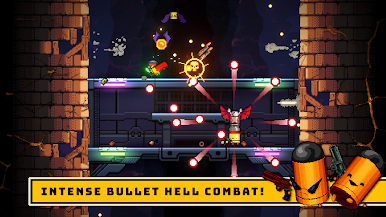
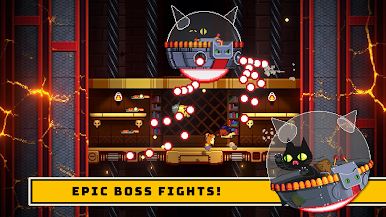
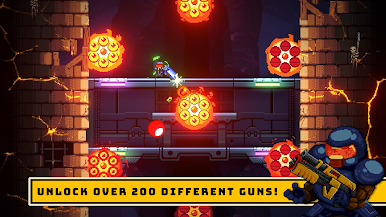
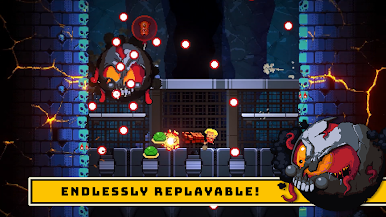
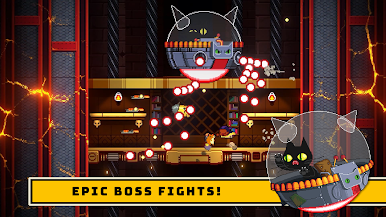
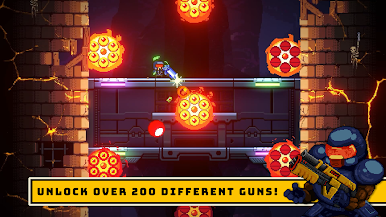
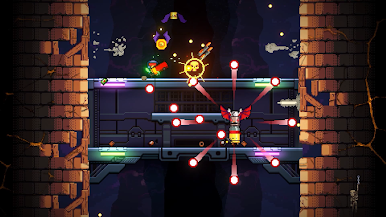
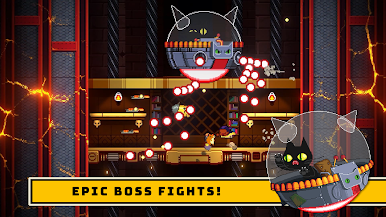
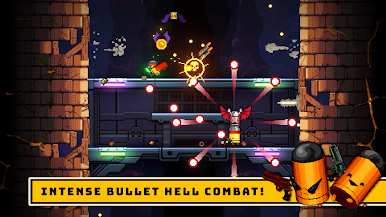
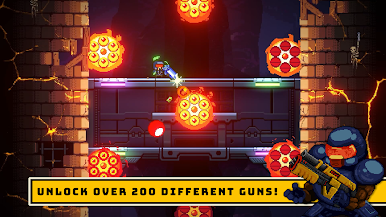
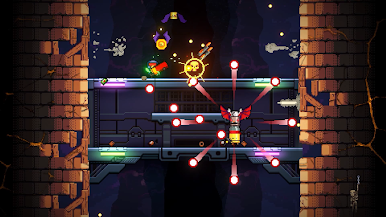
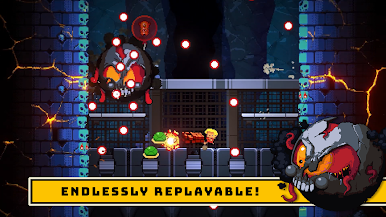
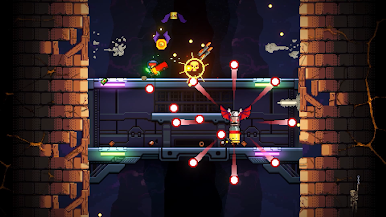
Exit the Gungeon is a bullet hell dungeon climber immediately following the adventures of the misfit ‘Gungeoneers’ and their journey for personal absolution in Enter the Gungeon. The Gungeon has become a paradox and is collapsing! Armed with an ever-changing weapon, an insatiable need to loot, and the trusty dodge roll, each of our heroes must ascend and escape via their own unique route of increasingly perilous elevators. Battle against the last and most bitter of the Gundead at a frantic pace, slowing down just long enough to chat with some familiar faces… and a few new ones. Shifting rooms, enemies, bosses, bizarre weapons and items all combine to ensure that no two attempts to Exit the Gungeon are the same.
Also, you can wear hats. Everybody loves hats, and spin-offs, which this game is… of Enter the Gungeon.
Play Exit the Gungeon DEMO on PC. It’s easy to get started.
-
Download and install BlueStacks on your PC
-
Complete Google sign-in to access the Play Store, or do it later
-
Look for Exit the Gungeon DEMO in the search bar at the top right corner
-
Click to install Exit the Gungeon DEMO from the search results
-
Complete Google sign-in (if you skipped step 2) to install Exit the Gungeon DEMO
-
Click the Exit the Gungeon DEMO icon on the home screen to start playing

