


Soccer Golf
Play on PC with BlueStacks – the Android Gaming Platform, trusted by 500M+ gamers.

Page Modified on: Jul 24, 2026
Play Soccer Golf on PC
Choose your direction, set the power, and kick the ball toward the hole. Avoid trees, rocks, water, and tricky slopes across colorful courses.
Can you finish each stage under par, collect coins, and land the perfect shot?
Simple controls and quick levels make Soccer Golf easy to enjoy anytime. Kick off and become the ultimate soccer golfer!
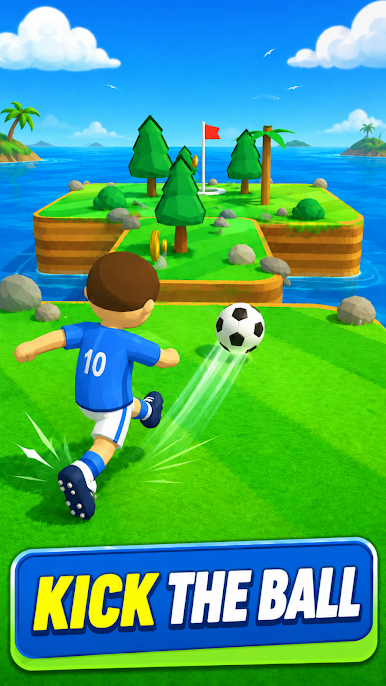
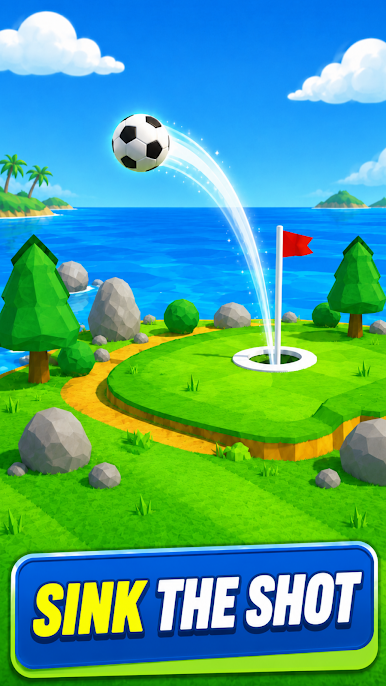
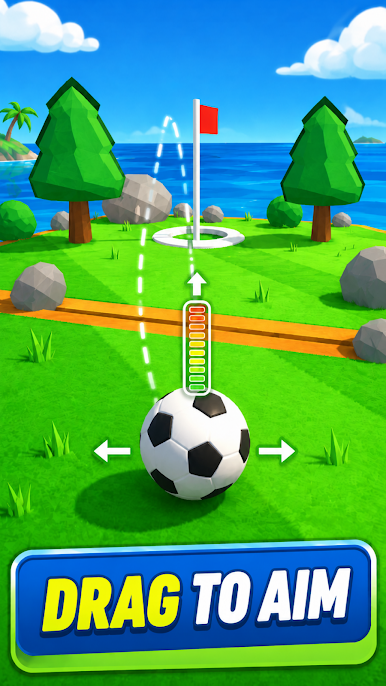
Play Soccer Golf on PC. It’s easy to get started.
-
Download and install BlueStacks on your PC
-
Complete Google sign-in to access the Play Store, or do it later
-
Look for Soccer Golf in the search bar at the top right corner
-
Click to install Soccer Golf from the search results
-
Complete Google sign-in (if you skipped step 2) to install Soccer Golf
-
Click the Soccer Golf icon on the home screen to start playing

