


Little Kitty, Big City
Play on PC with BlueStacks – the Android Gaming Platform, trusted by 500M+ gamers.

Page Modified on: Oct 13, 2026
Main Little Kitty, Big City on PC
Try Before You Buy:
Download and start playing for free! After collecting and turning in 25 Shinies to Crow, you'll be prompted to buy the full game.
1. One in-app purchase
2. Full game unlocked- forever!
3. No subscriptions
4. All progress carries over to the full game
Please note:
Camera/AR features are not available in the free trial and require the full game unlock.
Little Kitty, Big City on mobile may vary in content and presentation compared to versions on other platforms.
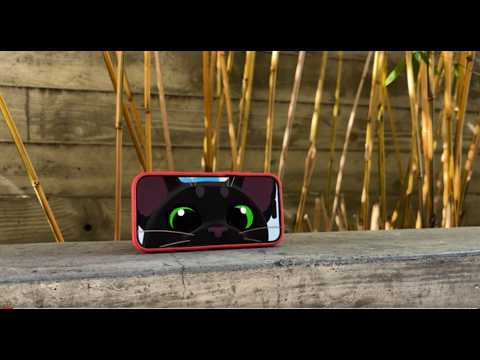
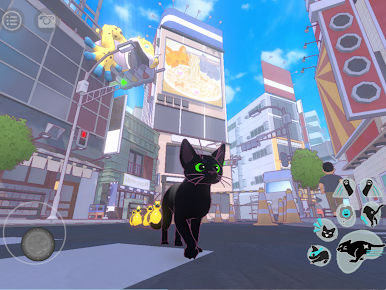
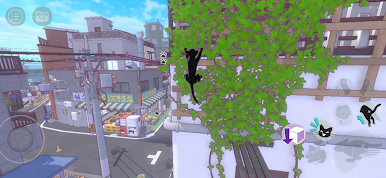
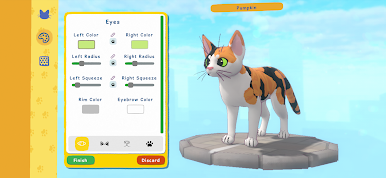
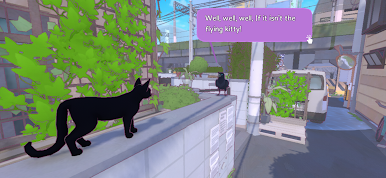

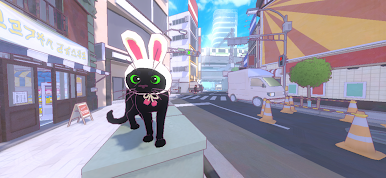
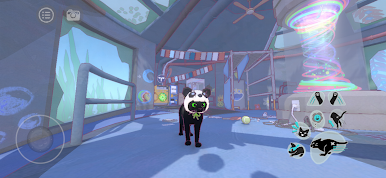
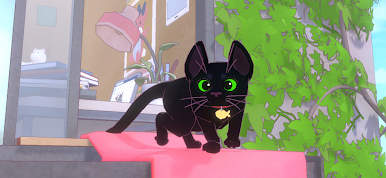
Play Little Kitty, Big City on PC. It’s easy to get started.
-
Download and install BlueStacks on your PC
-
Complete Google sign-in to access the Play Store, or do it later
-
Look for Little Kitty, Big City in the search bar at the top right corner
-
Click to install Little Kitty, Big City from the search results
-
Complete Google sign-in (if you skipped step 2) to install Little Kitty, Big City
-
Click the Little Kitty, Big City icon on the home screen to start playing

