

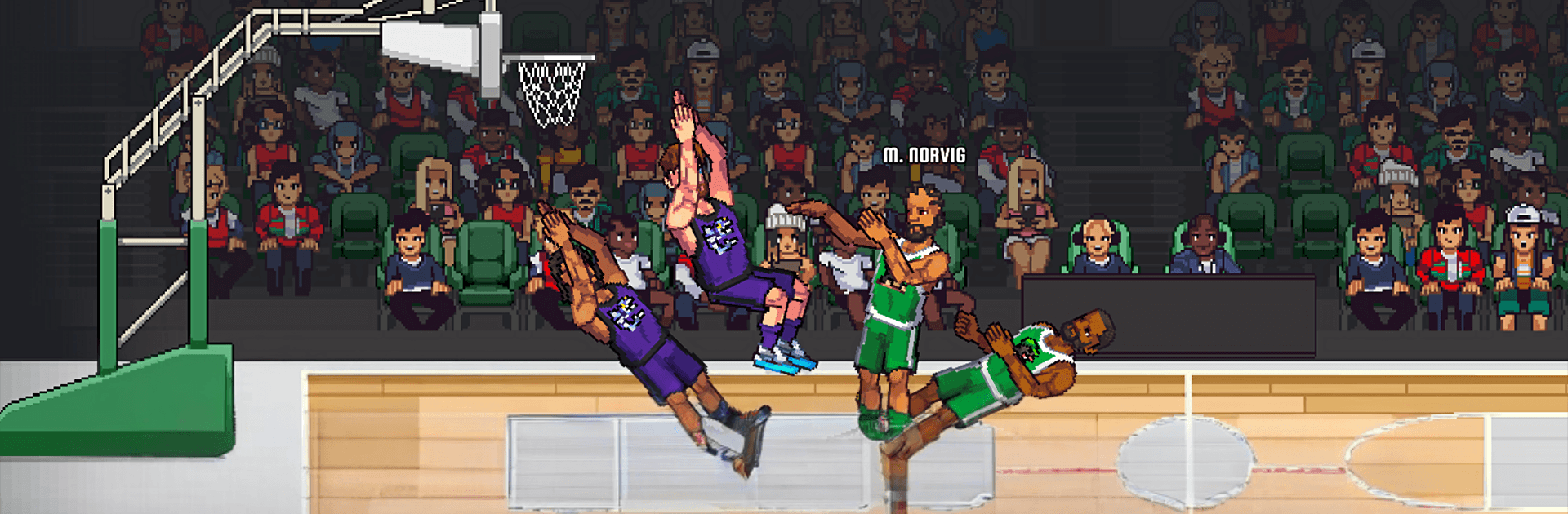
Bouncy Basketball 2
Play on PC with BlueStacks – the Android Gaming Platform, trusted by 500M+ gamers.

Page Modified on: Jul 3, 2026
Play Bouncy Basketball 2 on PC or Mac
Bouncy Basketball 2 brings the Sports genre to life, and throws up exciting challenges for gamers. Developed by Dreamon Studios, this Android game is best experienced on BlueStacks, the World’s #1 app player for PC and Mac users.
About the Game
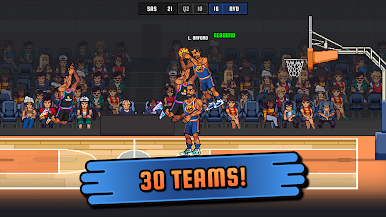
Bouncy Basketball 2 is a fast, bouncy take on hoops where timing, positioning, and a single button decide everything. It’s a Sports game that feels instantly pick-up-and-play, yet rewards you for mastering your shot arc and reading the court. Expect quick matches, big slams, and that “one more round” pull when you’re this close to a clutch bucket.
Game Features
- One-button control, real skill: Simple inputs keep things snappy, but nailing perfect releases and smart footwork takes practice—and it feels great when it clicks.
- Fast matches, huge moments: Short, high-energy games pack in breakaway dunks, last-second heaves, and scrappy rebounds that can flip the score in a heartbeat.
- Refined physics you can read: Every bounce and jump has weight, so you’ll learn how the ball behaves and use that feel to outplay opponents.
- Polished pixel look: Clean, upgraded pixel art and crisp animations give each slam and swat that satisfying arcade snap.
- More ways to play: Jump into quick sessions or settle in for longer runs as you chase better stats, sharper timing, and tougher challenges.
- Progress that matters: Keep improving your skills and expand your playstyle with systems built to reward consistency and smart decisions.
- Built for casual and competitive minds: Easy to start, tough to master—perfect whether you’ve got two minutes or twenty.
- Play comfortably on PC: Want a big screen and steady performance? Fire it up on BlueStacks and keep those shots dropping.
Start your journey now. Download the game on BlueStacks, invite your friends, and march on a new adventure.
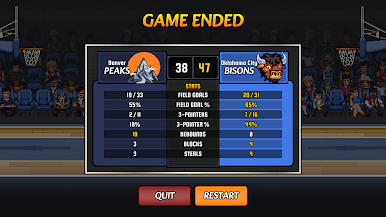
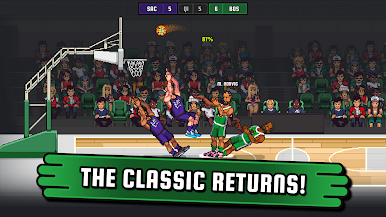
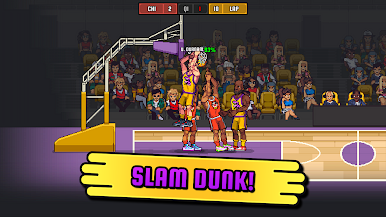
Play Bouncy Basketball 2 on PC. It’s easy to get started.
-
Download and install BlueStacks on your PC
-
Complete Google sign-in to access the Play Store, or do it later
-
Look for Bouncy Basketball 2 in the search bar at the top right corner
-
Click to install Bouncy Basketball 2 from the search results
-
Complete Google sign-in (if you skipped step 2) to install Bouncy Basketball 2
-
Click the Bouncy Basketball 2 icon on the home screen to start playing

