


Draftmaster 2
Play on PC with BlueStacks – the Android Gaming Platform, trusted by 500M+ gamers.

Page Modified on: Nov 15, 2026
Play Draftmaster 2 on PC
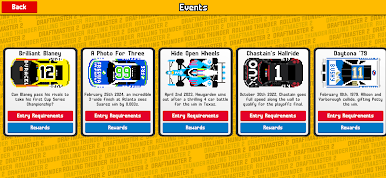
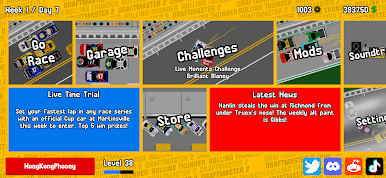
Utilise the new Transfer system, to swap your favourite drivers, teams and manufacturers to switch up the racing your way!
Submit your fastest times to the online leaderboards to find out who the real Draft Master is (and win prizes)!
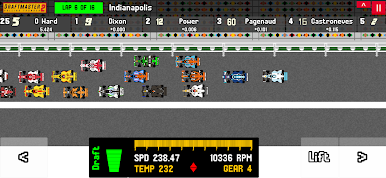
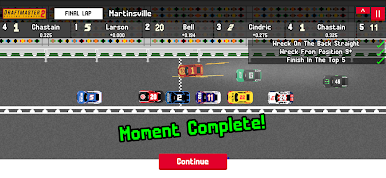
A completely rebuilt drafting/physics engine adds further realism to the AI who will now block, team up and wreck in pursuit of the win!
Excellent commentary is provided by CARS tour announcer James V Pike.
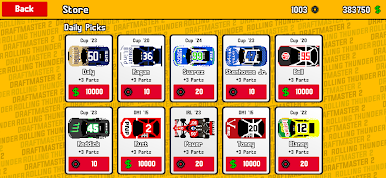
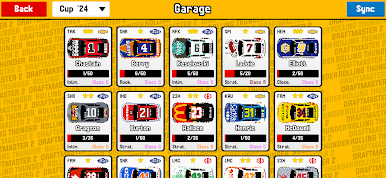
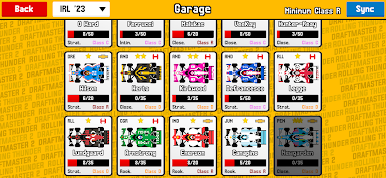
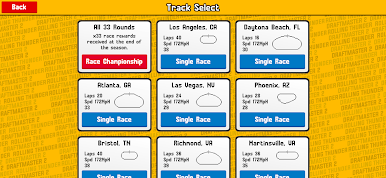
Play Draftmaster 2 on PC. It’s easy to get started.
-
Download and install BlueStacks on your PC
-
Complete Google sign-in to access the Play Store, or do it later
-
Look for Draftmaster 2 in the search bar at the top right corner
-
Click to install Draftmaster 2 from the search results
-
Complete Google sign-in (if you skipped step 2) to install Draftmaster 2
-
Click the Draftmaster 2 icon on the home screen to start playing

