


Blight War: Idle RPG
Play on PC with BlueStacks – the Android Gaming Platform, trusted by 500M+ gamers.

Page Modified on: Oct 20, 2026
Play Blight War: Idle RPG on PC or Mac
Play Blight War: Idle RPG by Eight Studio on PC or Mac with BlueStacks. Use a bigger screen, mouse and keyboard controls, and smoother performance while you play.
About the Game
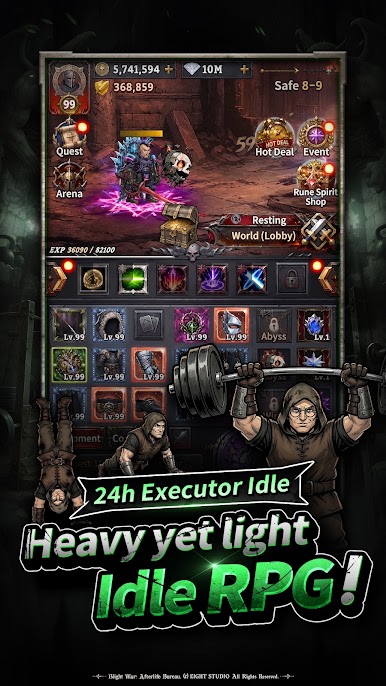
Blight War: Idle RPG is an Adventure from Eight Studio that throws you into a world that just won’t stay dead. You play an Executioner from the Afterlife Bureau, tasked with giving stubborn gods and fading myths their final send-off. It’s part strategy, part chill progression, and surprisingly personal—and if you like a larger display, it runs smoothly on BlueStacks.
Game Features
- Afterlife Assignment
Take on the role of an enforcer who keeps order in a broken world. You’re not a savior—just the one who makes sure the last rites are carried out. - Progress That Never Stops
Your Executioner keeps working even when you’re away. Come back to new growth, resources, and momentum without babysitting every move. - Rune Spirits & Skills
Collect powerful spirits and mix their abilities with your skill loadouts. Finding a combo that clicks feels great—and changes how each fight plays. - Battlefields With Real Stakes
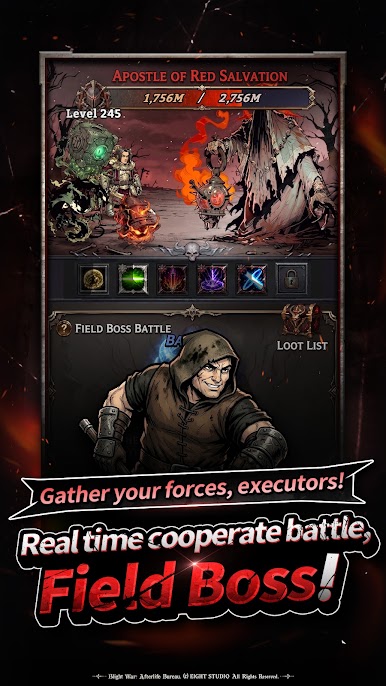
Head into zones packed with trials and hidden treasure. Go alone or with companions and walk out stronger than you went in. - Field Bosses That Push Back
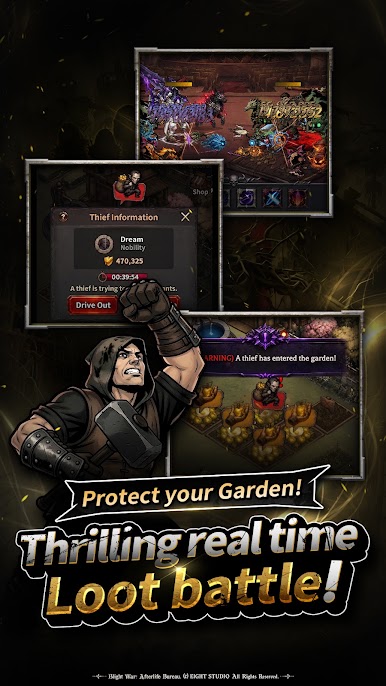
Tangle with towering threats that won’t fold easily. Team coordination and smart timing matter when the myths hit back hard. - Real-Time PvP
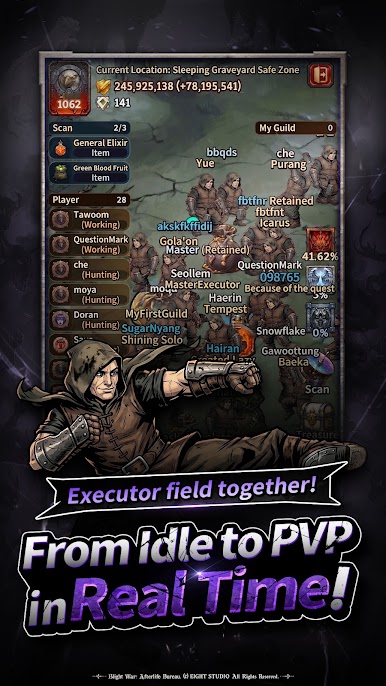
Test your build against other players in fast, tense clashes. Outthink, outlast, and claim your place at the top of the heap. - Make It Yours
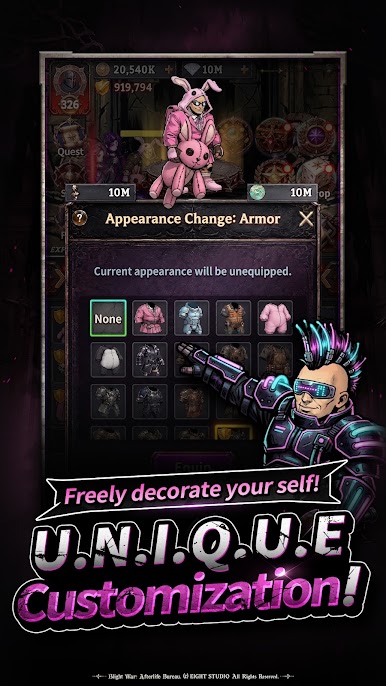
Kit out your Executioner with skins that fit your mood. It’s a grim job—no harm in doing it with style.
Start your journey now. Download the game on BlueStacks, invite your friends, and march on a new adventure.

Play Blight War: Idle RPG on PC. It’s easy to get started.
-
Download and install BlueStacks on your PC
-
Complete Google sign-in to access the Play Store, or do it later
-
Look for Blight War: Idle RPG in the search bar at the top right corner
-
Click to install Blight War: Idle RPG from the search results
-
Complete Google sign-in (if you skipped step 2) to install Blight War: Idle RPG
-
Click the Blight War: Idle RPG icon on the home screen to start playing

