


Red Ball 4
Play on PC with BlueStacks – the Android Gaming Platform, trusted by 500M+ gamers.

Page Modified on: Oct 13, 2025
Main Red Ball 4 on PC
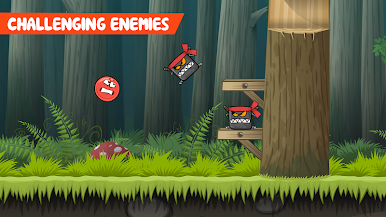
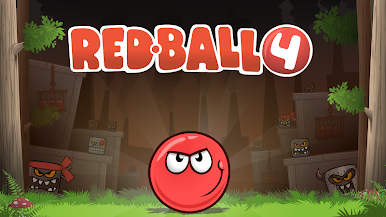
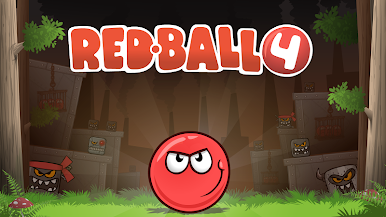
Evil minions want to squeeze the planet into a square shape.
Who's got the balls to save the world ? Oh yeah, that's right!
Red Ball to the rescue!
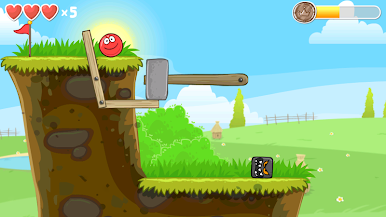
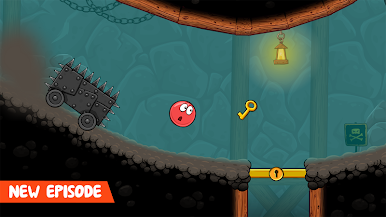
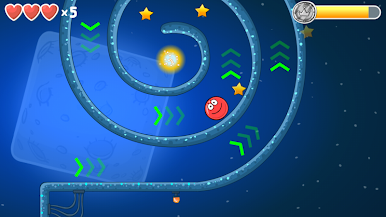
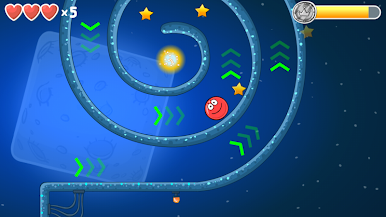
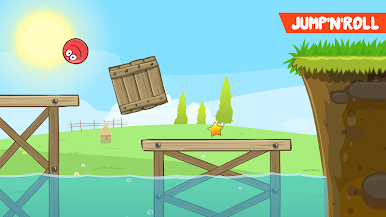
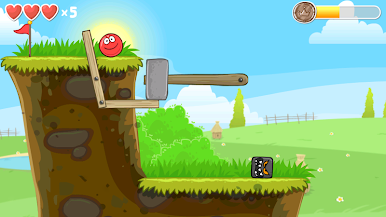
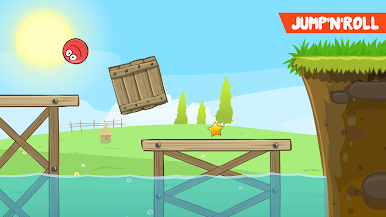
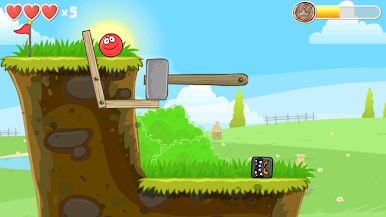
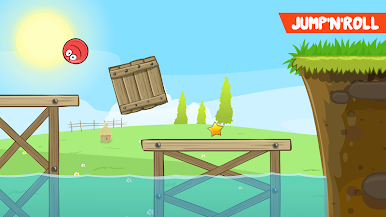
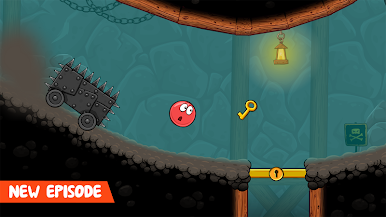
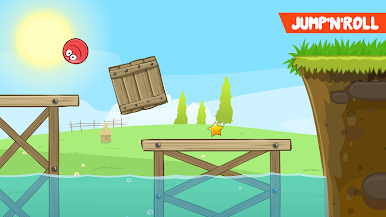
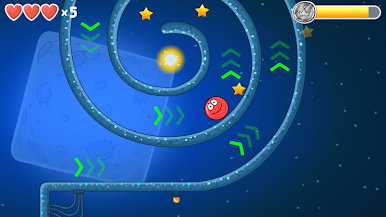
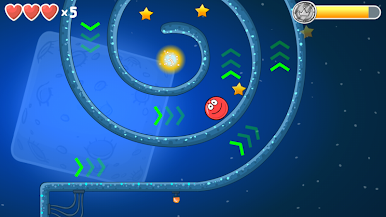
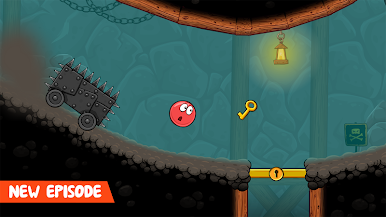
Roll, jump and bounce through 75 exciting levels full of adventure.
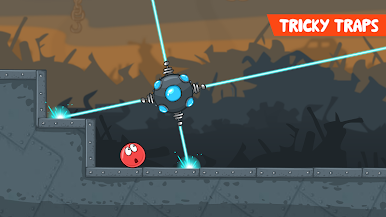
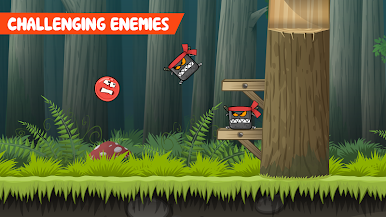
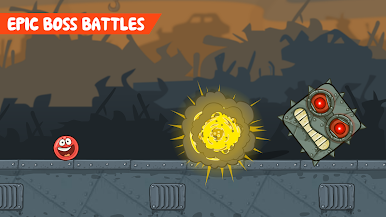
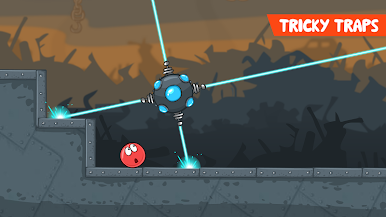
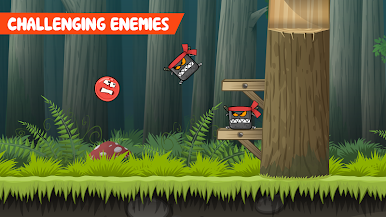
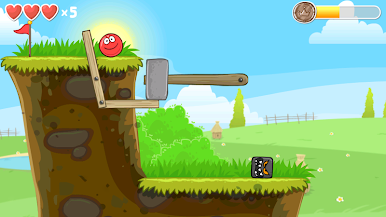
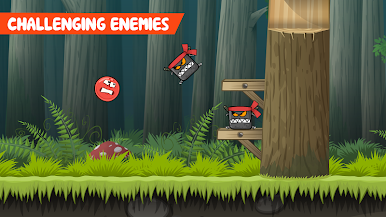
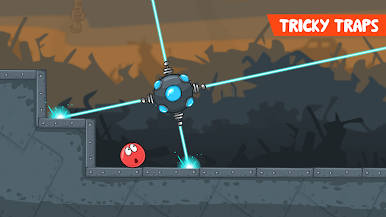
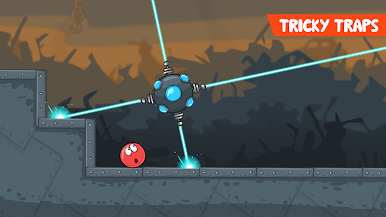
Make your way through tricky traps and defeat all monsters.
Features:
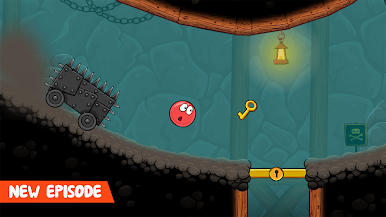
- All-New Red Ball Adventure
- 75 Levels
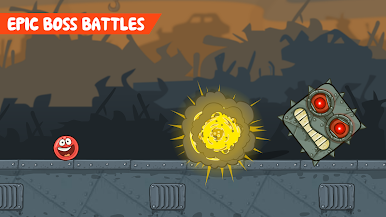
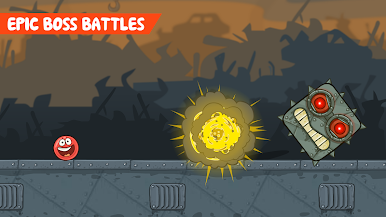
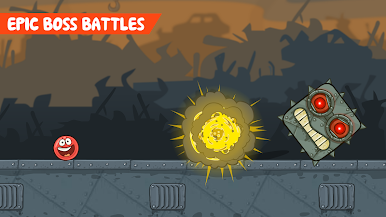
- Epic Boss Battles
- Cloud Support
- Exciting Physics Elements
- Groovy Soundtrack
- HID Controller Support

Play Red Ball 4 on PC. It’s easy to get started.
-
Download and install BlueStacks on your PC
-
Complete Google sign-in to access the Play Store, or do it later
-
Look for Red Ball 4 in the search bar at the top right corner
-
Click to install Red Ball 4 from the search results
-
Complete Google sign-in (if you skipped step 2) to install Red Ball 4
-
Click the Red Ball 4 icon on the home screen to start playing

