


Car Crash Premium offline
Play on PC with BlueStacks – the Android Gaming Platform, trusted by 500M+ gamers.

Page Modified on: Sep 9, 2026
Main Car Crash Premium offline on PC
EXCITING MISSIONS
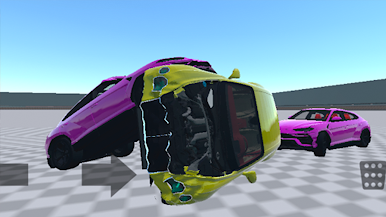
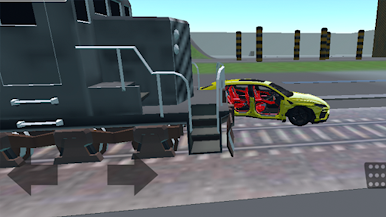
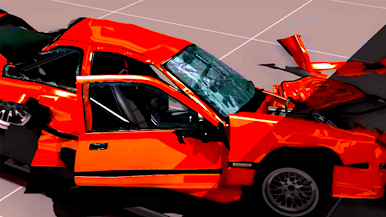
Realistic physics of car destruction, different types of cars and maps. Complete missions, do car tricks and receive experience and points to upgrade your car or even to buy a new car.
GAME FEATURES:
* Destroy cars to pieces,
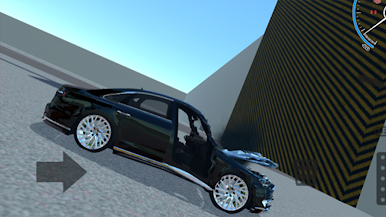
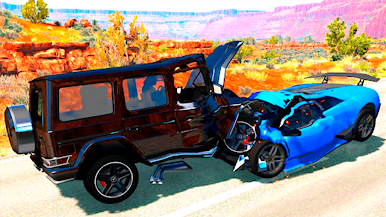
* Realistic physics of car deformation,
* Amazing realistic 3D graphics,
* Various levels of car destruction,
* Various camera modes,
* Realistic car management for better driving simulation,
* Full car destruction.
ENJOY DRIVING
A realistic simulator that allows you to enjoy driving a car due to good physics of car movement, animation of suspension work, elaborated exterior and interior appearance, and also test its strength on a special testing ground thanks to a believable damage system.
START CAR ADVENTURE
If you hit hard enough, you can make parts of the car fall, the game uses fairly realistic destruction physics for fun. You can use the whole fleet of cars: BMW, Mersedec, sports cars, trucks and motorbikes!

Play Car Crash Premium offline on PC. It’s easy to get started.
-
Download and install BlueStacks on your PC
-
Complete Google sign-in to access the Play Store, or do it later
-
Look for Car Crash Premium offline in the search bar at the top right corner
-
Click to install Car Crash Premium offline from the search results
-
Complete Google sign-in (if you skipped step 2) to install Car Crash Premium offline
-
Click the Car Crash Premium offline icon on the home screen to start playing

