


Special Forces Group 2
Play on PC with BlueStacks – the Android Gaming Platform, trusted by 500M+ gamers.

Page Modified on: Oct 25, 2024
Main Special Forces Group 2 on PC
-Singleplayer(with bots)
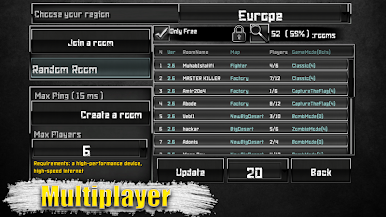
-Multiplayer Online and Wifi router.
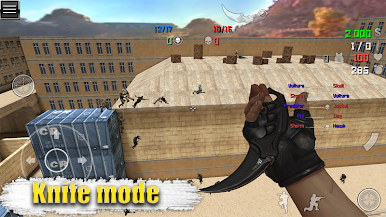
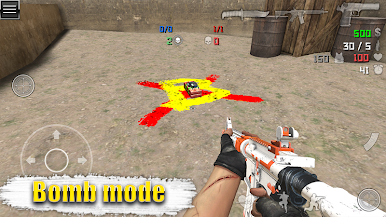
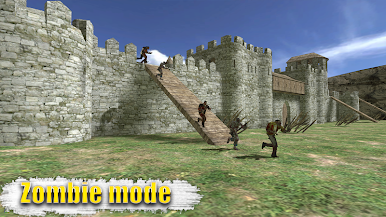
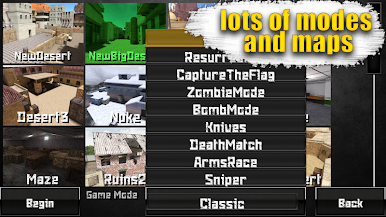
-9 game mode (Classic,Resurrection,Capture the Flag,Zombie Mode,BombMode,Knives,Deathmatch,ArmsRace,Sniper)
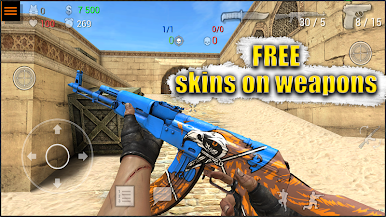
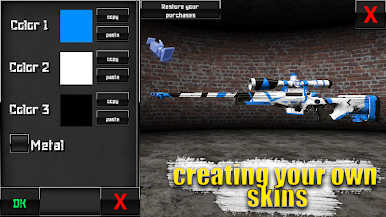
-Weapons Skins (134 pieces)
-8 Characters per team
-30+ Maps
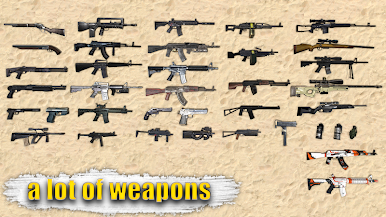
-9 Pistols
-4 Shotgun
-6 Submachine guns
-12 Rifles
-5 Sniper-rifles
-3 MachineGun
-3 Grenades
-3 Bulletproof vest
-10 Languages(English,Русский,Espanol,Deutsch,Francais,日本人,中国,Türk, Português, Indonesia)
AppStore:https://itunes.apple.com/us/app/special-forces-group-2/id1158672336
Facebook:https://www.facebook.com/ForgeGames-147566088986482/
VK:https://vk.com/forgegamesgroup
Play Special Forces Group 2 on PC. It’s easy to get started.
-
Download and install BlueStacks on your PC
-
Complete Google sign-in to access the Play Store, or do it later
-
Look for Special Forces Group 2 in the search bar at the top right corner
-
Click to install Special Forces Group 2 from the search results
-
Complete Google sign-in (if you skipped step 2) to install Special Forces Group 2
-
Click the Special Forces Group 2 icon on the home screen to start playing

