


UnderDark: Defense
Play on PC with BlueStacks – the Android Gaming Platform, trusted by 500M+ gamers.

Page Modified on: May 31, 2026
Main UnderDark: Defense on PC
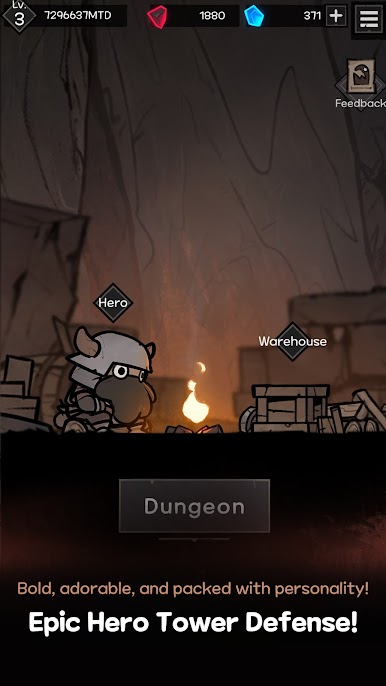
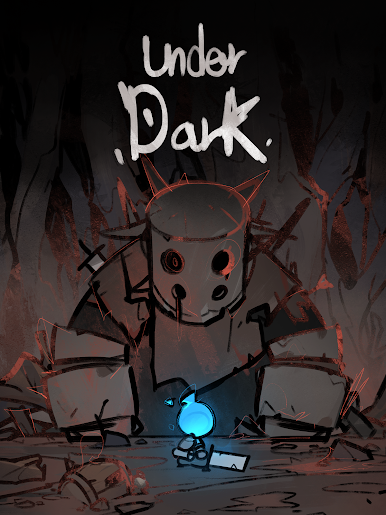
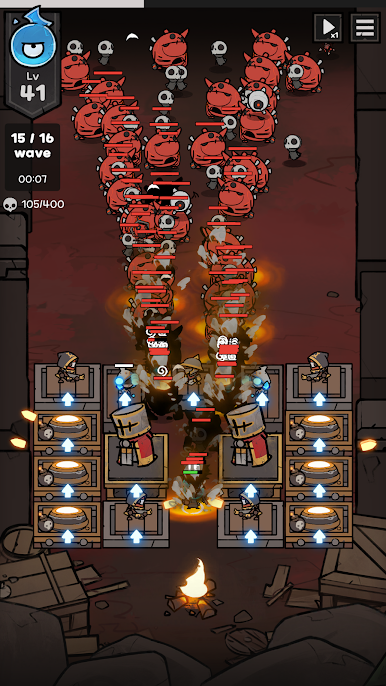
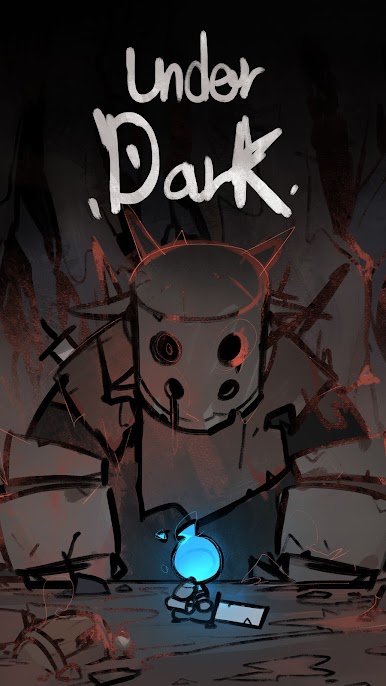
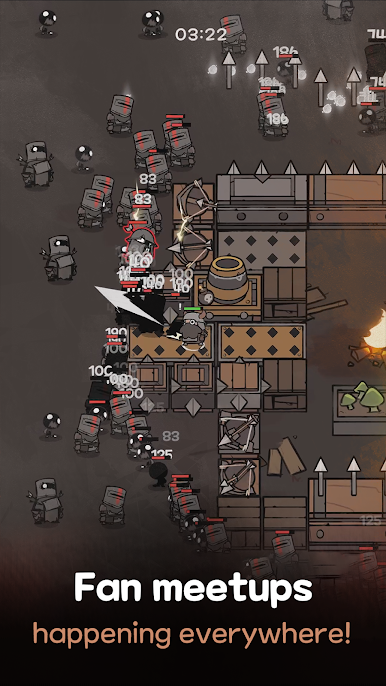
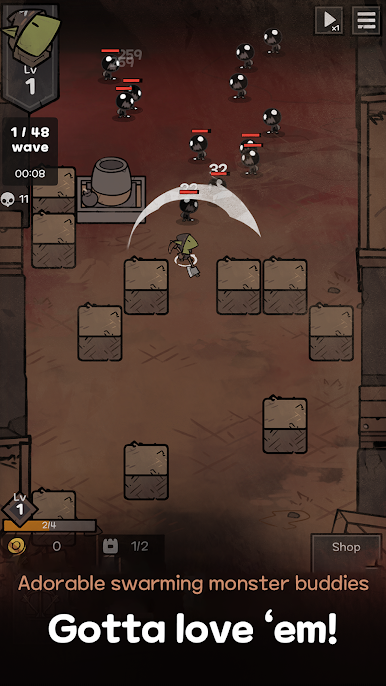
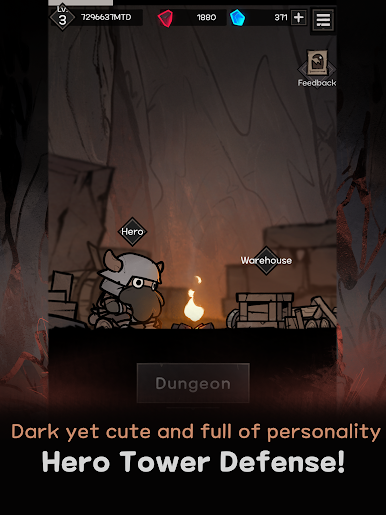
Your mission is to defend the camp from the unidentified enemies lurking in the dark dungeon.
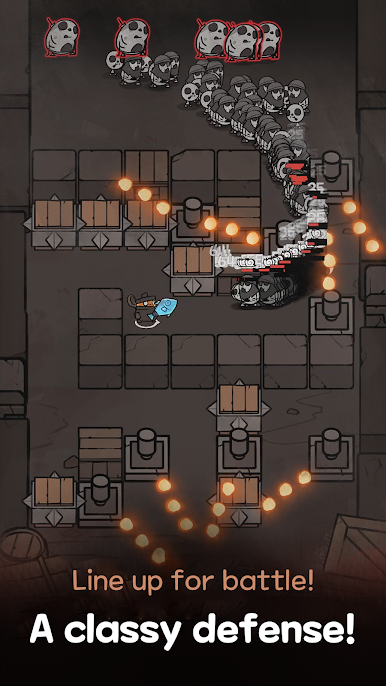
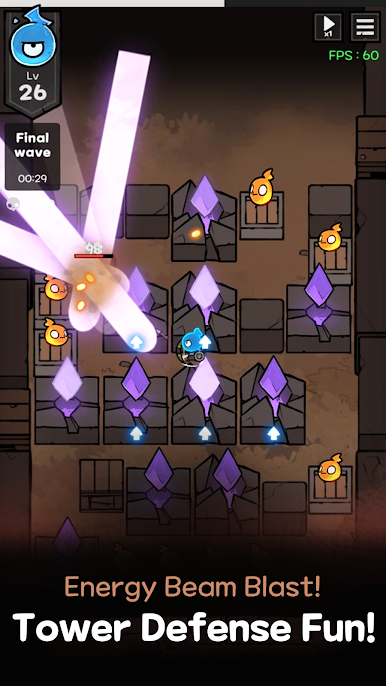
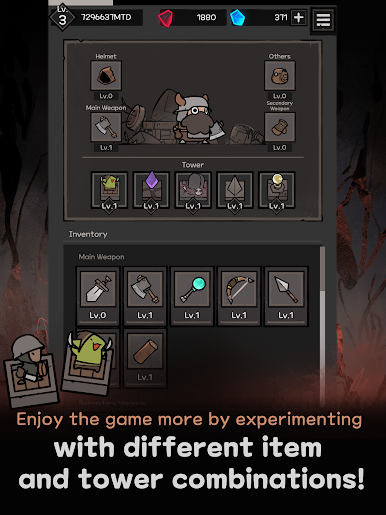
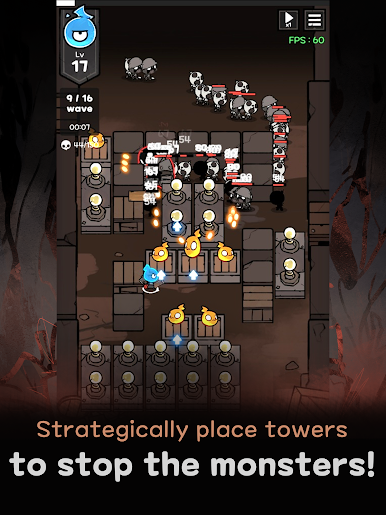
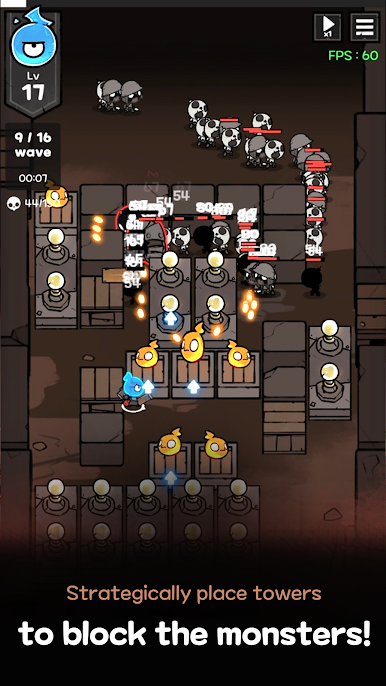
Place towers strategically and choose buffs to grow stronger.
Always stay prepared, because your enemies will only grow stronger!
[UnderDark : Defense] is a tower defense game that delivers strategic fun with simple one-handed controls, anytime, anywhere.
Whether you're new to tower defense or a seasoned fan, you'll never want to let go once you dive in.
Step 1: Place towers and block the monster's path.
Step 2: Choose one of the three buffs and plan out your strategy.
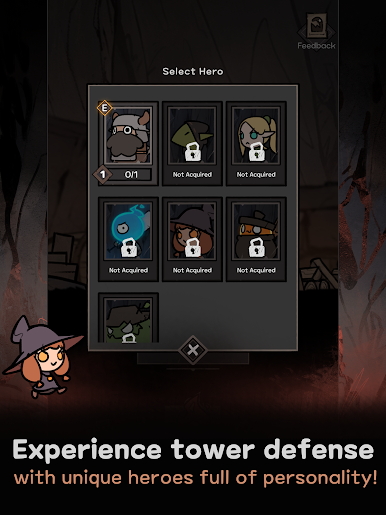
Step 3: Have fun with the new characters, towers, and in-game content updated every two weeks!
Reviews from players around the world ⭐️⭐️⭐️⭐️⭐️:
"The best tower defense game" - dani*****
"This is the first time I've ever left a game review. That's how fun it is!" - dark****
"Love that it actually makes you think, unlike the other defense games" - flow****
"Super fun to play with different maps and builds every time" - Keit****

Play UnderDark: Defense on PC. It’s easy to get started.
-
Download and install BlueStacks on your PC
-
Complete Google sign-in to access the Play Store, or do it later
-
Look for UnderDark: Defense in the search bar at the top right corner
-
Click to install UnderDark: Defense from the search results
-
Complete Google sign-in (if you skipped step 2) to install UnderDark: Defense
-
Click the UnderDark: Defense icon on the home screen to start playing

