


Crazy Frog Runner Ding Dash
Play on PC with BlueStacks – the Android Gaming Platform, trusted by 500M+ gamers.

Page Modified on: Apr 26, 2026
Play Crazy Frog Runner Ding Dash on PC
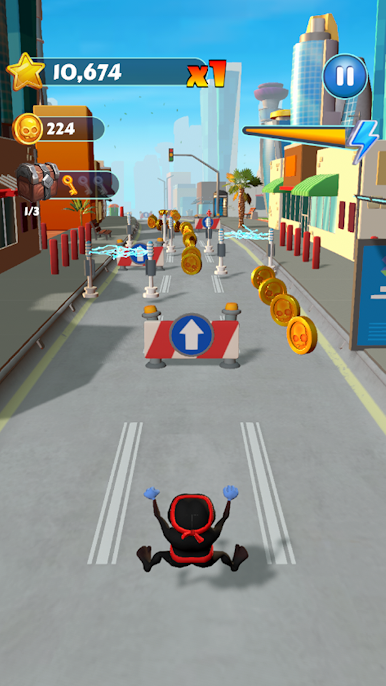
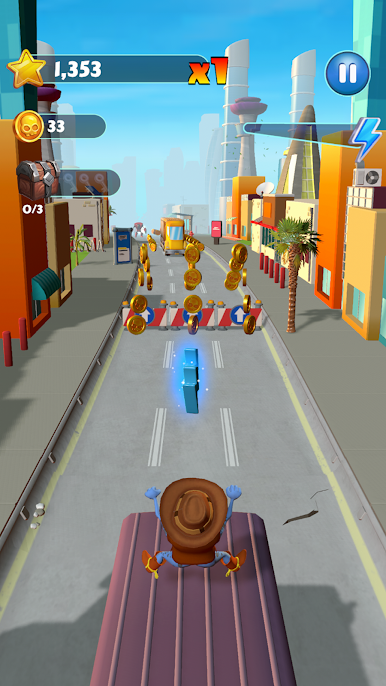
Get running and join the hype! The city if your playground, Leap across towering skyscrapers, cruise on high-speed rockets, and dive into wild new dimensions. But watch your back - the Big Boss is on your tail, and he won’t stop until he catches the world’s most wanted frog!
Key Features:
👕 SWAG OUT YOUR FROG: Flex with a massive collection of exclusive, brand-new skins you won't find anywhere else. Pick your favorite look and run in style!
🎶 THAT AXEL F BEAT: Feel the bass! Every jump and slide syncs perfectly to the most iconic track ever.
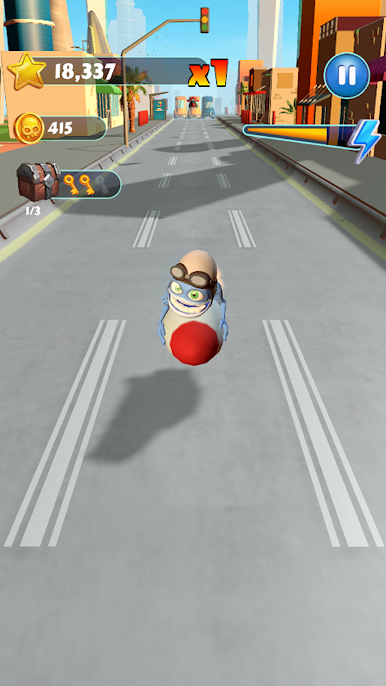
🚀 ROCKET POWER: Who needs a hoverboard? Grab a rocket and fly through the skyline to blast past obstacles.
🧩 SOLVE THE PUZZLE: reveal hidden puzzle pieces during your runs to unlock special rewards and secret content!
📖 CHAPTERS & MISSIONS: Smash through chapters and complete missions to level your score!
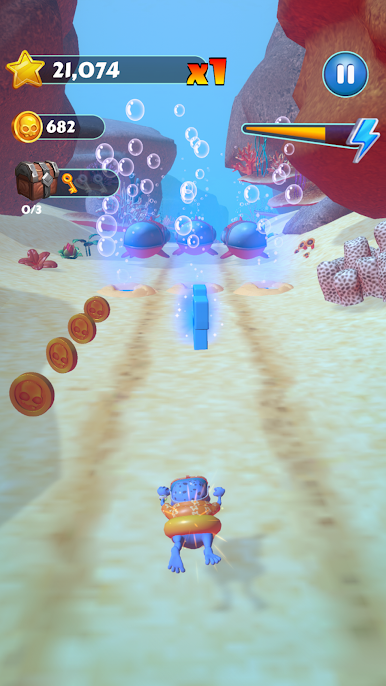
🏭 CRAZY WORLDS: Survive the industrial Factory, explore the deep Underwater zones, and dodge the Big Boss in high-speed chases.
🏆 CLIMB THE LEADERBOARD: Think you’re the fastest? Prove it! Race against players worldwide and claim the #1 spot.
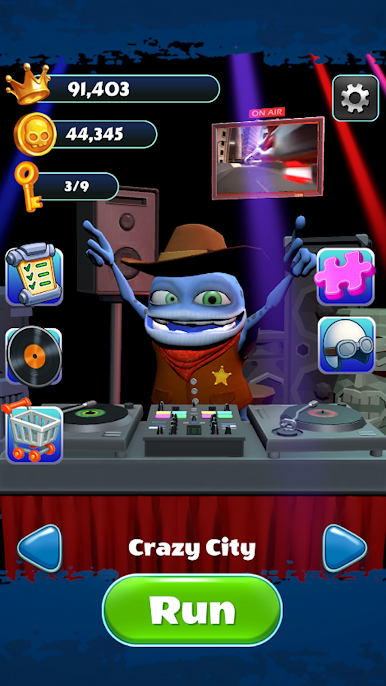
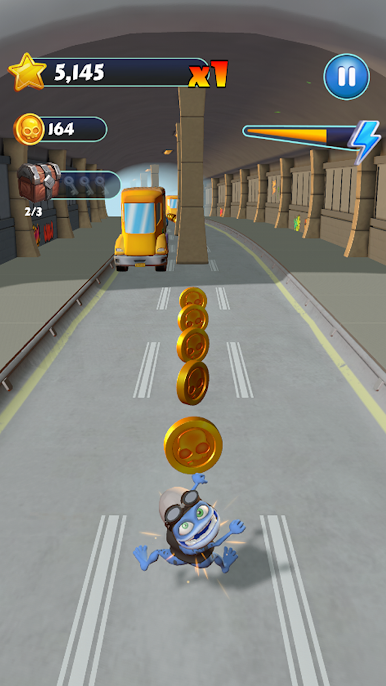
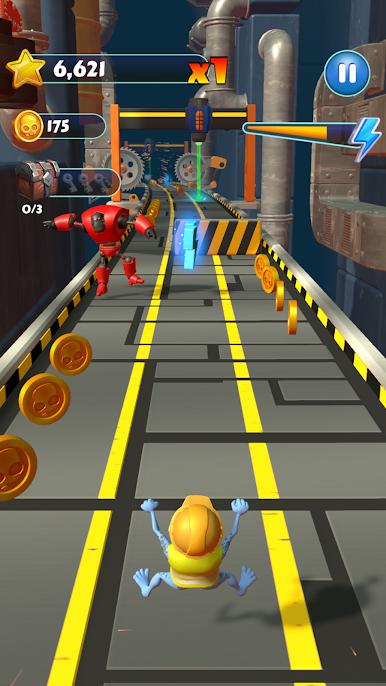
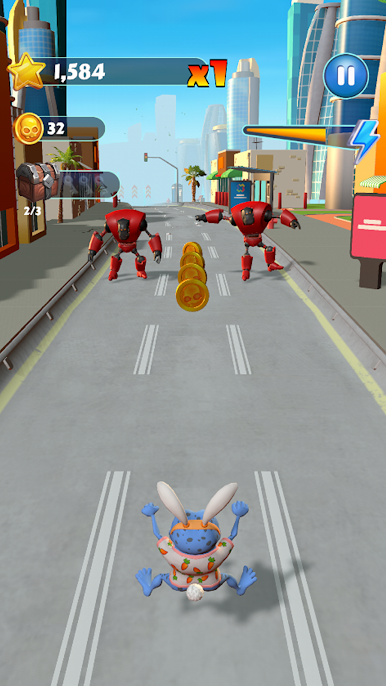
Play Crazy Frog Runner Ding Dash on PC. It’s easy to get started.
-
Download and install BlueStacks on your PC
-
Complete Google sign-in to access the Play Store, or do it later
-
Look for Crazy Frog Runner Ding Dash in the search bar at the top right corner
-
Click to install Crazy Frog Runner Ding Dash from the search results
-
Complete Google sign-in (if you skipped step 2) to install Crazy Frog Runner Ding Dash
-
Click the Crazy Frog Runner Ding Dash icon on the home screen to start playing

