


Goose Goose Duck
Play on PC with BlueStacks – the Android Gaming Platform, trusted by 500M+ gamers.

Page Modified on: Mar 3, 2026
Main Goose Goose Duck on PC
Features:
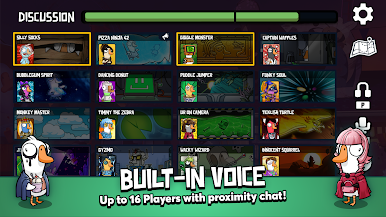
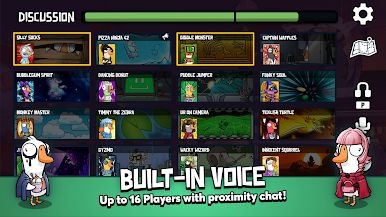
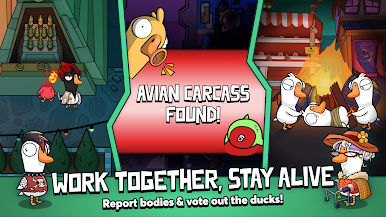
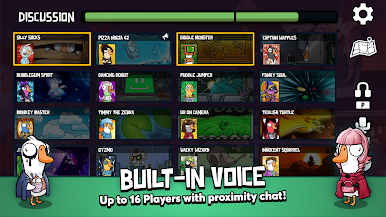
- Proximity Voice Chat
- Cross-Platform Play - Available for PC, Mac, iOS and Android
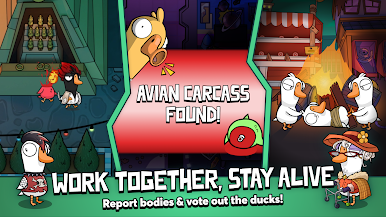
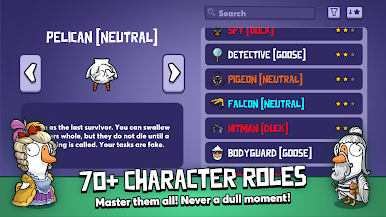
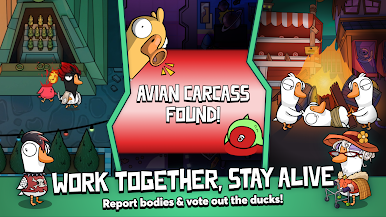
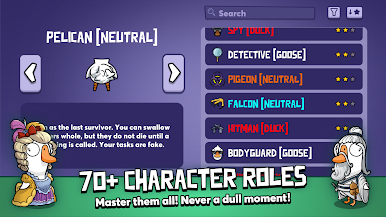
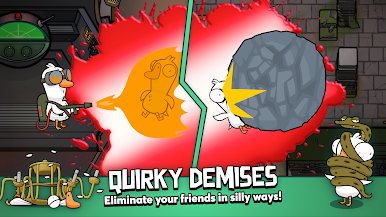
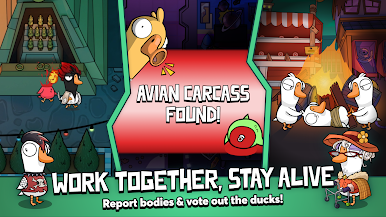
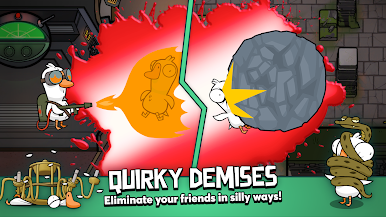
- Unique Roles
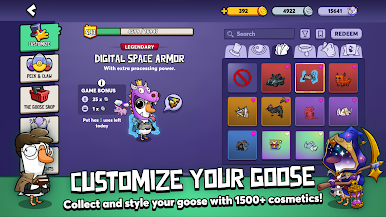
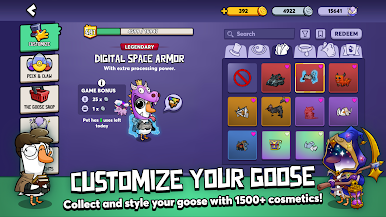
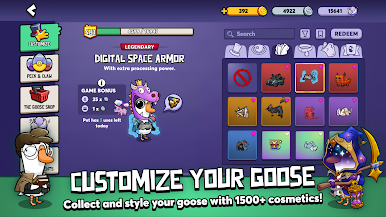
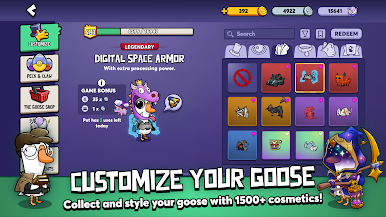
- Customizable Cosmetics
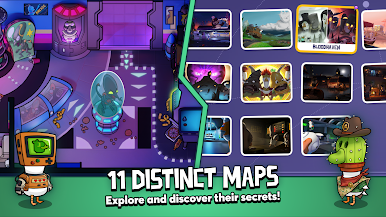
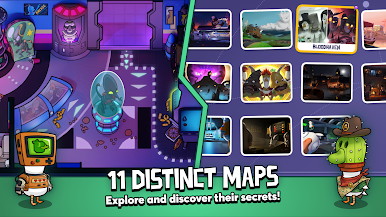
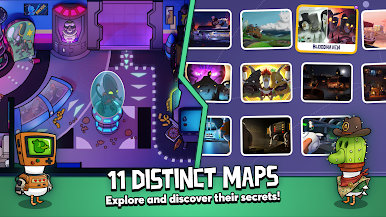
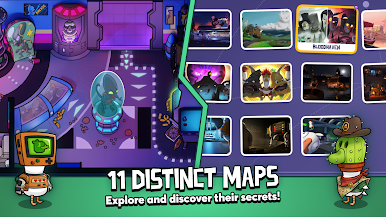
- Diverse Maps & Environments
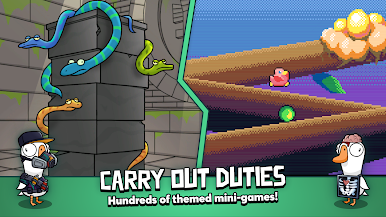
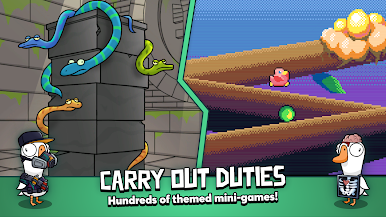
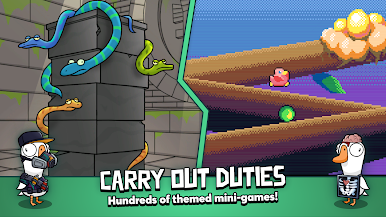
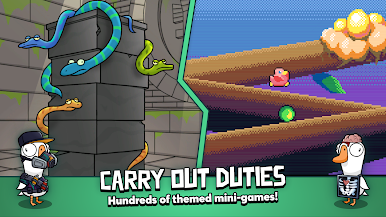
- In-Game Tasks & Mini-Games
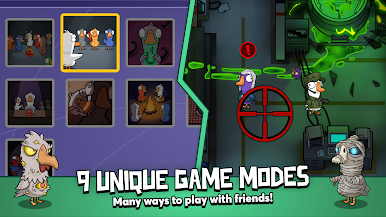
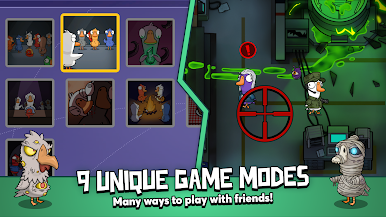
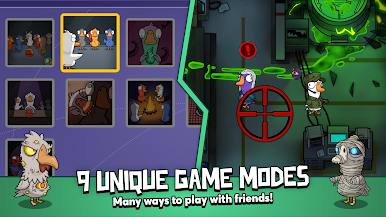
- Multiple Game Modes
- Regular Updates & New Content
Connect with us:
Twitter https://twitter.com/ggd_game
Discord https://discord.gg/ggd
Tiktok https://www.tiktok.com/@ggd_game?lang=en
Instagram https://www.instagram.com/gaggle.fun/?hl=en
Facebook https://www.facebook.com/gaggle.fun/

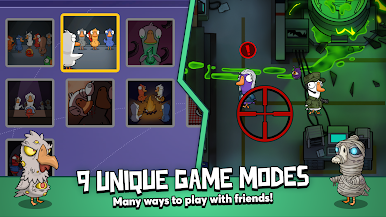
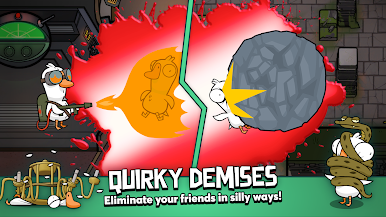
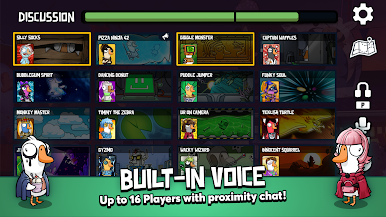
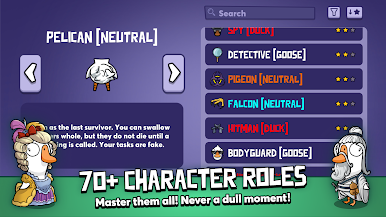
Play Goose Goose Duck on PC. It’s easy to get started.
-
Download and install BlueStacks on your PC
-
Complete Google sign-in to access the Play Store, or do it later
-
Look for Goose Goose Duck in the search bar at the top right corner
-
Click to install Goose Goose Duck from the search results
-
Complete Google sign-in (if you skipped step 2) to install Goose Goose Duck
-
Click the Goose Goose Duck icon on the home screen to start playing

