


Archer Forest : Idle Defense
Play on PC with BlueStacks – the Android Gaming Platform, trusted by 500M+ gamers.

Page Modified on: Sep 1, 2026
Main Archer Forest : Idle Defense on PC
──────────────
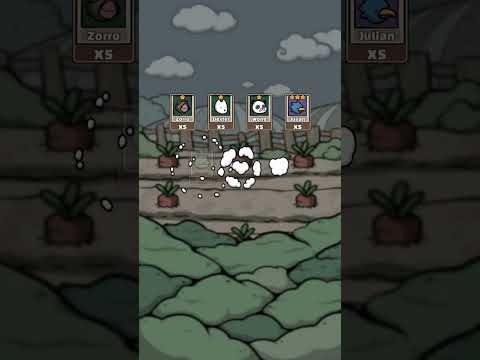
▶Enormous Stage
Clear stages and explore a wide variety of continents!
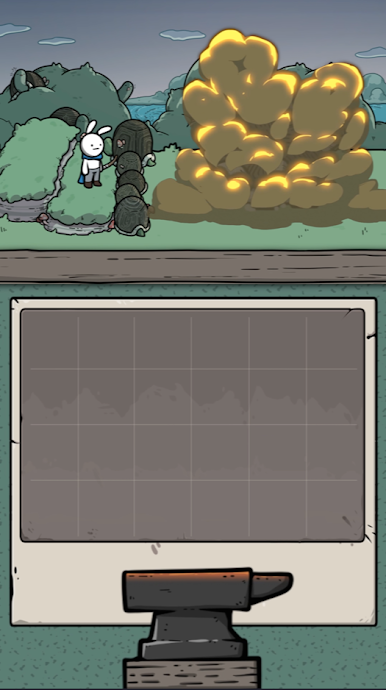
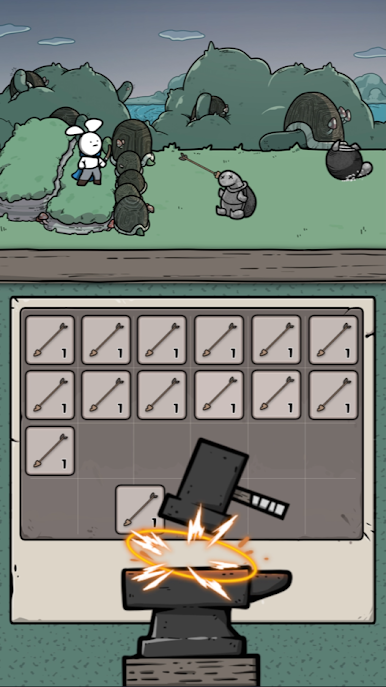
▶Easy to Control
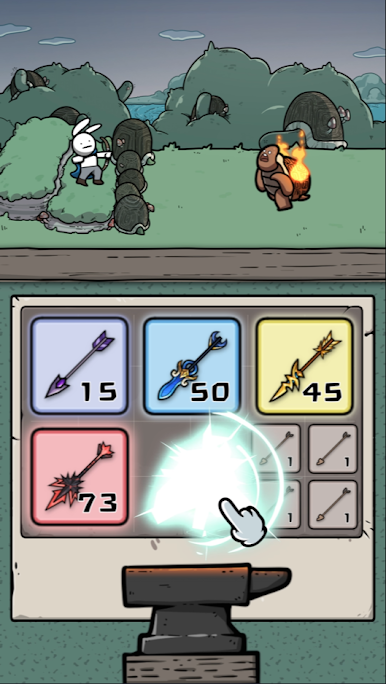
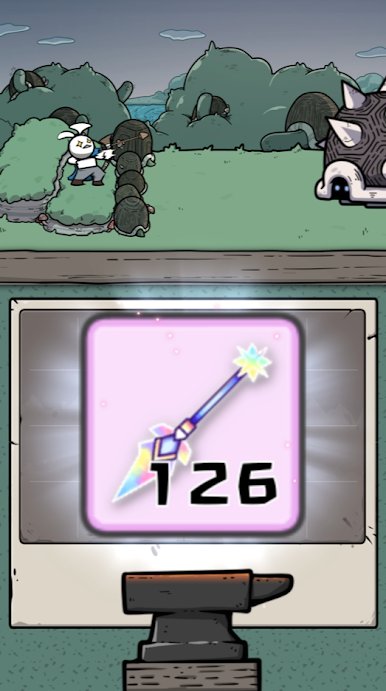
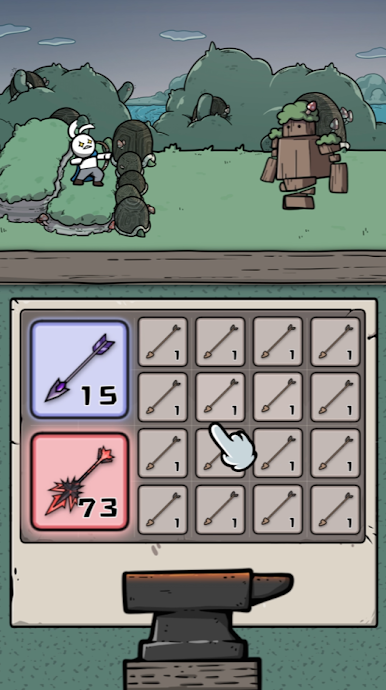
All you need to do to is tap the screen and merge two arrows!
▶Speedy Growth
Upgrade to a better and more powerful arrow! You can be the best!
▶Endless Contents
Earn tons of items through Boss Fight!
▶Cute Animal Heroes
Collect unique heroes with various abilities!
──────────────
-Game Contact:
archer@gameduo.net
- Privacy Policy :
https://gameduo.net/privacy-policy
- Terms of Service :
https://gameduo.net/terms-of-service

Play Archer Forest : Idle Defense on PC. It’s easy to get started.
-
Download and install BlueStacks on your PC
-
Complete Google sign-in to access the Play Store, or do it later
-
Look for Archer Forest : Idle Defense in the search bar at the top right corner
-
Click to install Archer Forest : Idle Defense from the search results
-
Complete Google sign-in (if you skipped step 2) to install Archer Forest : Idle Defense
-
Click the Archer Forest : Idle Defense icon on the home screen to start playing

