


GORAG - Physics Sandbox
Play on PC with BlueStacks – the Android Gaming Platform, trusted by 500M+ gamers.

Page Modified on: Jan 6, 2026
Main GORAG - Physics Sandbox on PC
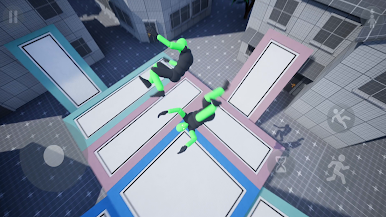
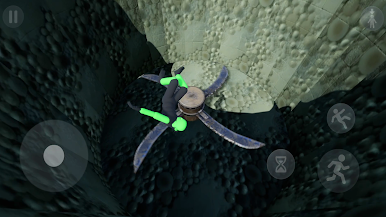
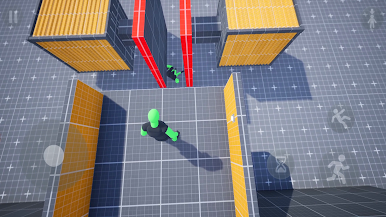
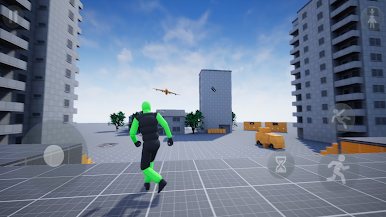
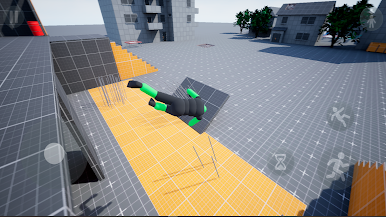
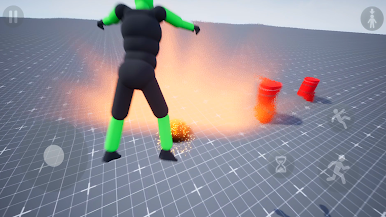
GORAG is a physics sandbox made for experimentation: launch your character off ramps, bounce them off trampolines, throw them into contraptions, or test how far things can fall apart. Every move is powered by physics — no fake animations, just raw reactions and unexpected results.
GORAG includes 3 unique sandbox maps at launch:
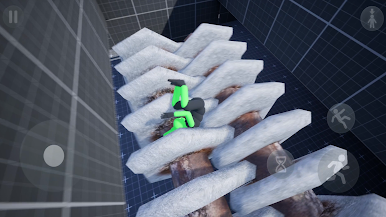
Ragdoll Park – a colorful playground with giant slides and soft shapes, ideal for testing movement and silly experiments
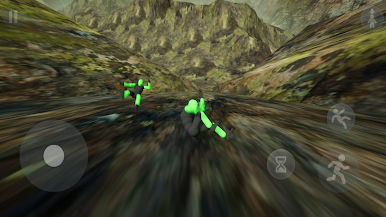
Crazy Mountain – an experimental fall map focused on momentum, collisions, and chaos
Polygon Map – an industrial sandbox playground filled with interactive elements: trampolines, rotating machines, barrels, moving parts, and environmental triggers designed for all kinds of physics experiments
There’s no story, no objectives — just a physics sandbox built for destruction, testing, and endless playground fun. Jump, crawl, crash, or fly: every outcome depends on how you use the sandbox.
Features:
A fully interactive physics sandbox with no limits
Playful destruction tools and reactive environments
A simulated character that moves based on what's left of their body
A dummy NPC for testing wild physics experiments
Stylized visuals built around readable, satisfying reactions
A chaotic playground to explore, test, and break things
Tools, trampolines and hazards designed for sandbox-based experimentation
Whether you're building a chain reaction or triggering total chaos, GORAG offers a sandbox playground where physics is everything, and destruction is just part of the fun.
Play GORAG - Physics Sandbox on PC. It’s easy to get started.
-
Download and install BlueStacks on your PC
-
Complete Google sign-in to access the Play Store, or do it later
-
Look for GORAG - Physics Sandbox in the search bar at the top right corner
-
Click to install GORAG - Physics Sandbox from the search results
-
Complete Google sign-in (if you skipped step 2) to install GORAG - Physics Sandbox
-
Click the GORAG - Physics Sandbox icon on the home screen to start playing

