


GORAG - Physics Sandbox
Play on PC with BlueStacks – the Android Gaming Platform, trusted by 500M+ gamers.

Page Modified on: Aug 23, 2026
Main GORAG - Physics Sandbox on PC
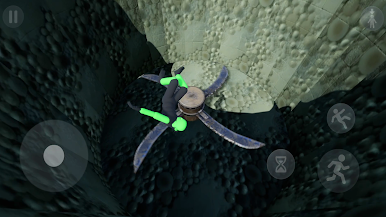
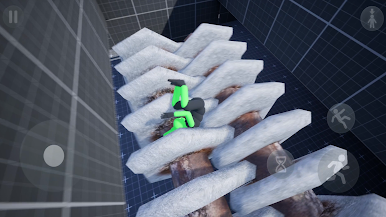
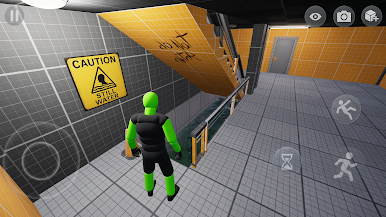
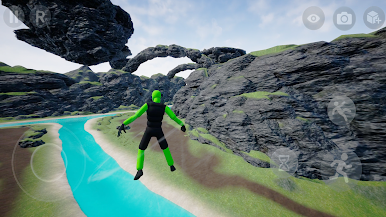
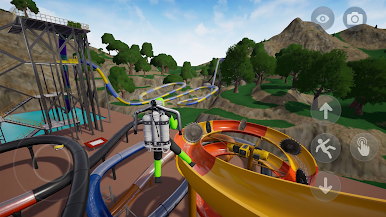
GORAG is a sandbox made for experimentation: launch your character off ramps, bounce them off trampolines, throw them into contraptions, or activate superhero mode to fly across the playground. Every move is powered by physics - no fake animations, just raw reactions and unexpected results.
There’s no story, no objectives - just a sandbox built for destruction, testing, and endless playground fun. Jump, crawl, crash, or fly: every outcome depends on how you use the sandbox.
Features:
A fully interactive sandbox built for ragdoll experiments
Powerful superhero mode with flying, high-speed crashes
Full reactive sound system with unique impact sounds
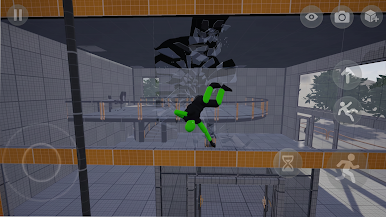
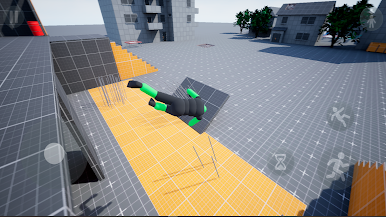
Unique ragdoll physics with stumbling, falling, impacts, and funny reactions
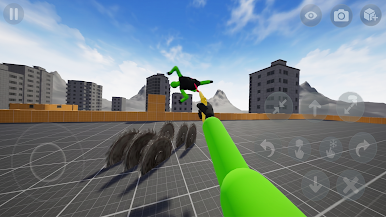
Interactive objects like glass, saws, water blocks, trampolines, and many other
Stumbling system that makes the character lose balance, recover, or fall
Admin Eye mode with free camera movement and object manipulation
Spawner mode with many objects, hazards, tools, vehicles, and props
Dummy NPC for testing ragdoll physics
Vehicle made for crashes, movement
First-person view for closer interaction with the playground
Stylized visuals focused on clear, readable ragdoll reactions
Whether you're building a chain reaction or triggering total chaos, GORAG offers a sandbox playground where physics is everything, and destruction is just part of the fun.
Play GORAG - Physics Sandbox on PC. It’s easy to get started.
-
Download and install BlueStacks on your PC
-
Complete Google sign-in to access the Play Store, or do it later
-
Look for GORAG - Physics Sandbox in the search bar at the top right corner
-
Click to install GORAG - Physics Sandbox from the search results
-
Complete Google sign-in (if you skipped step 2) to install GORAG - Physics Sandbox
-
Click the GORAG - Physics Sandbox icon on the home screen to start playing

