

Win-X Launcher
Play on PC with BlueStacks – the Android Gaming Platform, trusted by 500M+ gamers.

Page Modified on: Mar 6, 2026
Run Win-X Launcher on PC or Mac
What’s better than using Win-X Launcher by Internity Labs? Well, try it on a big screen, on your PC or Mac, with BlueStacks to see the difference.
About the App
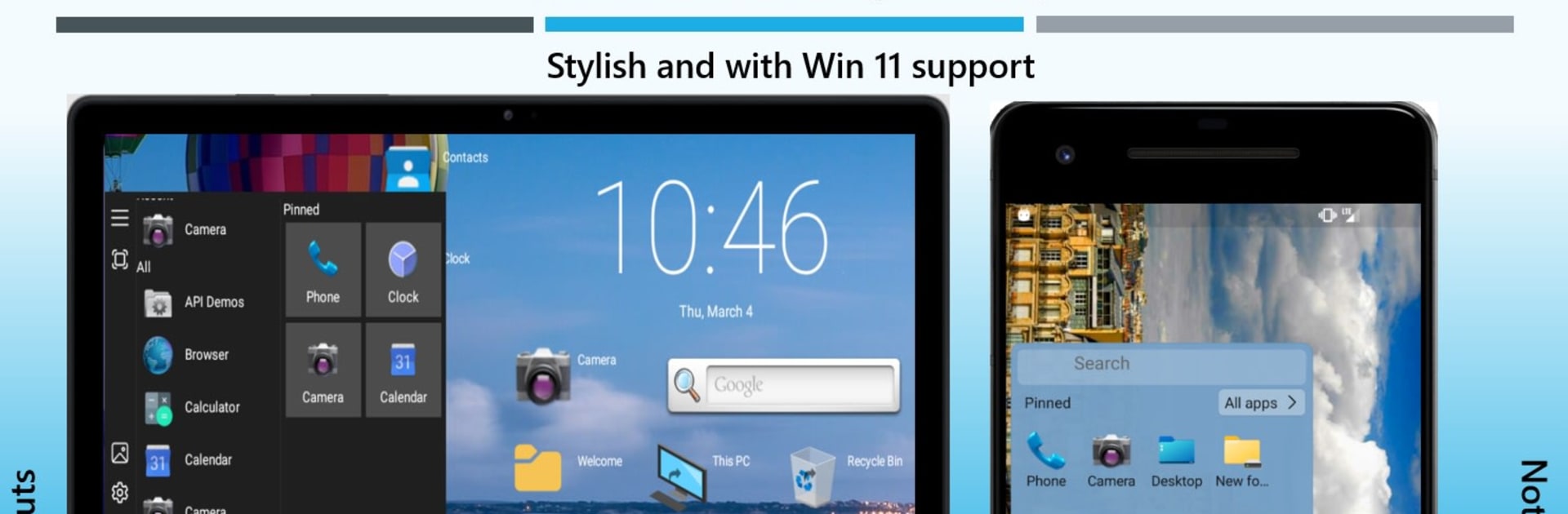
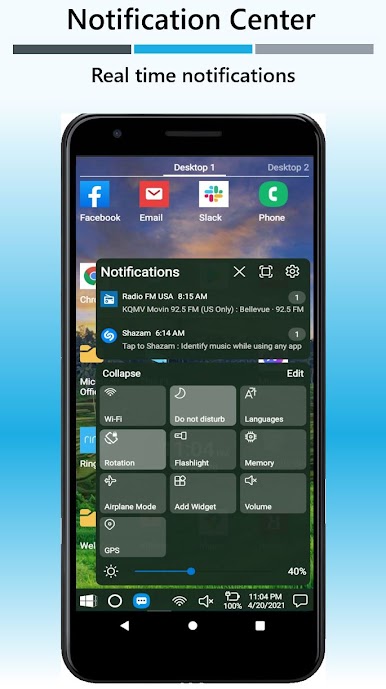
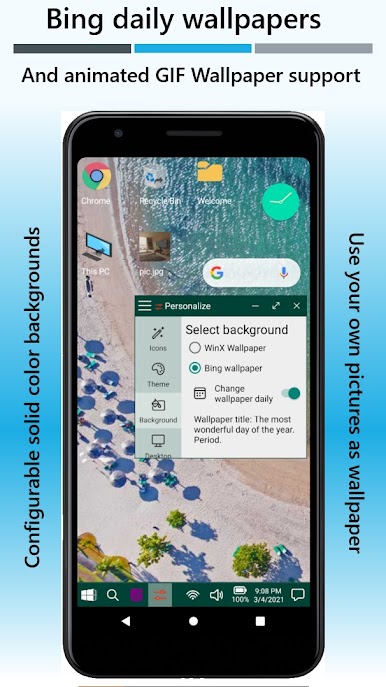
Win-X Launcher is all about bringing the familiar vibe of a Windows desktop right onto your Android device. Whether you’re a multitasker who loves some good old organization or just want your phone to look a little different for a change, this launcher keeps things fresh and easy. No confusing menus or endless tutorials—just tap around and you’ll figure it out in no time.
App Features
-
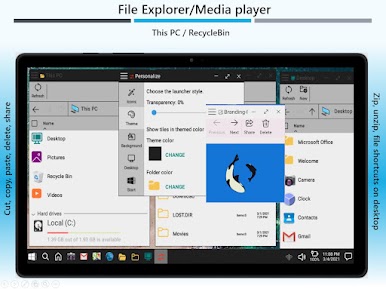
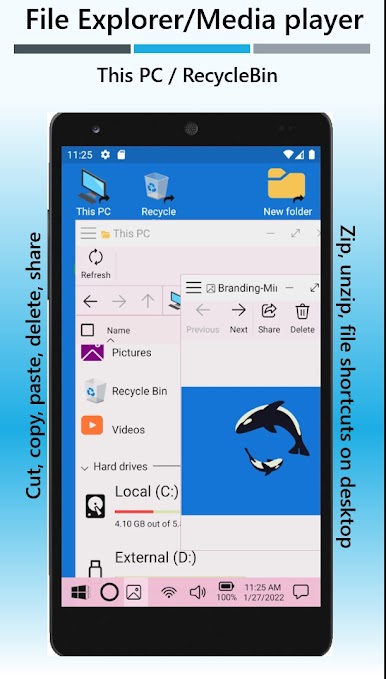
Windows-Style Interface
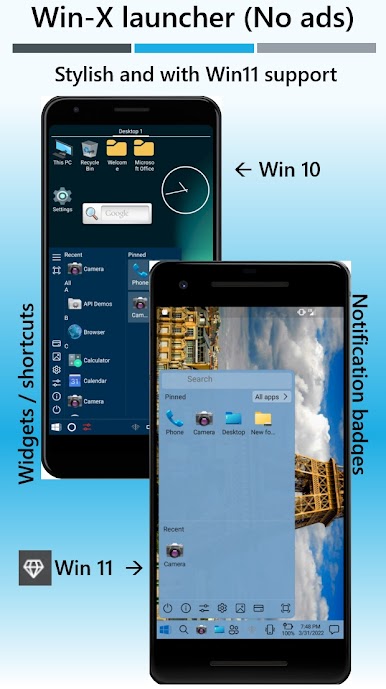
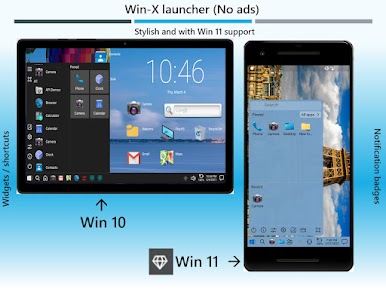
Instantly notice that clean, classic Windows 10 or Windows 11 design. It’s perfect if you like having things where you expect them, like a Start menu and taskbar that just make sense. -
Ad-Free Experience
Prefer your screen without random pop-ups and interruptions? Win-X Launcher skips the ads, so you can get things done without distraction. -
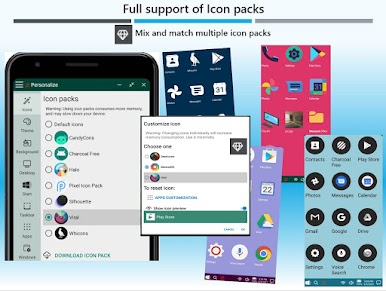
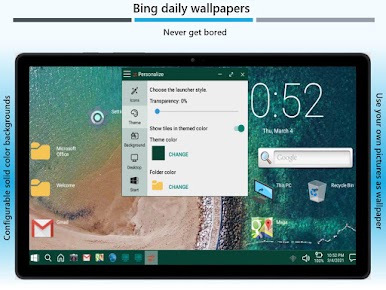
Super Customizable
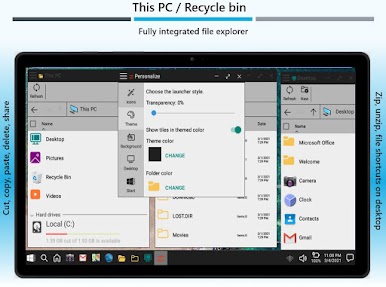
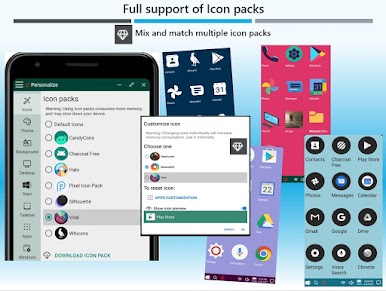
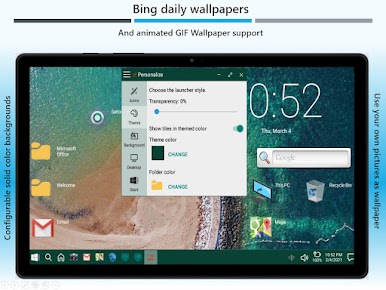
Tweak things however you want—change icons, personalize the Start menu, shift things around. Build your ideal phone or tablet layout at your own pace. -
Intuitive Navigation
If you know how to use a Windows computer, you’ll feel at home here. Everything from launching apps to finding settings feels direct, no instructions required. -
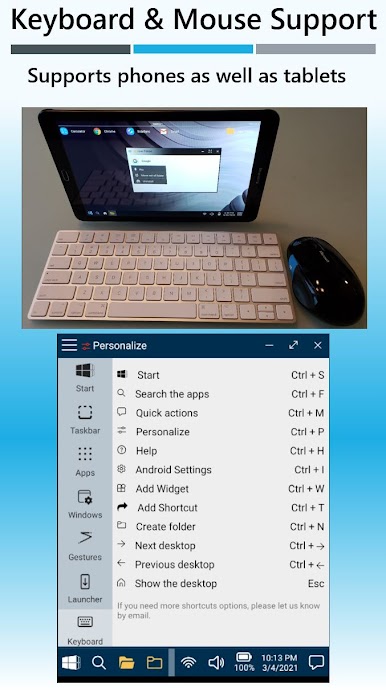
Tablet Friendly
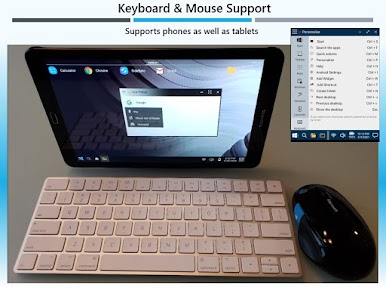
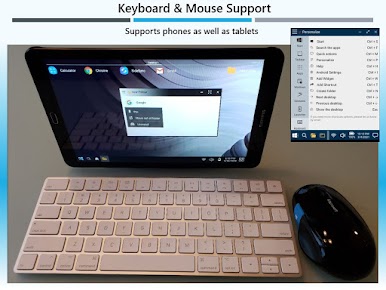
Works smoothly on both phones and tablets. It doesn’t matter which device you use—the layout adjusts nicely either way. -
Seamless on BlueStacks
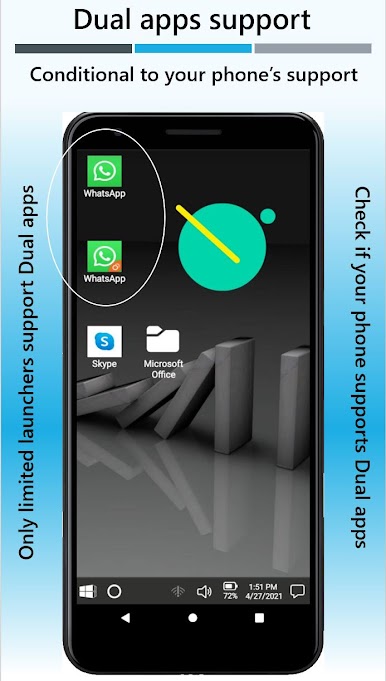
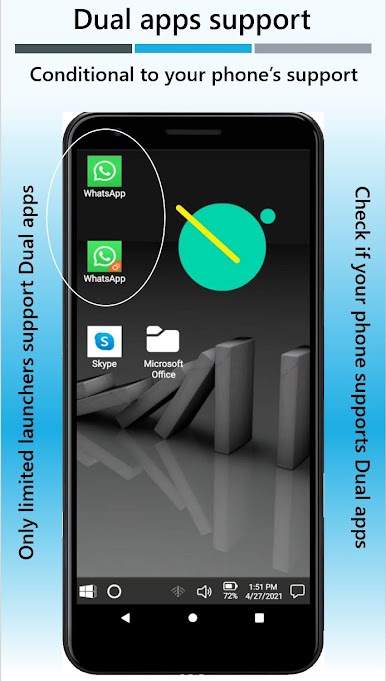
If you ever run Android apps using BlueStacks on your desktop, this launcher manages to carry over that Windows-style setup there, too, blending the line between phone and PC. -
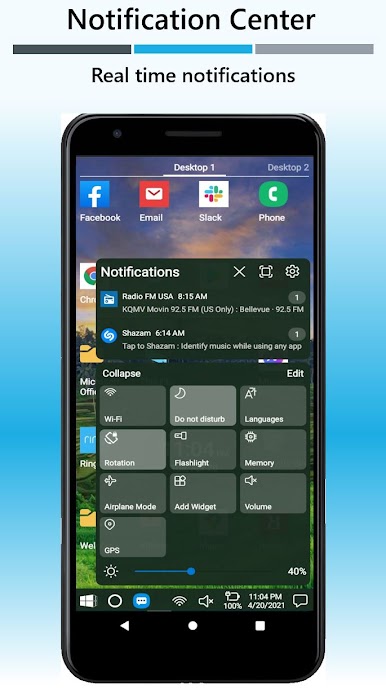
Handy Productivity Tools
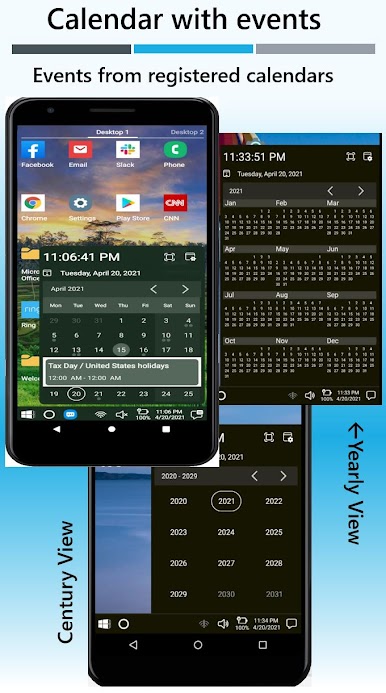
Stay organized with built-in features that help you manage your workflow, from pinned apps to fast search controls.
Try Win-X Launcher by Internity Labs if you’re after a little more order and a dash of Windows charm on your Android device.
Ready to experience Win-X Launcher on a bigger screen, in all its glory? Download BlueStacks now.

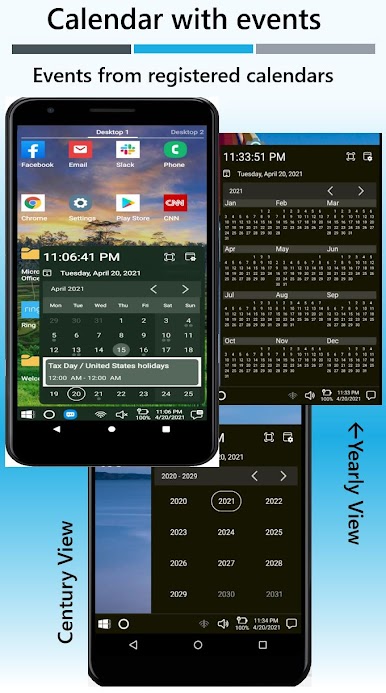
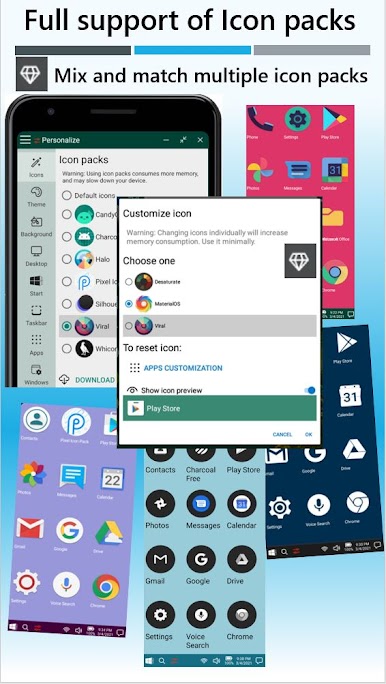
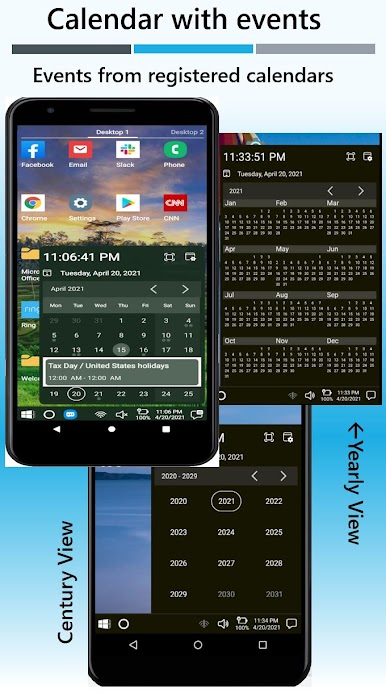
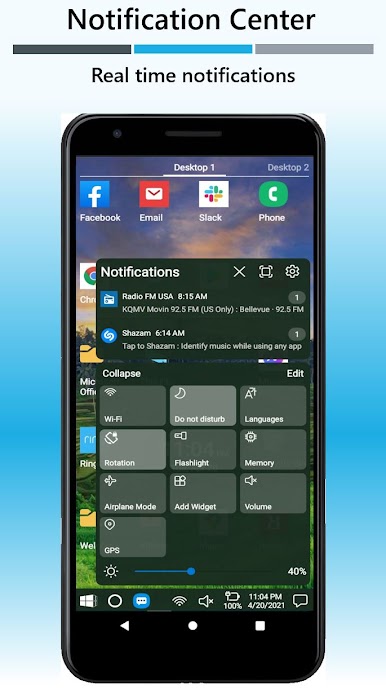
Play Win-X Launcher on PC. It’s easy to get started.
-
Download and install BlueStacks on your PC
-
Complete Google sign-in to access the Play Store, or do it later
-
Look for Win-X Launcher in the search bar at the top right corner
-
Click to install Win-X Launcher from the search results
-
Complete Google sign-in (if you skipped step 2) to install Win-X Launcher
-
Click the Win-X Launcher icon on the home screen to start playing

