


Link All - Casual Puzzle
Play on PC with BlueStacks – the Android Gaming Platform, trusted by 500M+ gamers.

Page Modified on: Oct 27, 2025
Play Link All - Casual Puzzle on PC or Mac
Bring your A-game to Link All – Casual Puzzle, the Puzzle game sensation from JandX Lab. Give your gameplay the much-needed boost with precise game controls, high FPS graphics, and top-tier features on your PC or Mac with BlueStacks.
About the Game
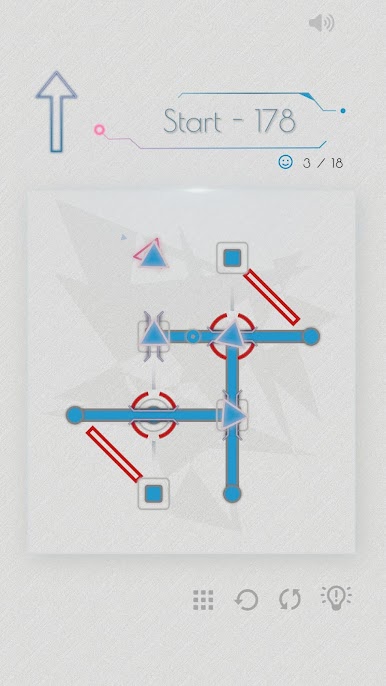
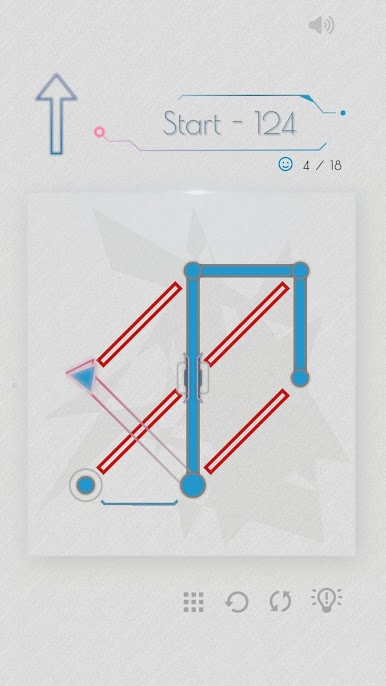
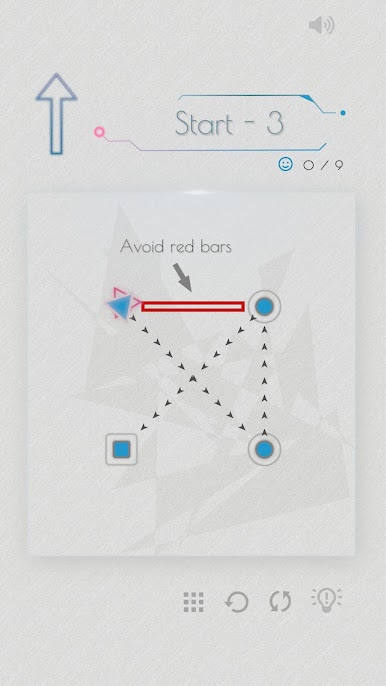
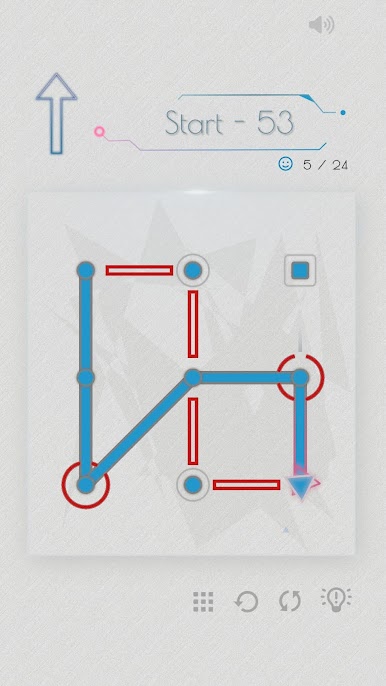
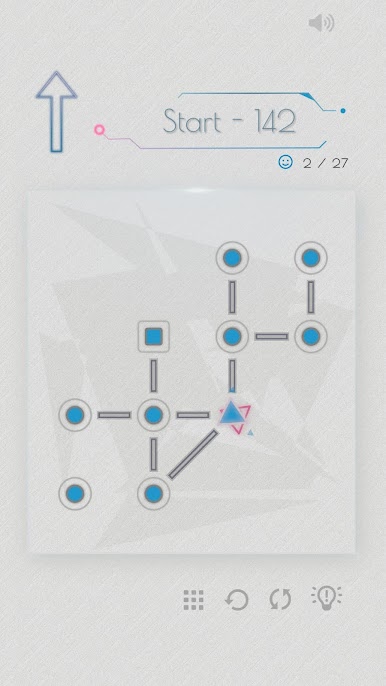
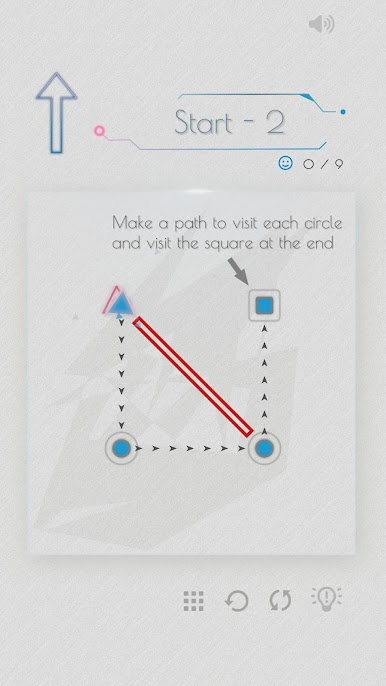
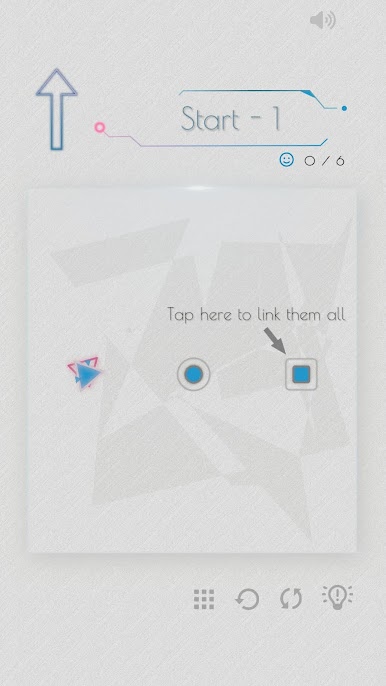
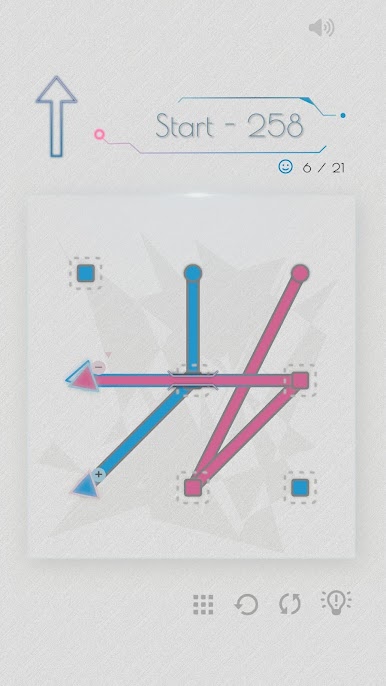
Welcome to “Link All – Casual Puzzle,” where connecting the dots is just the start! Craft paths that hit every node, tackling obstacles and clever twists along the way. From the creators at JandX Lab, this puzzle game promises a mental workout that’ll keep you strategizing with every move.
Game Features
-
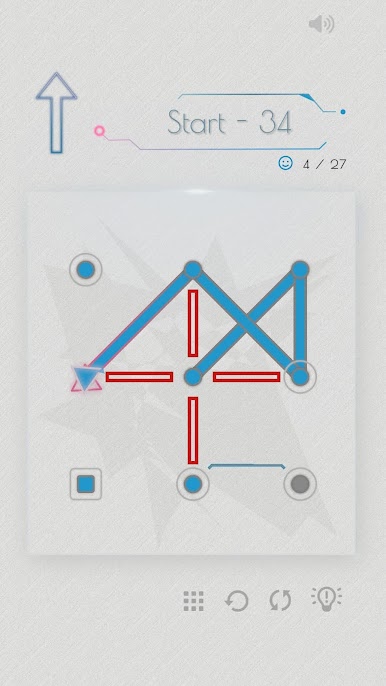
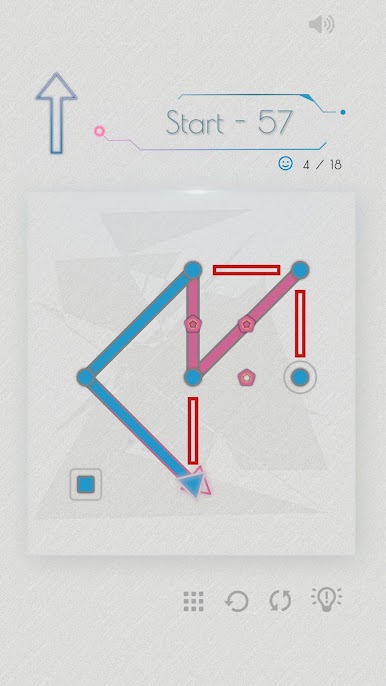
Obstacles Galore: Encounter barriers that challenge your routes, nudging you to find creative solutions.
-
Twice the Fun with Repeat Nodes: Certain nodes beg a double visit—map your journey thoughtfully!
-
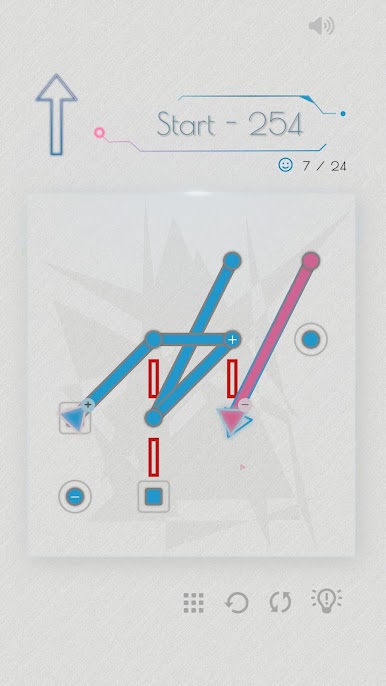
Dynamic Converters: These tricksters turn connections into obstacles, demanding careful planning.
-
Bridges of Opportunity: Use them to bypass nodes and open up fresh pathways.
-
Color Rules: Slip up on color and your plan unravels. Mix up your moves for success!
-
Paired Nodes: Unlock one, unlock the other. It’s all about foresight!
-
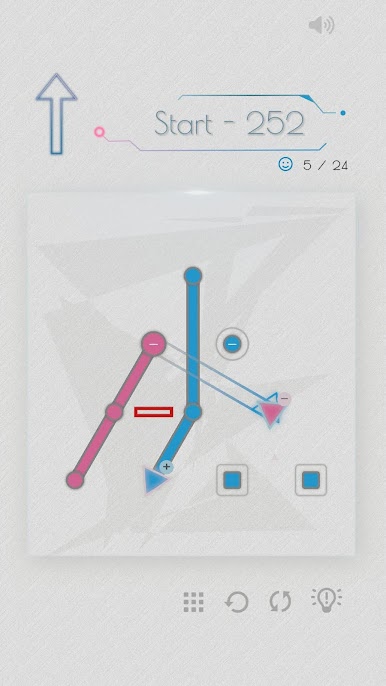
Creative Mechanics: Expand your strategy with Lift Nodes, Reducers, Chargers, and more.
For an elevated experience, give BlueStacks a try and push your puzzle-solving prowess to the next level!
Start your journey now. Download the game on BlueStacks, invite your friends, and march on a new adventure.
Play Link All - Casual Puzzle on PC. It’s easy to get started.
-
Download and install BlueStacks on your PC
-
Complete Google sign-in to access the Play Store, or do it later
-
Look for Link All - Casual Puzzle in the search bar at the top right corner
-
Click to install Link All - Casual Puzzle from the search results
-
Complete Google sign-in (if you skipped step 2) to install Link All - Casual Puzzle
-
Click the Link All - Casual Puzzle icon on the home screen to start playing

