

Castle Fight
Play on PC with BlueStacks – the Android Gaming Platform, trusted by 500M+ gamers.

Page Modified on: Aug 6, 2026
Play Castle Fight on PC or Mac
Explore a whole new adventure with Castle Fight, a Arcade game created by Jbm360. Experience great gameplay with BlueStacks, the most popular gaming platform to play Android games on your PC or Mac.
About the Game
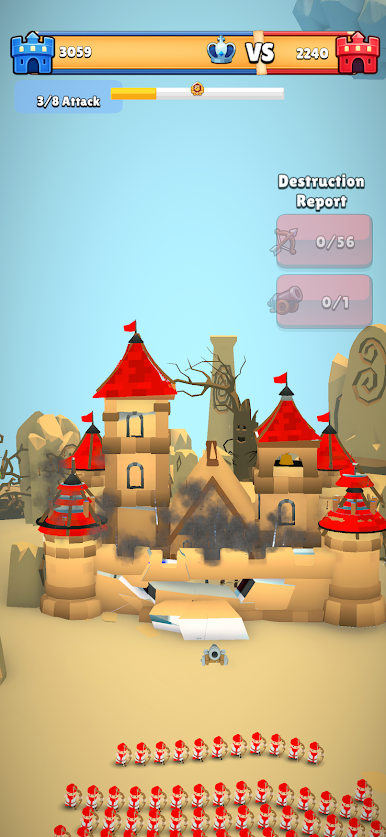
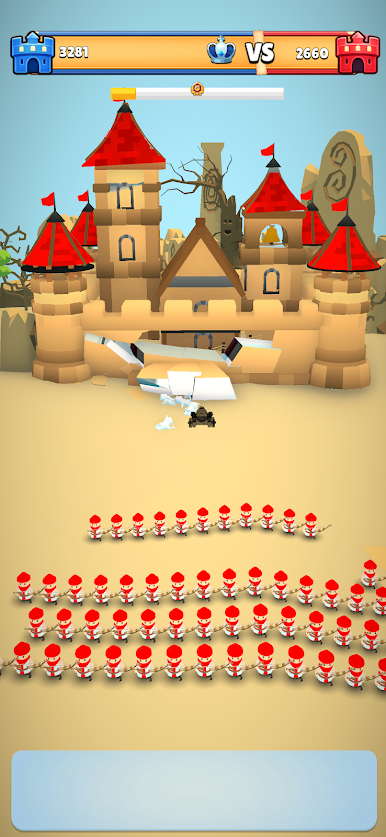
What happens when two fortresses take the fight to the skies? Castle Fight turns castle sieges into midair duels where aim, timing, and smart card choices decide everything. It’s a fast, punchy Arcade experience that mixes precision shooting with deck-building strategy, perfect for quick sessions or longer streaks.
Game Features
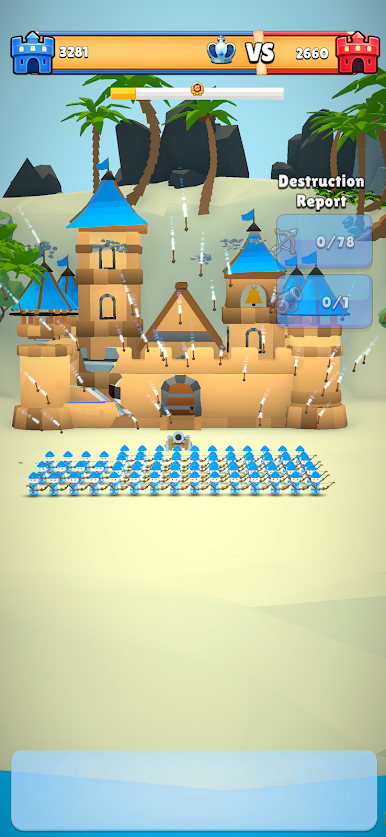
- Airborne Showdowns: Battle as a flying stronghold and trade shots with a rival castle across open air. Positioning, angles, and timing keep every clash tense.
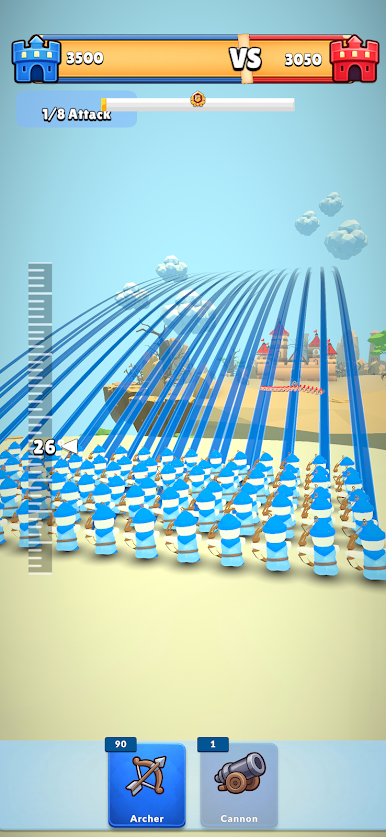
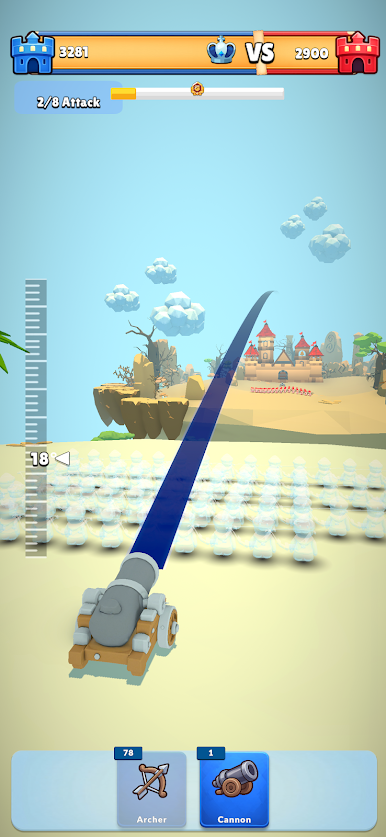
- Aim, Don’t Spam: Line up arcs, lead moving targets, and thread tricky shots. Good aim pays off—random tapping won’t cut it.
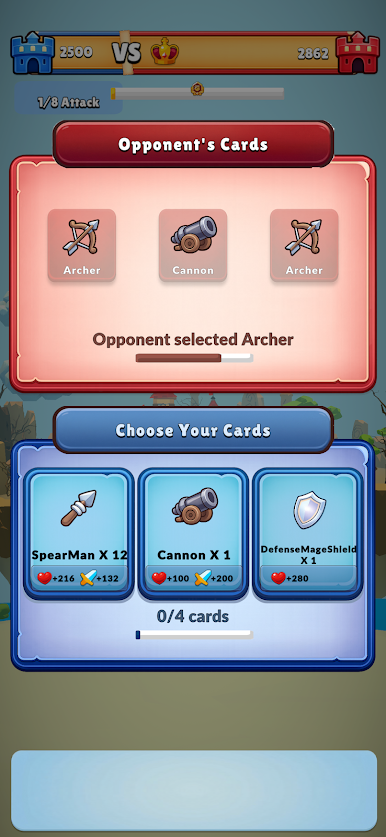
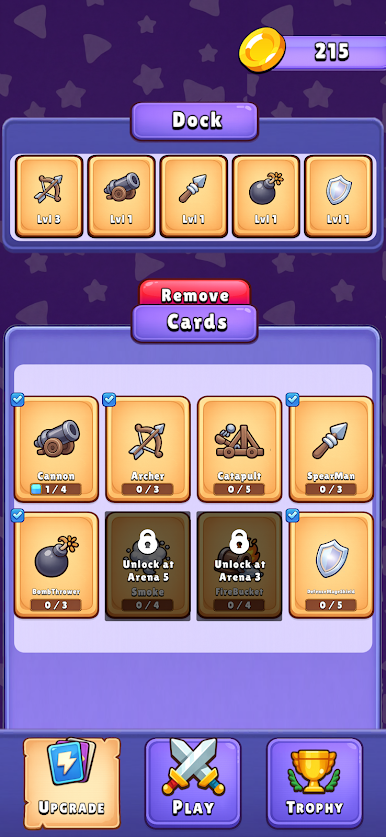
- Your 5-Card Battle Plan: Pick a tight, 5-card loadout before takeoff. Balance offense, defense, and a match-shifting ultimate so you’re ready for any matchup.
- Troops and Gadgets: Field a mix like archers, cannons, spear throwers, catapults, fire barrels, bombers, shields, and smoke screens. Each pick solves a different problem on the fly.
- Big-Moment Ultimates: Charge an ultimate during the fight, then drop it at the perfect second to crack armor, break momentum, or close out a round.
- Highest-HP Rule: When the clock hits zero, the castle with more health claims the sky. No stalemates—every block saved and hit landed matters.
- Endless Progression: Keep upgrading damage, range, cooldowns, firing power, and durability. High tiers even change how your gear looks.
- Pick-Up-and-Play Controls: Swipe to aim, tap to fire, and deploy with a quick press. Easy to learn, surprisingly deep once you start mixing cards and angles.
- Stylish 3D Look: Clean, toon-shaded visuals make explosions and impact reads clear, so you can focus on smart shots and timely drops.
- BlueStacks Option: Prefer a bigger screen and crisp mouse control? You can play it smoothly on PC with BlueStacks.
Get ready for a buttery smooth, high-performance gaming action only on BlueStacks.
Play Castle Fight on PC. It’s easy to get started.
-
Download and install BlueStacks on your PC
-
Complete Google sign-in to access the Play Store, or do it later
-
Look for Castle Fight in the search bar at the top right corner
-
Click to install Castle Fight from the search results
-
Complete Google sign-in (if you skipped step 2) to install Castle Fight
-
Click the Castle Fight icon on the home screen to start playing

