


Ages of Conflict World War Sim
Play on PC with BlueStacks – the Android Gaming Platform, trusted by 500M+ gamers.

Page Modified on: May 18, 2026
Main Ages of Conflict World War Sim on PC
** AI Simulation with High Customization **
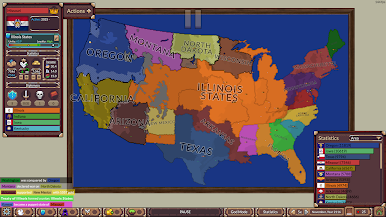
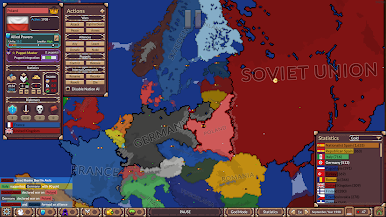
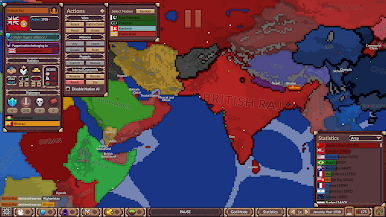
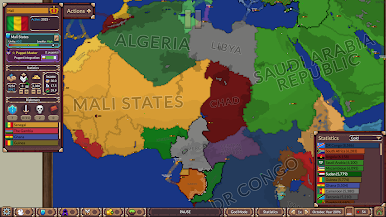
In this game you observe customized AI nations battle it out to ultimately try to control the world in a massive free-for-all, featuring alliances, revolts, puppet states and all kinds of political twists!
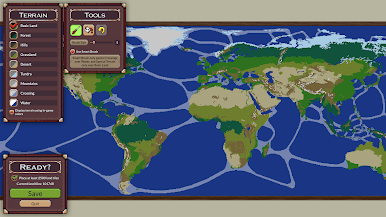
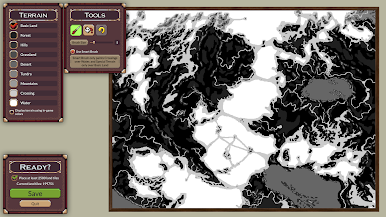
** Extensive Map Creator + God Mode Tools **
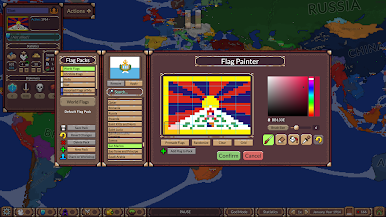
The game comes with premade Maps and Scenarios, but you can unleash your creativity by making your own! Make your maps and borders as complex as you like!
Govern world history by controlling nations directly. Carefully edit borders, nation stats, terrain and AI behaviour at any point during the simulation!
If you are interested in History, Geography, Map Painting or watching chaos unfold, Ages of Conflict has you covered!

Play Ages of Conflict World War Sim on PC. It’s easy to get started.
-
Download and install BlueStacks on your PC
-
Complete Google sign-in to access the Play Store, or do it later
-
Look for Ages of Conflict World War Sim in the search bar at the top right corner
-
Click to install Ages of Conflict World War Sim from the search results
-
Complete Google sign-in (if you skipped step 2) to install Ages of Conflict World War Sim
-
Click the Ages of Conflict World War Sim icon on the home screen to start playing

