


Gear Craft
Play on PC with BlueStacks – the Android Gaming Platform, trusted by 500M+ gamers.

Page Modified on: Oct 30, 2026
Play Gear Craft on PC
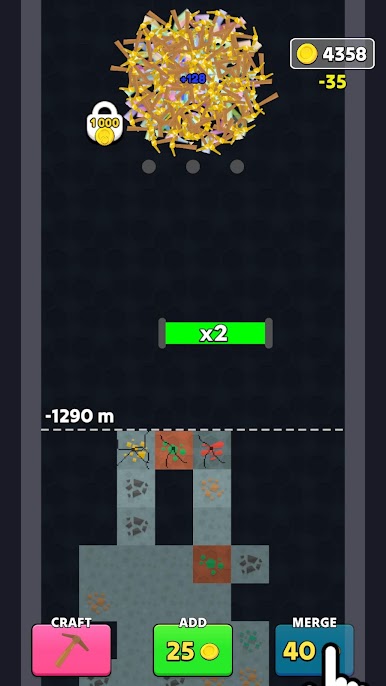
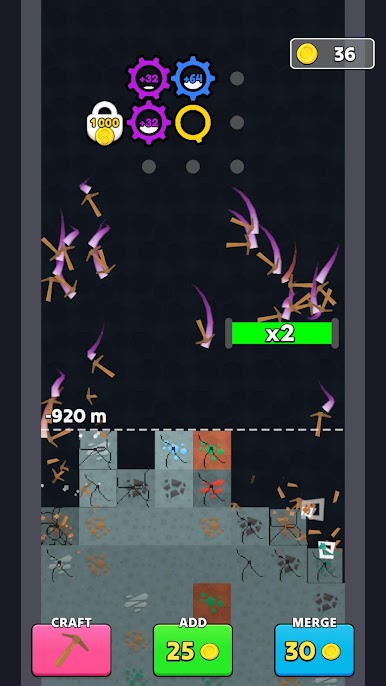
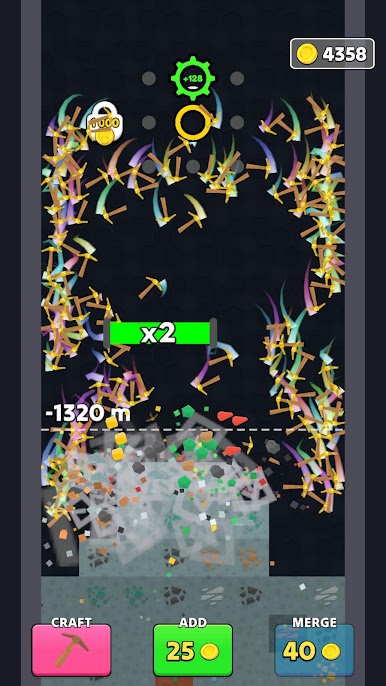
Build your ultimate mining machine! Spin your gears, launch pickaxes into the ground, smash valuable ores, and watch your profits grow.
💎 MINE FOR RICHES
Dig through layers of blocky terrain to discover coal, iron, gold, diamonds, and more. Every pickaxe strike brings you closer to a fortune!
⚙️ POWER UP YOUR GEARS
Watch your gears turn and unleash pickaxes with every full rotation. Optimize your mining machine to break blocks faster and collect even more resources.
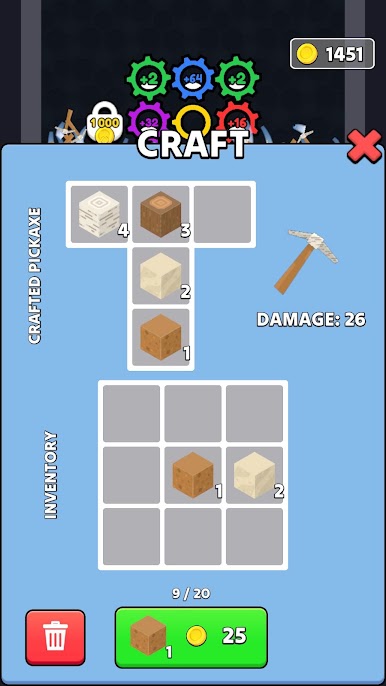
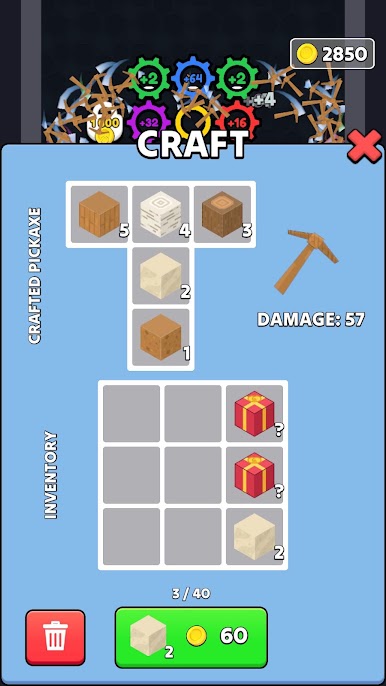
🔨 CRAFT YOUR OWN PICKAXE
Use the ores you collect to craft and customize your pickaxe. Experiment with different materials to create powerful tools and dig deeper than ever before!
💰 EARN, UPGRADE, REPEAT
Break valuable minerals, earn money, improve your setup, and turn your little mining operation into a resource-crushing machine.
🌍 HOW DEEP CAN YOU DIG?
Explore the underground, discover precious resources, and build the ultimate mining setup one gear at a time.
Ready to spin, mine, and craft your way to riches?
Start your mining adventure now!
Play Gear Craft on PC. It’s easy to get started.
-
Download and install BlueStacks on your PC
-
Complete Google sign-in to access the Play Store, or do it later
-
Look for Gear Craft in the search bar at the top right corner
-
Click to install Gear Craft from the search results
-
Complete Google sign-in (if you skipped step 2) to install Gear Craft
-
Click the Gear Craft icon on the home screen to start playing

