


Light Bend Master
Play on PC with BlueStacks – the Android Gaming Platform, trusted by 500M+ gamers.

Page Modified on: Nov 1, 2026
Main Light Bend Master on PC
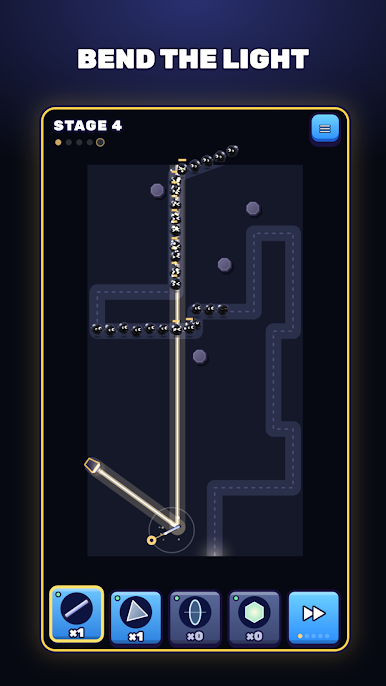
BEND THE LIGHT
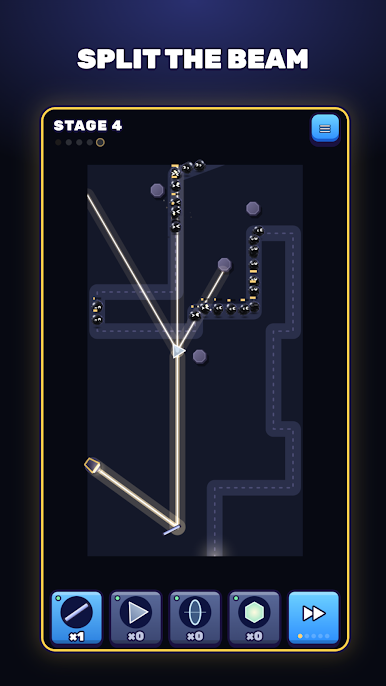
A spotlight shines across the map. Drag a mirror into its beam and turn it by its handle to send the light down the road. Every shadow it touches starts to burn.
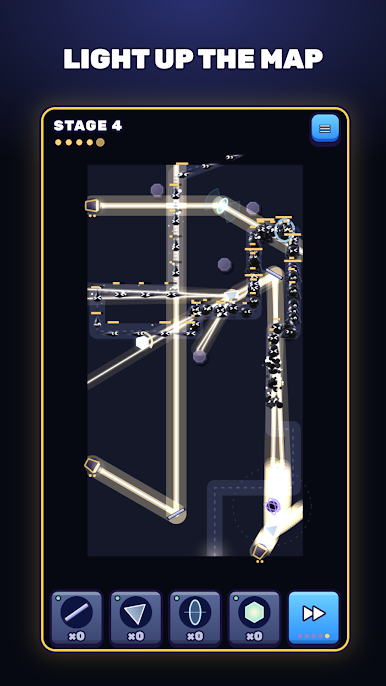
SPLIT AND MERGE
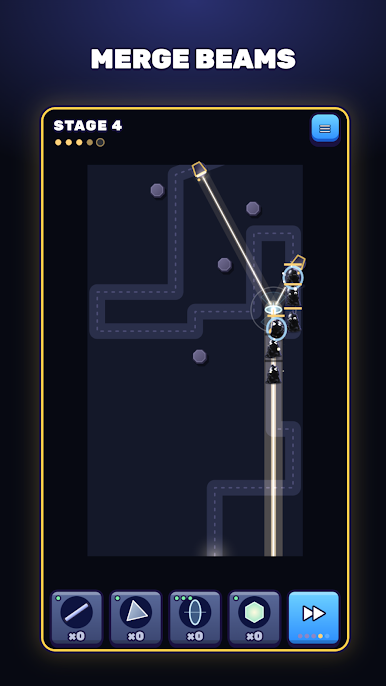
A prism splits one beam into three. A lens gathers several beams into one strong ray that pierces armored shadows. Where to place each part is up to you.
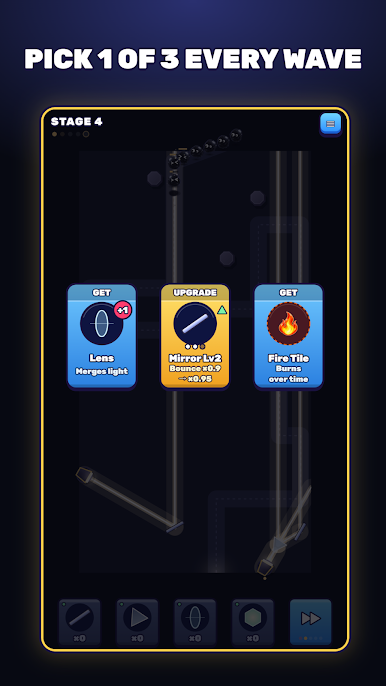
PICK 1 OF 3 EVERY WAVE
Defeated shadows fill your power bar. When it fills, choose one of three cards: new parts, upgrades, extra light sources, or Fire and Ice tiles that make your light burn or freeze.
KNOW YOUR SHADOWS
Runners heal in the dark. Brutes shrug off weak beams. Shield bearers block light from the front. Eclipses swallow light with their bodies. Each one needs a different trick.
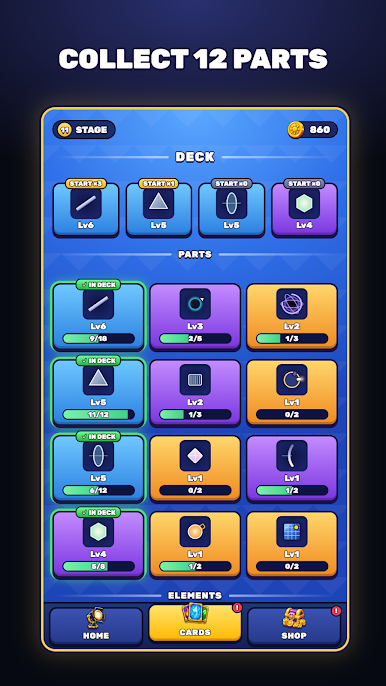
BUILD YOUR DECK
Unlock 12 optical parts, from Fiber and Gravity to Nexus, Pulse and Solar. Open chests to collect cards, level them up, and upgrade your gate and lights.
FEATURES
- Simple one-finger controls: drag to place, drag the handle to turn
- 12 parts that bend, split, merge and store light
- Fire and Ice tiles for burning and slowing
- 5 kinds of shadows with their own tricks
- Stages that keep getting tougher
- Chests, card levels and upgrades between stages
Play Light Bend Master on PC. It’s easy to get started.
-
Download and install BlueStacks on your PC
-
Complete Google sign-in to access the Play Store, or do it later
-
Look for Light Bend Master in the search bar at the top right corner
-
Click to install Light Bend Master from the search results
-
Complete Google sign-in (if you skipped step 2) to install Light Bend Master
-
Click the Light Bend Master icon on the home screen to start playing

