


Wildcat
Play on PC with BlueStacks – the Android Gaming Platform, trusted by 500M+ gamers.

Page Modified on: Nov 23, 2026
Overview
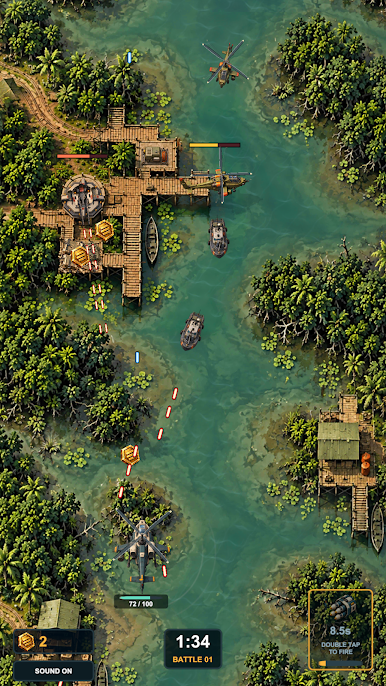
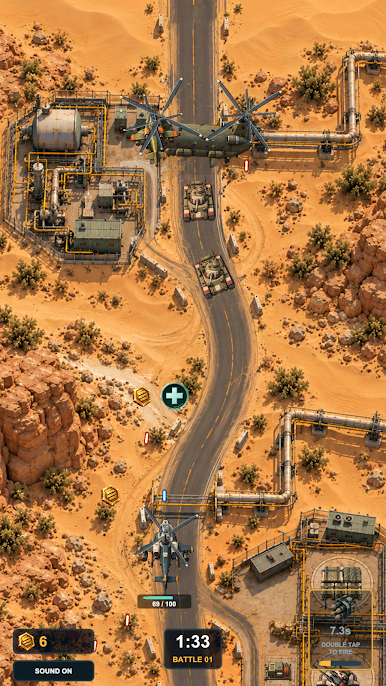
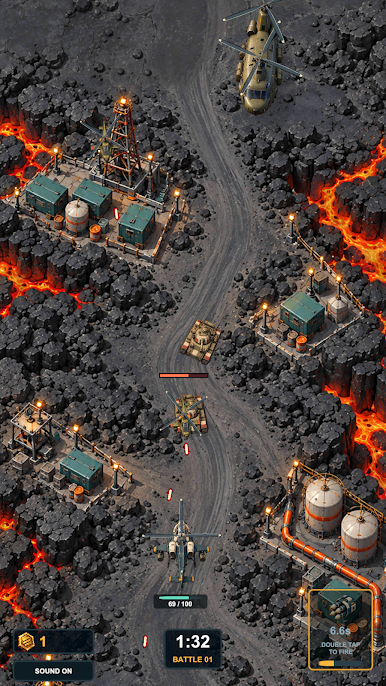
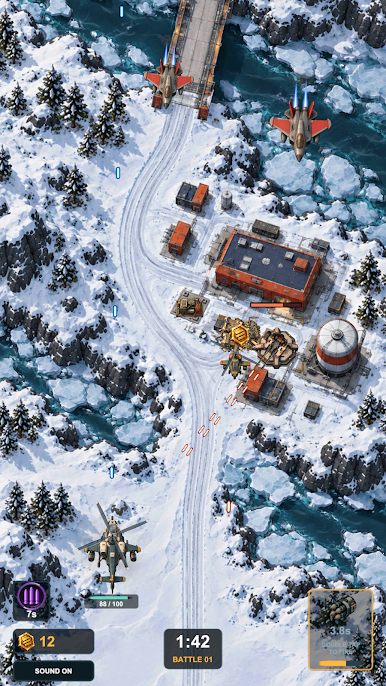
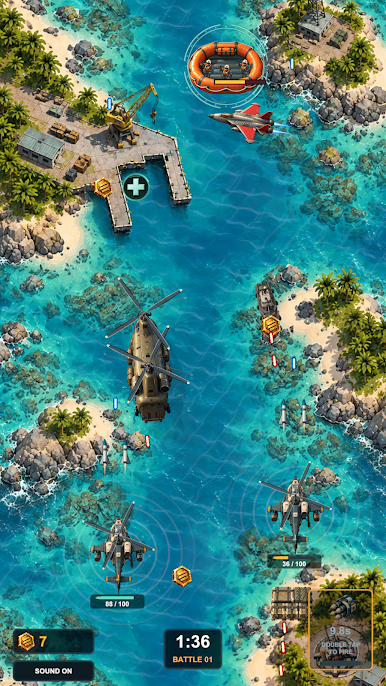
Blast through enemy aircraft, tanks and supply convoys. Dodge flak, launch rockets and destroy enemy defences as you fight across tropical islands, frozen rivers, deserts, cities and volcanic landscapes.
COLLECT. UPGRADE. SURVIVE.
Collect scrap during battle, then spend it on upgrades between rounds. Add more guns and rockets, boost your damage, strengthen your armour or repair your helicopter. Choose carefully: damage carries between battles, and the enemies get tougher the longer you survive.
FLY SOLO OR WITH A FRIEND
Team up for online co-op, share pickups and take on enemy forces together. Each player chooses their own upgrades.
TAKE DOWN THE BOSSES
Face a mini-boss at the end of each battle and a major boss every fifth battle. Destroy their weapon systems and stay alive through the barrage.
CHASE THE LEADERBOARD
Your score is the total scrap collected during one run. How far can you climb?
• Drag to fly and double-tap to launch rockets
• Randomised encounters across varied environments
• Destructible scenery and moving supply convoys
• Rescue downed pilots
• Solo and online co-op play
Internet connection required. Google sign-in is required for friend invites and co-op.
Play Wildcat on PC. It’s easy to get started.
-
Download and install BlueStacks on your PC
-
Complete Google sign-in to access the Play Store, or do it later
-
Look for Wildcat in the search bar at the top right corner
-
Click to install Wildcat from the search results
-
Complete Google sign-in (if you skipped step 2) to install Wildcat
-
Click the Wildcat icon on the home screen to start playing

