


Weapon Evolve
Play on PC with BlueStacks – the Android Gaming Platform, trusted by 500M+ gamers.

Page Modified on: Sep 23, 2026
Play Weapon Evolve on PC
The farther you fly and the more you hit, the more coins you earn. Spend them to upgrade thrust, fuel, and income, then launch again. Clear every location, beat your distance record, and keep evolving
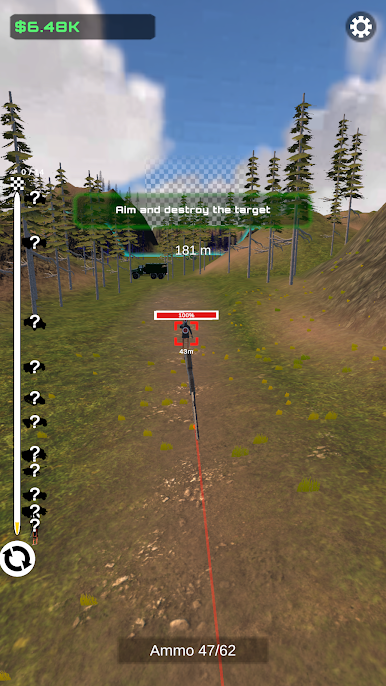
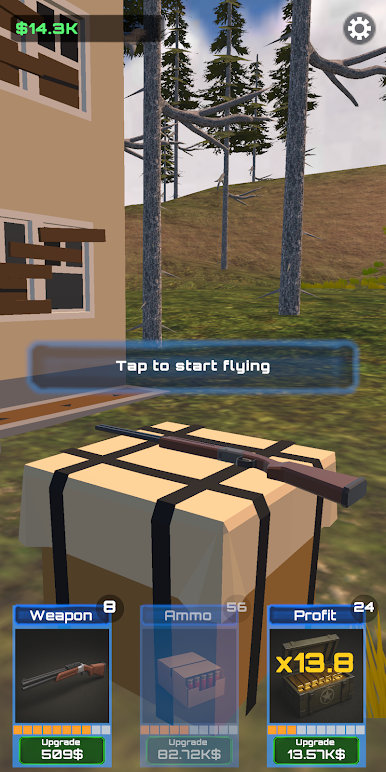
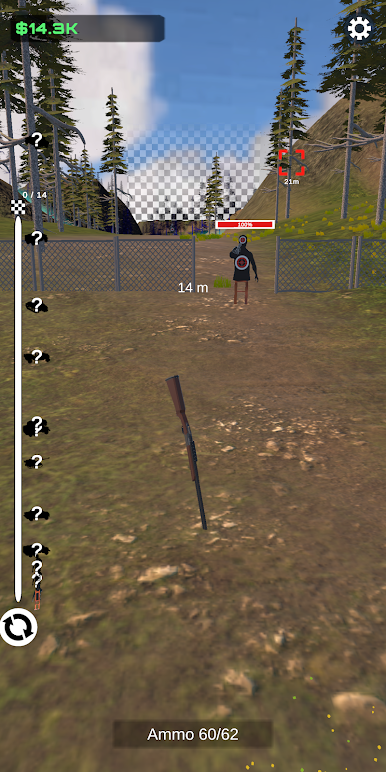
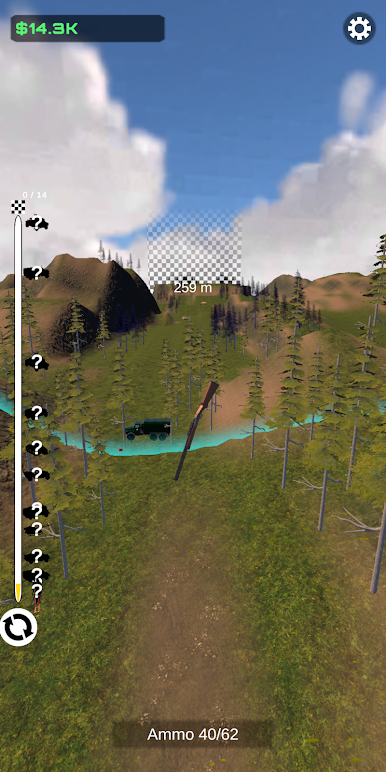
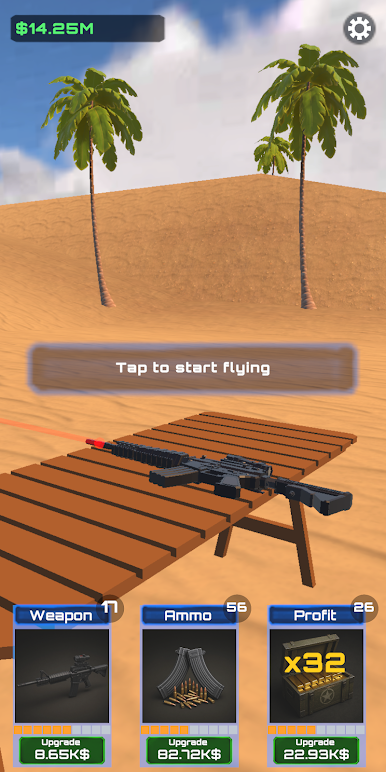
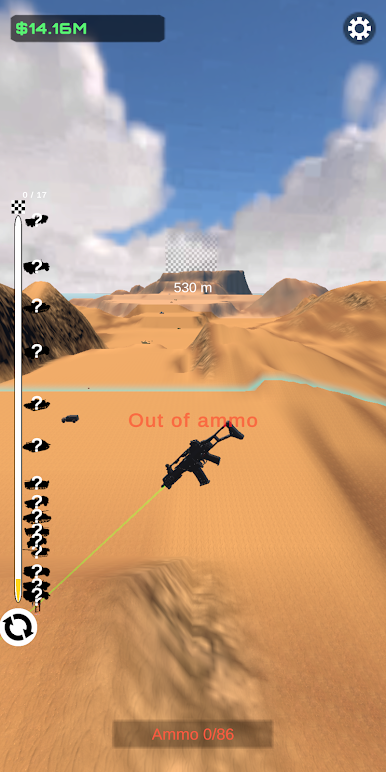
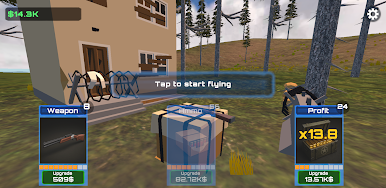
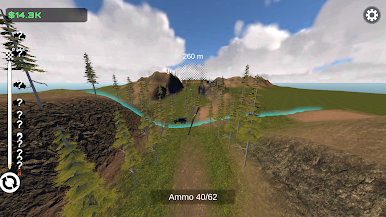
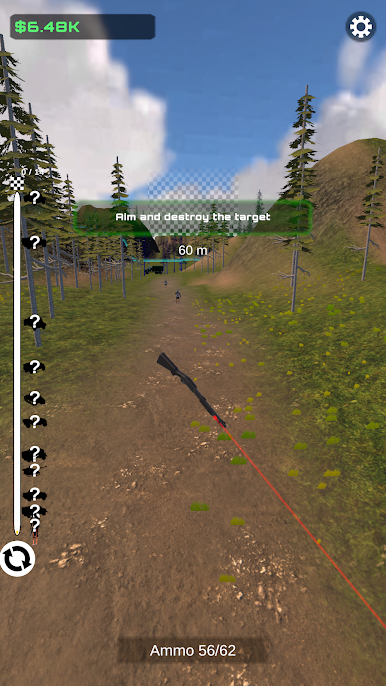
Play Weapon Evolve on PC. It’s easy to get started.
-
Download and install BlueStacks on your PC
-
Complete Google sign-in to access the Play Store, or do it later
-
Look for Weapon Evolve in the search bar at the top right corner
-
Click to install Weapon Evolve from the search results
-
Complete Google sign-in (if you skipped step 2) to install Weapon Evolve
-
Click the Weapon Evolve icon on the home screen to start playing

