


Shelf Blast Sort
Play on PC with BlueStacks – the Android Gaming Platform, trusted by 500M+ gamers.

Page Modified on: Jul 28, 2026
Play Shelf Blast Sort on PC
🧠 How to Play:
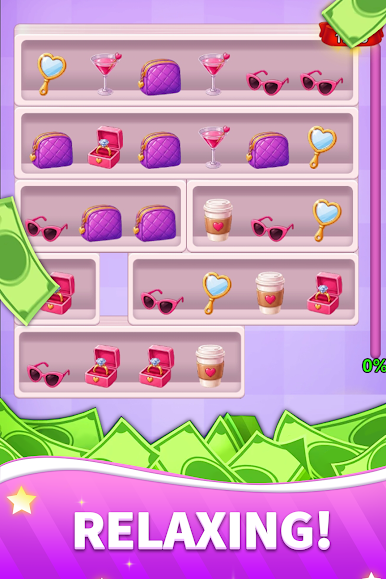
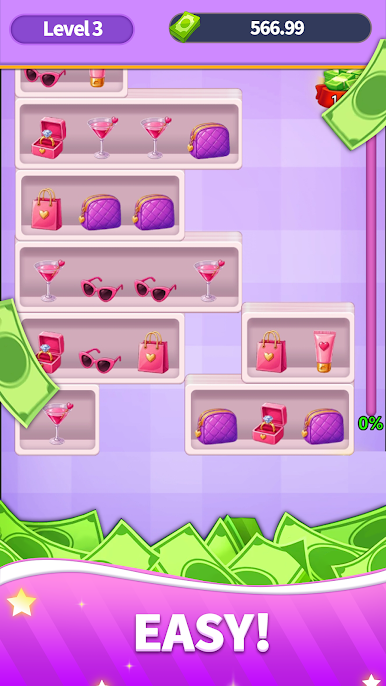
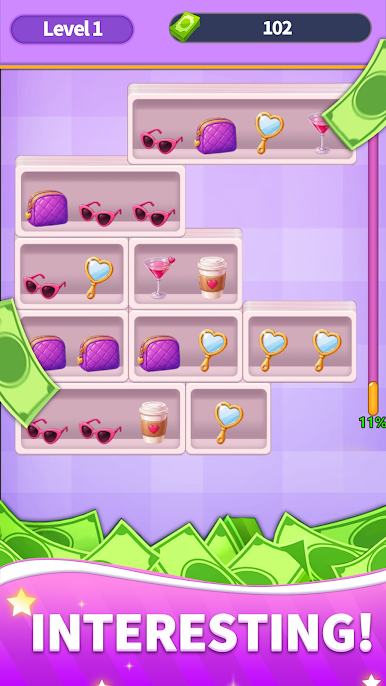
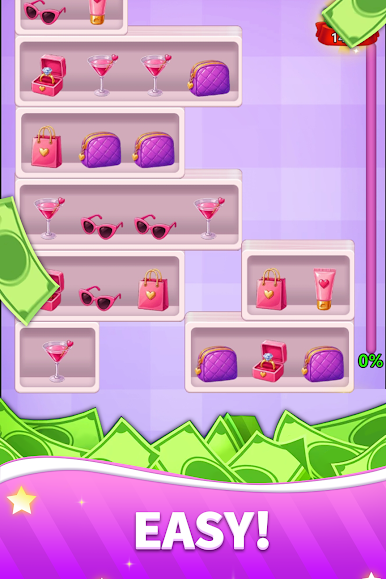
Tap on matching items to select and clear them.
Plan your moves carefully—only unblocked items can be selected.
Use powerful boosters—like extra slots or the "undo" function—to easily overcome tricky obstacles.
Complete level objectives at your own pace; there are no time limits or move restrictions!
🎉 Game Highlights:
Hundreds of addictive levels: From relaxing warm-ups to brain-teasing challenges, every level offers fresh fun.
Relaxing and satisfying: Enjoy the smooth, soothing (ASMR-like) feedback as items vanish and shelves are tidied up.
Powerful boosters: Stuck on a level? Use special tools to easily crack the toughest puzzles.
Offline play supported: No Wi-Fi? No problem! Play anytime, anywhere.

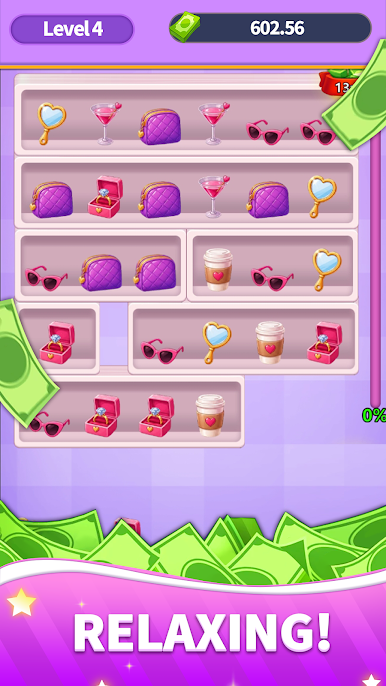

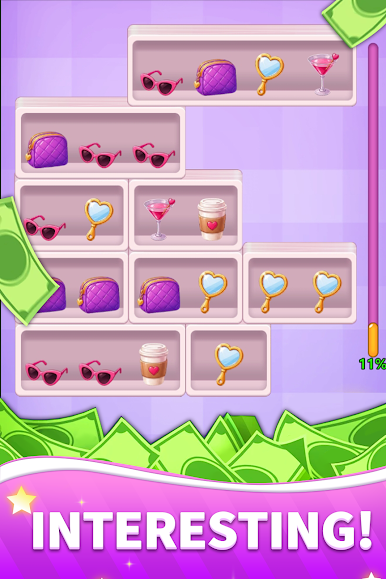
Play Shelf Blast Sort on PC. It’s easy to get started.
-
Download and install BlueStacks on your PC
-
Complete Google sign-in to access the Play Store, or do it later
-
Look for Shelf Blast Sort in the search bar at the top right corner
-
Click to install Shelf Blast Sort from the search results
-
Complete Google sign-in (if you skipped step 2) to install Shelf Blast Sort
-
Click the Shelf Blast Sort icon on the home screen to start playing

