


Taiwan Night Market Pinball
Play on PC with BlueStacks – the Android Gaming Platform, trusted by 500M+ gamers.

Page Modified on: Oct 10, 2025
Play Taiwan Night Market Pinball on PC or Mac
Bring your A-game to Taiwan Night Market Pinball, the Arcade game sensation from LEO Wang Games. Give your gameplay the much-needed boost with precise game controls, high FPS graphics, and top-tier features on your PC or Mac with BlueStacks.
About the Game
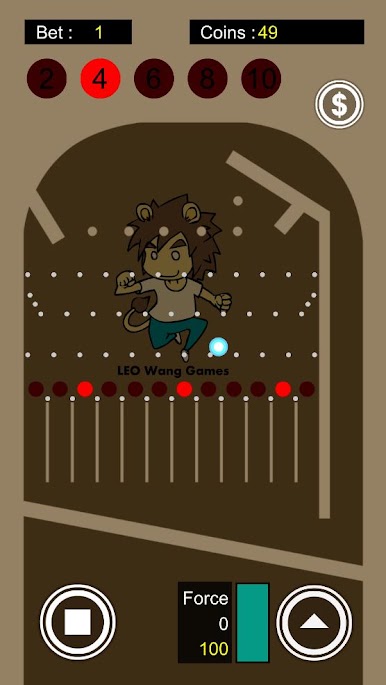
Taiwan Night Market Pinball brings that lively night-market vibe straight to your screen with a quick, punchy Arcade twist. It’s easy to pick up—bet, time the lights, and launch the ball—but there’s real tension when those big multipliers glow. Fast rounds, satisfying shots, and just enough risk to keep your heart rate up.
Game Features
- Classic night-market feel: A faithful take on the beloved stall game—bright lights, bold sounds, and that “one more try” energy.
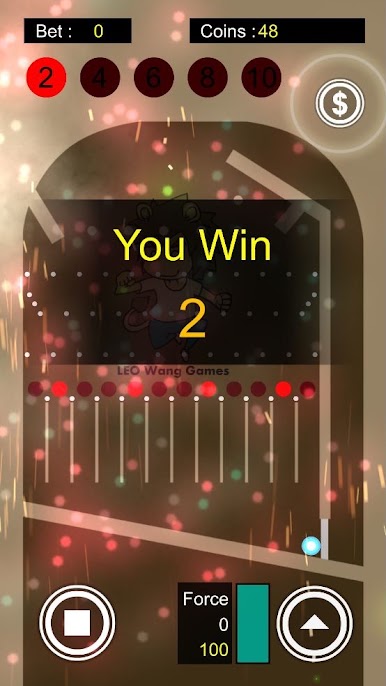
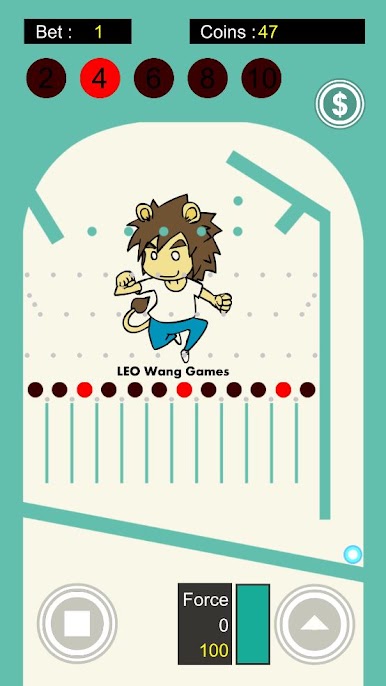
- Bet before each shot: Set your stake, then go for broke when the 10x light comes around… or play it safe. Your call.
- Lock in your odds: Stop the moving light to choose your multiplier. Nail the timing and you’ve got a clear target.
- Charge and release: Hold to build power, release to fire. Simple controls with a tactile, snappy launch.
- Win the lit lane: Guide the ball through the highlighted track to score Bet × Odds. Clean, straightforward rules with big payoff moments.
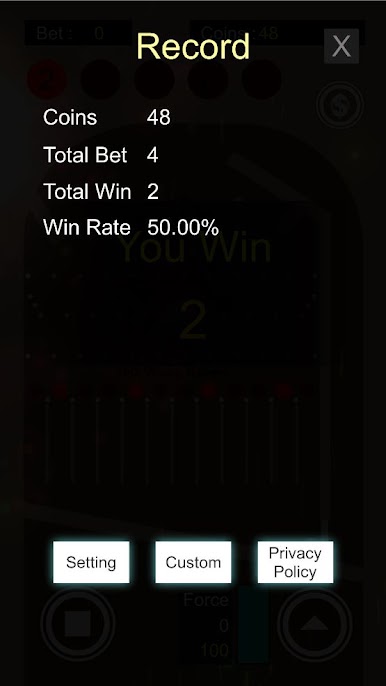
- Records that matter: Check your play history, biggest wins, and personal bests to see how close you are to true Pinball Master status.
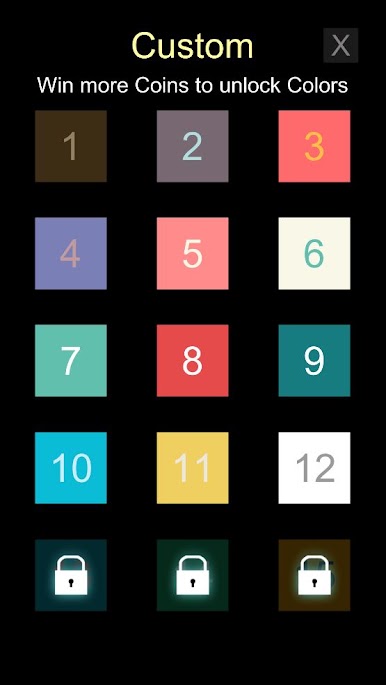
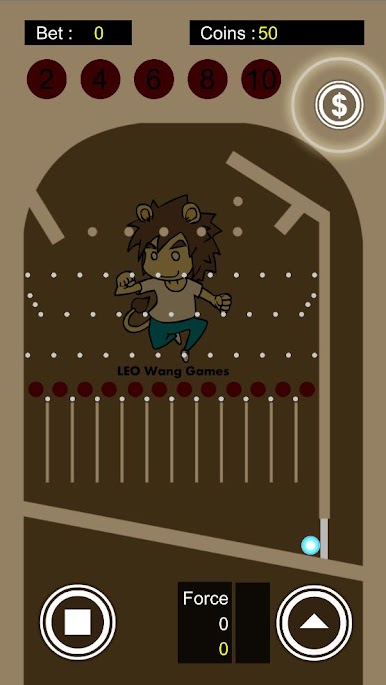
- Custom colors: Unlock fresh table hues and make the setup your own.
- Handy center menu: Tap the middle of the screen anytime to open records and quick options.
- Optional coin boosts: Short videos can top up your coin stash when you’re on a hot streak or just out of luck. The game includes ads.
- Flexible play: Feels great on touch screens; also comfy on BlueStacks if you’d like a bigger screen and crisp key controls.
Ready to top the leaderboard? We bet you do. Let precise controls and sharp visuals optimized on BlueStacks lead you to victory.
Play Taiwan Night Market Pinball on PC. It’s easy to get started.
-
Download and install BlueStacks on your PC
-
Complete Google sign-in to access the Play Store, or do it later
-
Look for Taiwan Night Market Pinball in the search bar at the top right corner
-
Click to install Taiwan Night Market Pinball from the search results
-
Complete Google sign-in (if you skipped step 2) to install Taiwan Night Market Pinball
-
Click the Taiwan Night Market Pinball icon on the home screen to start playing

