

Dino Terror 2 Jurassic Escape
Play on PC with BlueStacks – the Android Gaming Platform, trusted by 500M+ gamers.

Page Modified on: May 18, 2026
Play Dino Terror 2 Jurassic Escape on PC or Mac
Play Dino Terror 2 Jurassic Escape by Lackops Horror Games on PC or Mac with BlueStacks. Use a bigger screen, mouse and keyboard controls, and smoother performance while you play.
About the Game
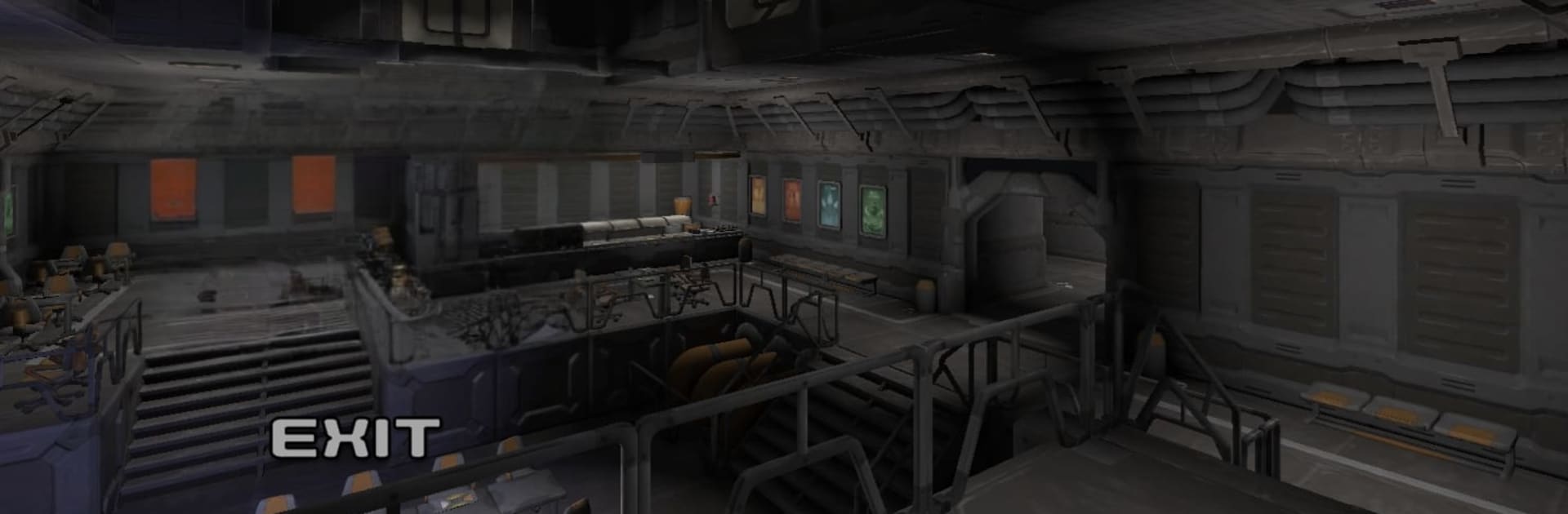
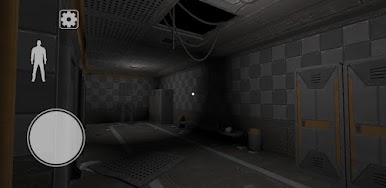
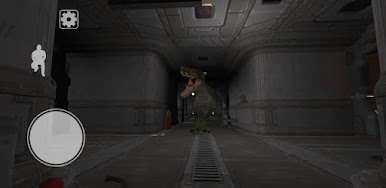
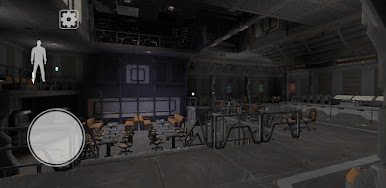
Dino Terror 2 Jurassic Escape throws you back into a high-stakes Arcade horror run through a secret lab that won’t stop getting worse. You made it out of level 1—barely—and now level 2 greets you with new corridors, busted experiments, and two hungry predators on your trail. It’s part stealth, part puzzle-solving, and all about staying calm when every footstep could give you away.
Game Features
-
Sequel survival
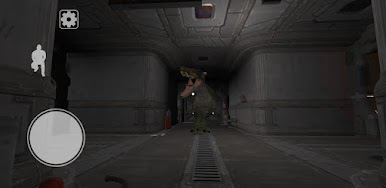
Continue the escape in level 2 of the laboratory as you outsmart a relentless velociraptor and a brutal Baryonyx. Different threats mean different tactics. -
Stealth that actually matters
Sound draws attention. Move slowly, listen for footsteps, and time your actions—one loud mistake can turn a quiet hall into a chase. -
Puzzles under pressure
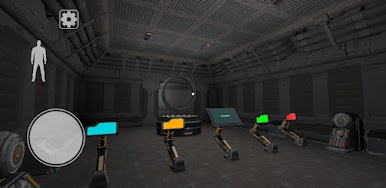
Hunt for ways to unlock secured doors, reroute your path, and remove locks while predators patrol nearby. Think fast, but move smarter. -
Real places to hide
Slip into rooms, cabins, or under beds to break line of sight. Use doors to create space or stall a pursuit when things get messy. -
Limited chances
You’ve got a small pool of lives (3–5), so every decision carries weight. Risky shortcuts might pay off—or end the run. -
Immersive 3D tension
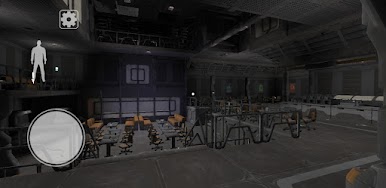
Detailed environments, moody lighting, and sharp spatial audio set the tone. Headphones make every scrape, growl, and echo feel far too close. -
Easy-to-grab controls
Intuitive touch inputs keep you focused on escaping, not fumbling. Prefer a bigger screen? It plays smoothly on PC with BlueStacks, too.
Start your journey now. Download the game on BlueStacks, invite your friends, and march on a new adventure.

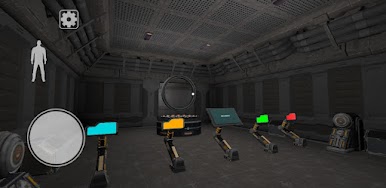
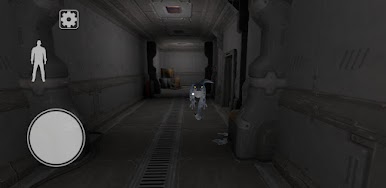

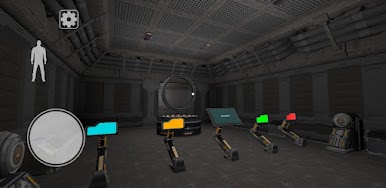
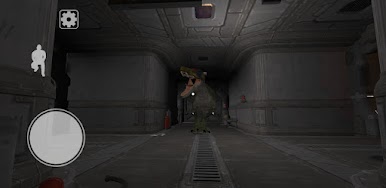
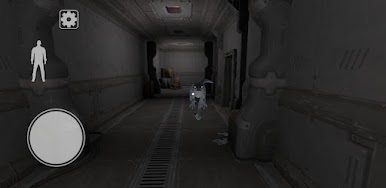

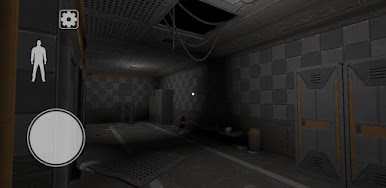
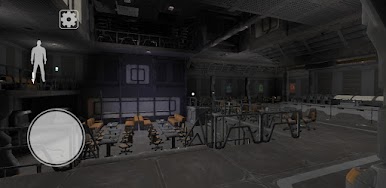
Play Dino Terror 2 Jurassic Escape on PC. It’s easy to get started.
-
Download and install BlueStacks on your PC
-
Complete Google sign-in to access the Play Store, or do it later
-
Look for Dino Terror 2 Jurassic Escape in the search bar at the top right corner
-
Click to install Dino Terror 2 Jurassic Escape from the search results
-
Complete Google sign-in (if you skipped step 2) to install Dino Terror 2 Jurassic Escape
-
Click the Dino Terror 2 Jurassic Escape icon on the home screen to start playing

