


Word Link Explorer
Play on PC with BlueStacks – the Android Gaming Platform, trusted by 500M+ gamers.

Page Modified on: Oct 2, 2026
Play Word Link Explorer on PC
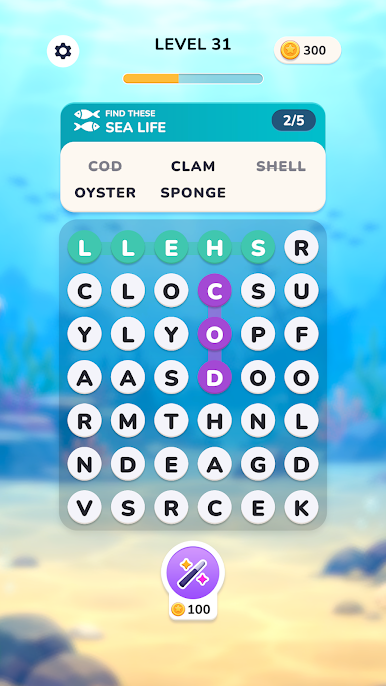
Challenge your vocabulary, find the right word combinations, and complete each level as you explore a variety of exciting themes.
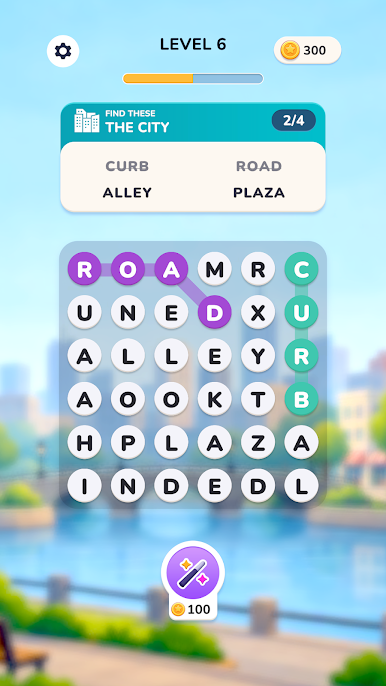
🔤 CONNECT LETTERS
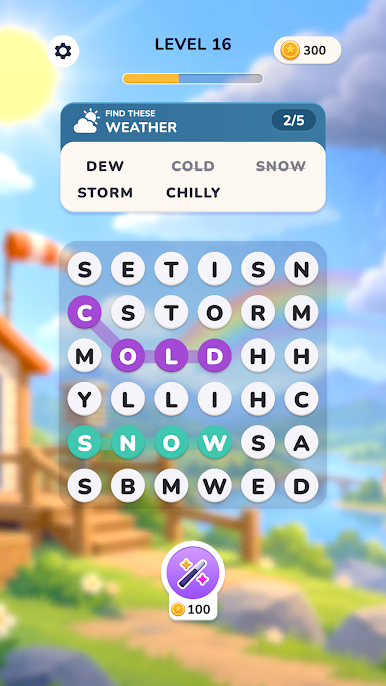
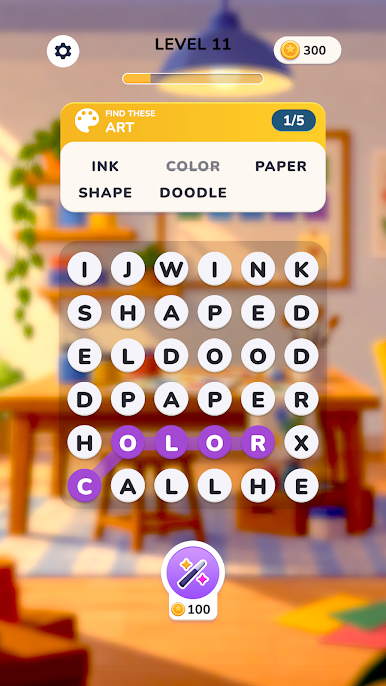
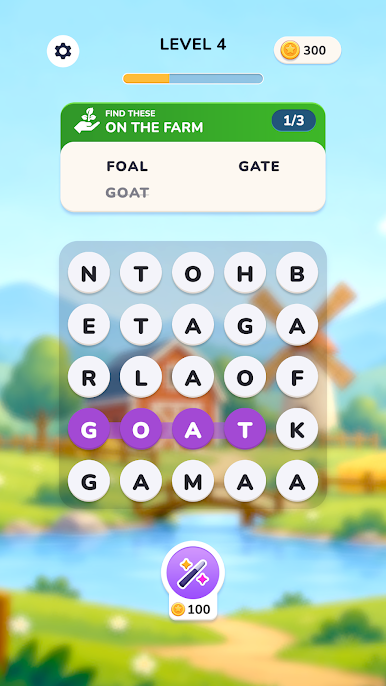
Swipe across letters to form meaningful words and uncover the answers.
🧩 DISCOVER HIDDEN WORDS
Look carefully and find all the words hidden within each puzzle.
🌦️ FUN THEMES & CHALLENGES
From weather and nature to everyday topics, every level brings a new word challenge.
💡 USE HINTS WHEN YOU NEED THEM
Stuck on a tricky word? Use helpful hints to keep your adventure moving.
🏆 PROGRESS THROUGH LEVELS
Complete puzzles, earn rewards, and take on increasingly challenging word games.
Whether you love word searches, crossword puzzles, or simple brain games, Word Link Explorer offers a relaxing way to test your vocabulary and sharpen your mind.
Start connecting letters and explore the world of hidden words today!
Play Word Link Explorer on PC. It’s easy to get started.
-
Download and install BlueStacks on your PC
-
Complete Google sign-in to access the Play Store, or do it later
-
Look for Word Link Explorer in the search bar at the top right corner
-
Click to install Word Link Explorer from the search results
-
Complete Google sign-in (if you skipped step 2) to install Word Link Explorer
-
Click the Word Link Explorer icon on the home screen to start playing

