


SCHOOLBOY RUNAWAY - STEALTH
Play on PC with BlueStacks – the Android Gaming Platform, trusted by 500M+ gamers.

Page Modified on: Dec 10, 2025
Main SCHOOLBOY RUNAWAY - STEALTH on PC
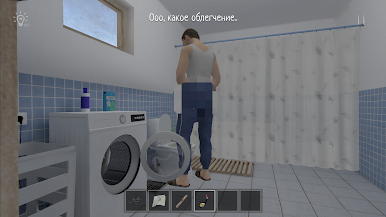
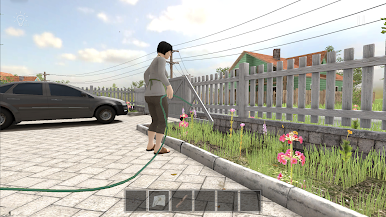
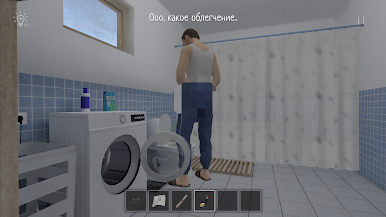
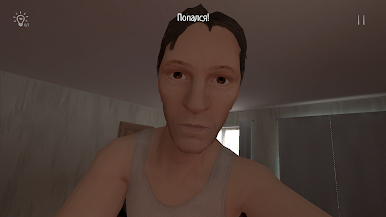
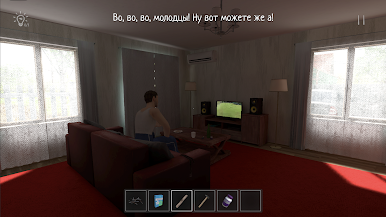
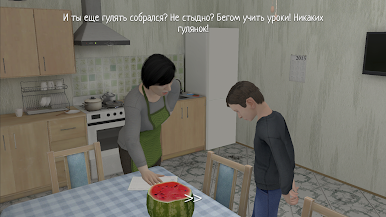
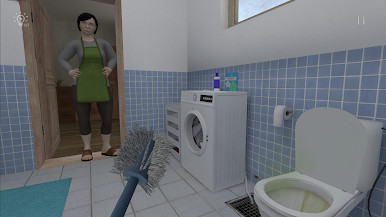
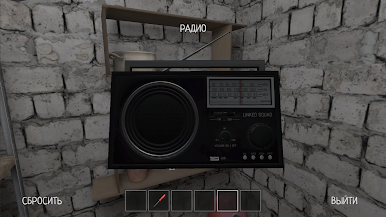
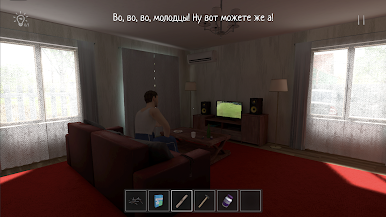
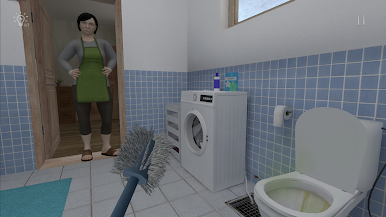
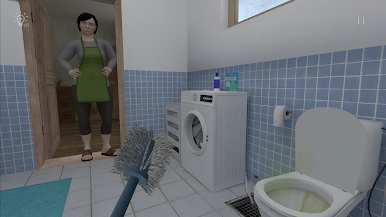
Immerse yourself in the role of a schoolchild whom the parents punished for a bad grade at school, and try to escape from home without being noticed by father and mother.
Key mechanics:
3D first-person game.
Stealth, hiding, don't get caught, and don't make noise!
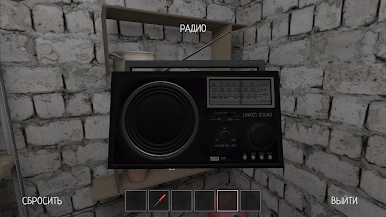
Puzzles, solve riddles, find items to plan your escape.
Be careful, parents may notice open cabinets and doors.

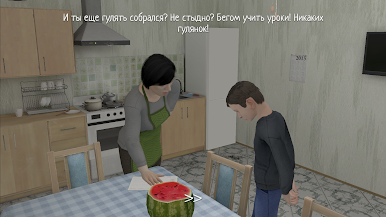
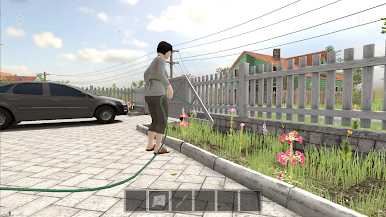
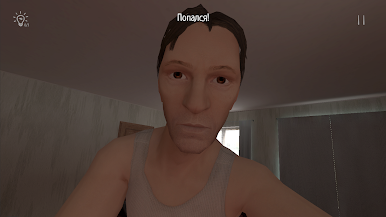
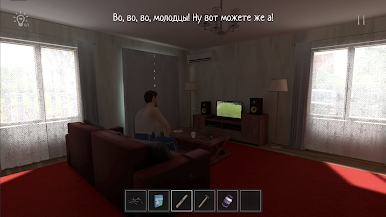
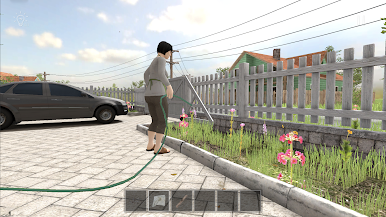
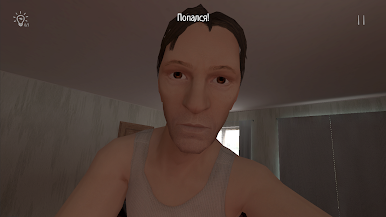
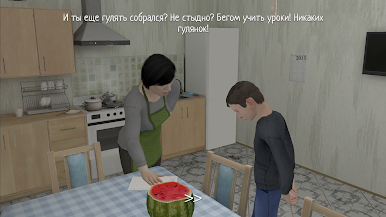
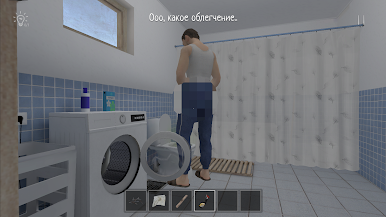
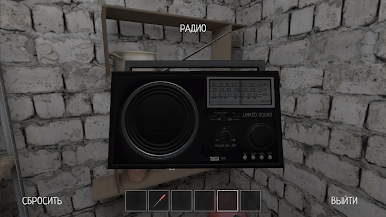
Play SCHOOLBOY RUNAWAY - STEALTH on PC. It’s easy to get started.
-
Download and install BlueStacks on your PC
-
Complete Google sign-in to access the Play Store, or do it later
-
Look for SCHOOLBOY RUNAWAY - STEALTH in the search bar at the top right corner
-
Click to install SCHOOLBOY RUNAWAY - STEALTH from the search results
-
Complete Google sign-in (if you skipped step 2) to install SCHOOLBOY RUNAWAY - STEALTH
-
Click the SCHOOLBOY RUNAWAY - STEALTH icon on the home screen to start playing

