

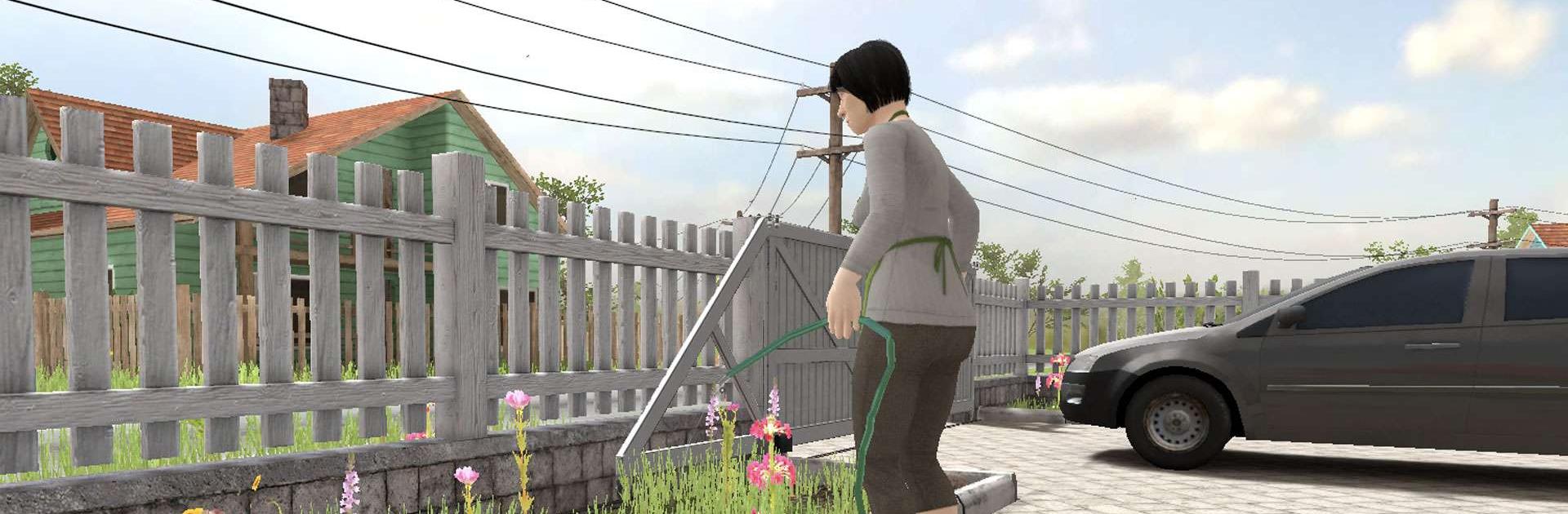
SCHOOLBOY RUNAWAY - STEALTH
Play on PC with BlueStacks – the Android Gaming Platform, trusted by 500M+ gamers.

Page Modified on: Dec 10, 2025
Play SCHOOLBOY RUNAWAY - STEALTH on PC or Mac
SCHOOLBOY RUNAWAY – STEALTH is an Arcade game developed by Linked Squad. BlueStacks app player is the best platform to play this Android game on your PC or Mac for an immersive gaming experience.
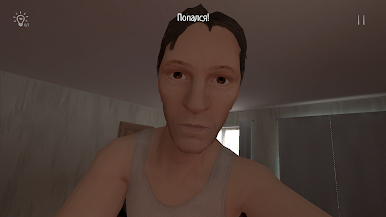
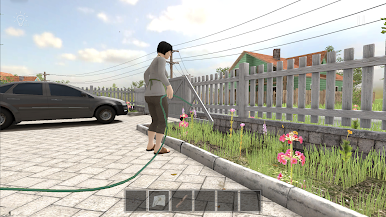
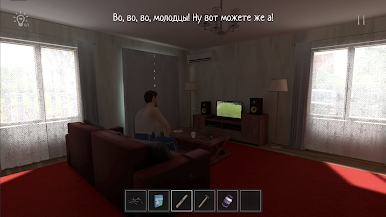
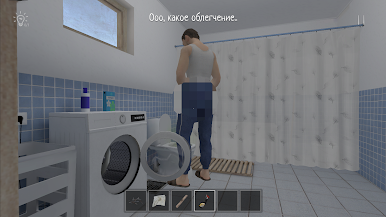
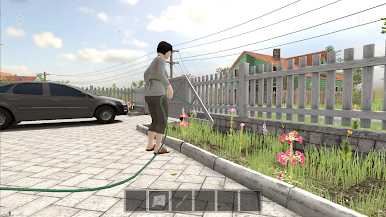
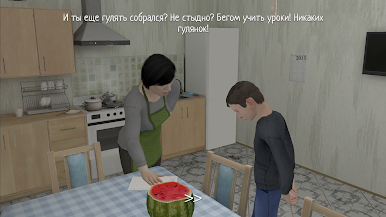
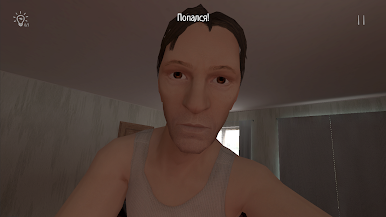
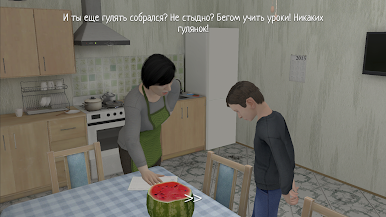
Play the role of a schoolchild whose parents are punishing for having a bad grade at school. Outsmart your parents and break out of the house arrest to hang out with your friends. Move around carefully and quietly to avoid drawing any attention to yourself until you leave the house.
About the Game
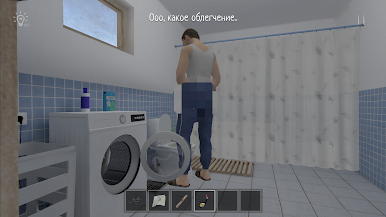
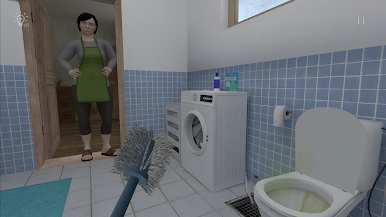
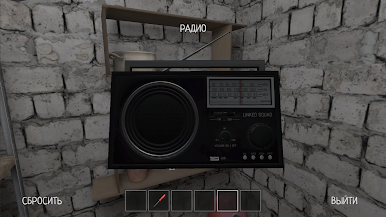
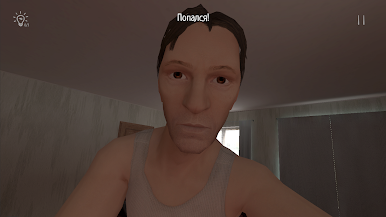
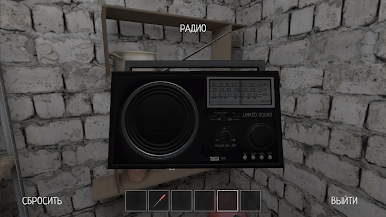
SCHOOLBOY RUNAWAY – STEALTH immerses you in the life of a student who is under house arrest for not performing well in school. This game tests your problem-solving skills with numerous puzzles and riddles. You also get to interact with other characters and your entire environment.
Gameplay Overview
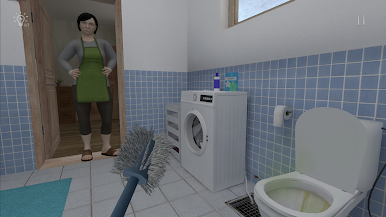
In your quest to play with your friends, you need to know every nook and cranny of your parents’ house. Look for vulnerable points within the house that you can use to escape. Hide behind objects and move with precision to find secret clues to devise the smartest escape plan.
Game Features
- Realistic home elements
- Fluid game controls
- Interactive characters
How to Play?
Download SCHOOLBOY RUNAWAY – STEALTH for free from the Google Play Store using the BlueStacks app player.

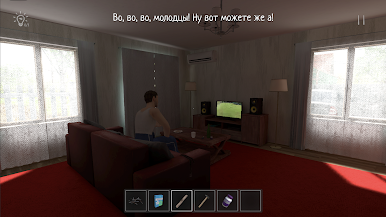
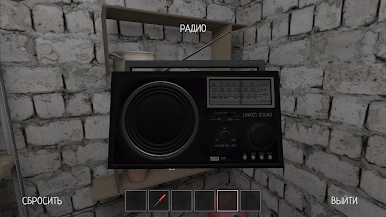
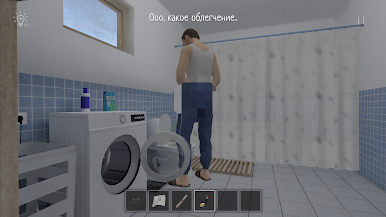
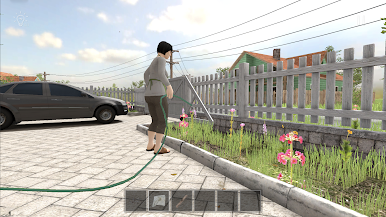
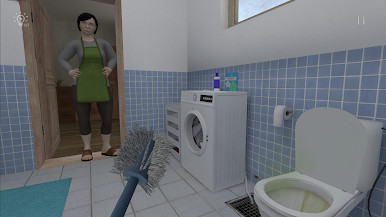
Play SCHOOLBOY RUNAWAY - STEALTH on PC. It’s easy to get started.
-
Download and install BlueStacks on your PC
-
Complete Google sign-in to access the Play Store, or do it later
-
Look for SCHOOLBOY RUNAWAY - STEALTH in the search bar at the top right corner
-
Click to install SCHOOLBOY RUNAWAY - STEALTH from the search results
-
Complete Google sign-in (if you skipped step 2) to install SCHOOLBOY RUNAWAY - STEALTH
-
Click the SCHOOLBOY RUNAWAY - STEALTH icon on the home screen to start playing

