


Norima: Astra Vortex
Play on PC with BlueStacks – the Android Gaming Platform, trusted by 500M+ gamers.

Page Modified on: Mar 17, 2026
Play Norima: Astra Vortex on PC
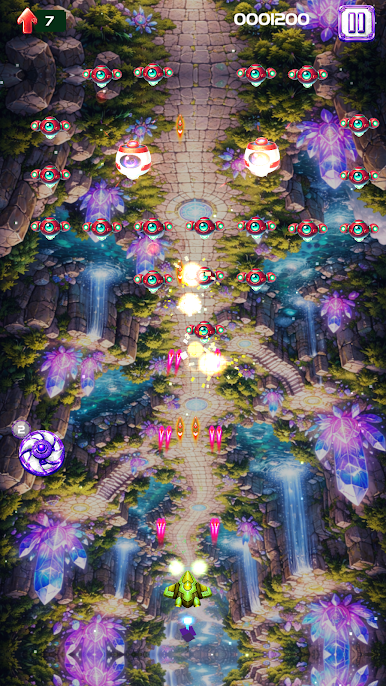
Upgrade your ship, strengthen your weapons, and discover new ways to play as you progress through increasingly challenging stages. Each battle brings fresh action, colorful effects, and satisfying gameplay that keeps every mission exciting.
Face powerful bosses, explore the mystery of the Astra Vortex, and test your reflexes in a universe full of adventure. With smooth controls, vibrant visuals, and nonstop shooting fun, Norima: Astra Vortex is ready to take you on an unforgettable space journey.
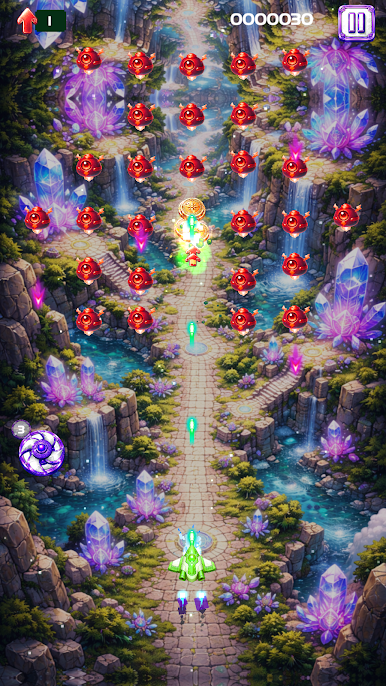
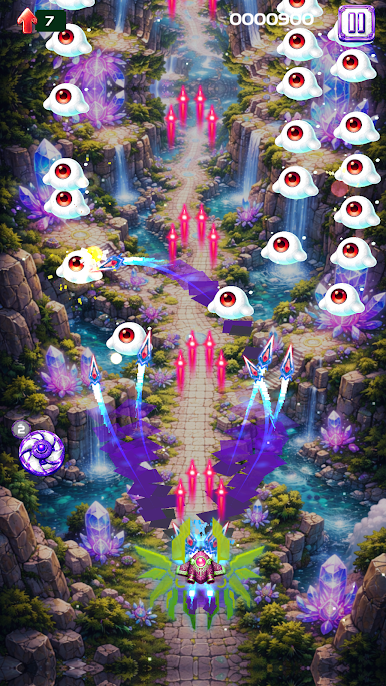
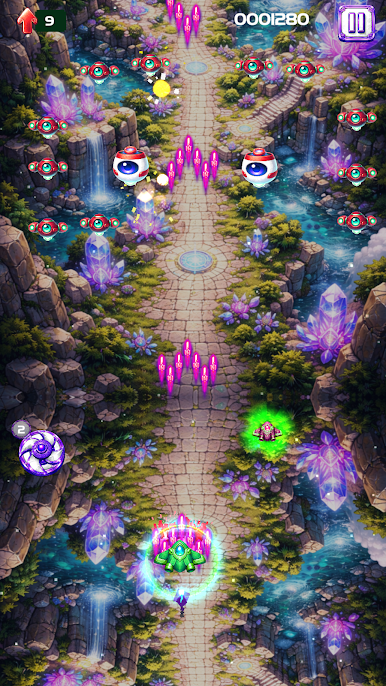
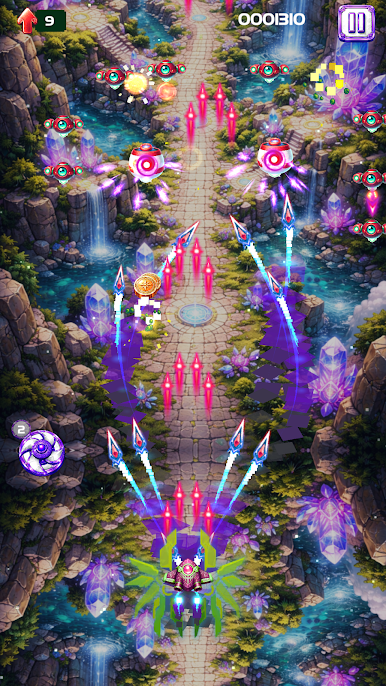
Play Norima: Astra Vortex on PC. It’s easy to get started.
-
Download and install BlueStacks on your PC
-
Complete Google sign-in to access the Play Store, or do it later
-
Look for Norima: Astra Vortex in the search bar at the top right corner
-
Click to install Norima: Astra Vortex from the search results
-
Complete Google sign-in (if you skipped step 2) to install Norima: Astra Vortex
-
Click the Norima: Astra Vortex icon on the home screen to start playing

