


Pocket Scout FC
Play on PC with BlueStacks – the Android Gaming Platform, trusted by 500M+ gamers.

Page Modified on: Oct 18, 2026
Play Pocket Scout FC on PC
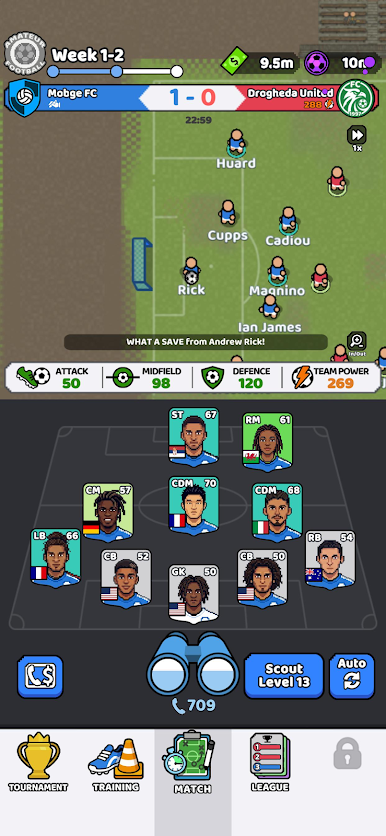
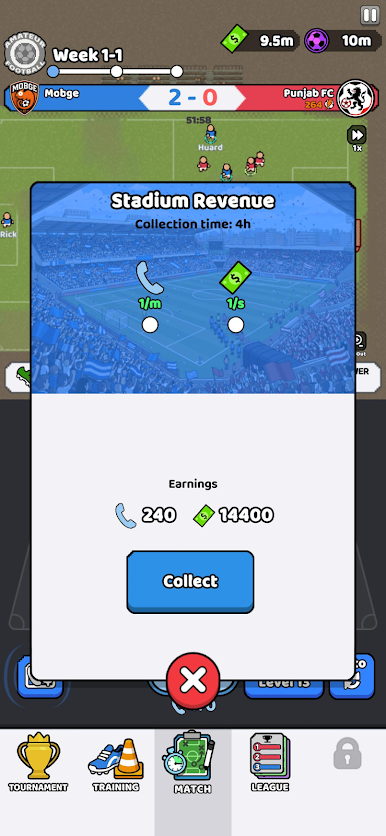
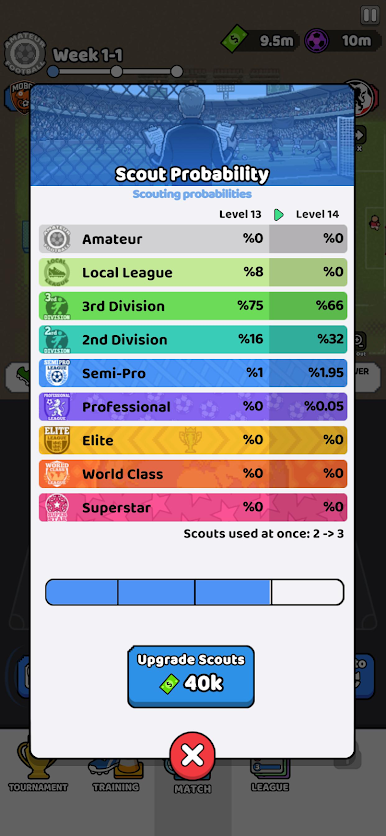
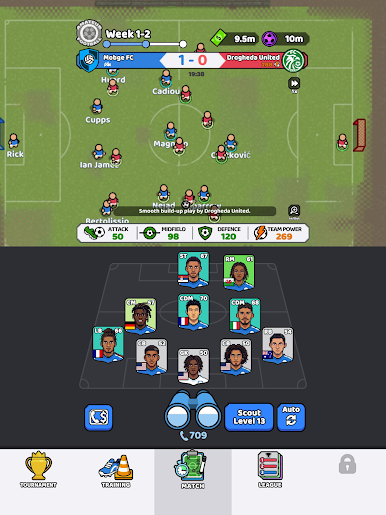
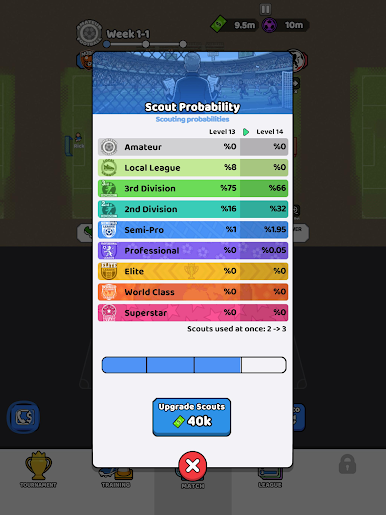
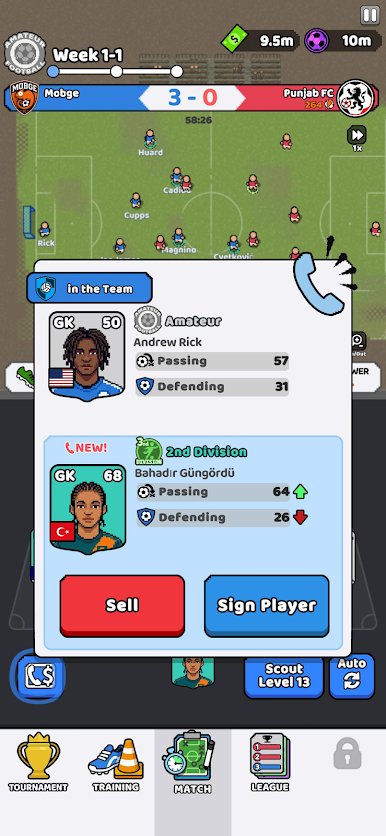
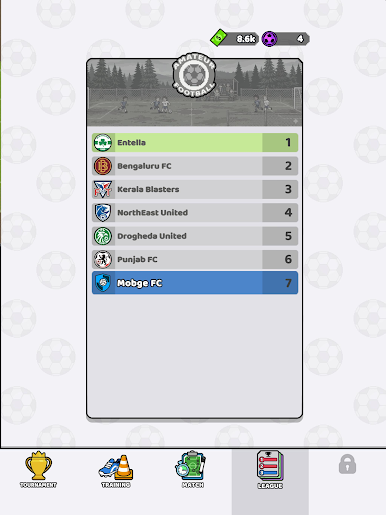
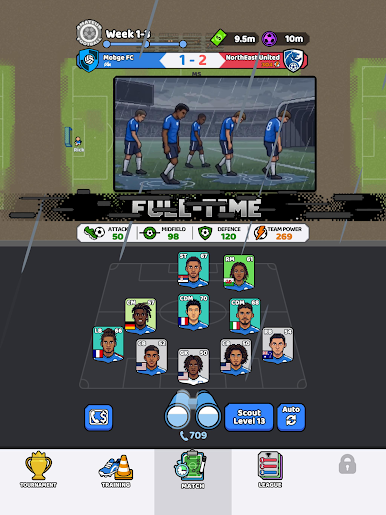
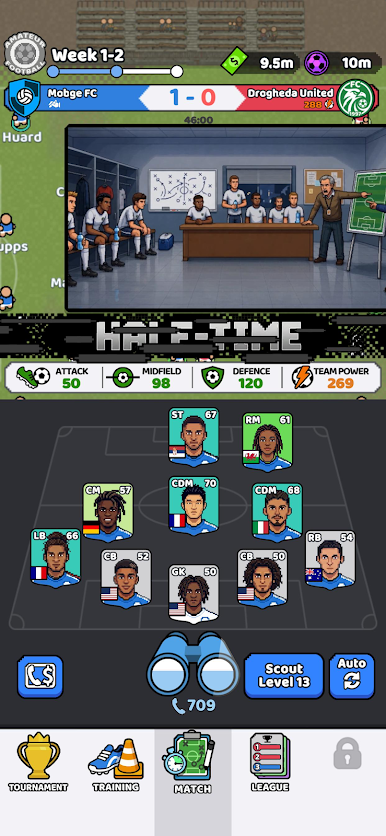
Discover new players, build your squad, improve your team power, and watch your club battle through exciting football matches. Scout fresh talent, upgrade your lineup, strengthen your tactics, and push your team toward bigger wins.
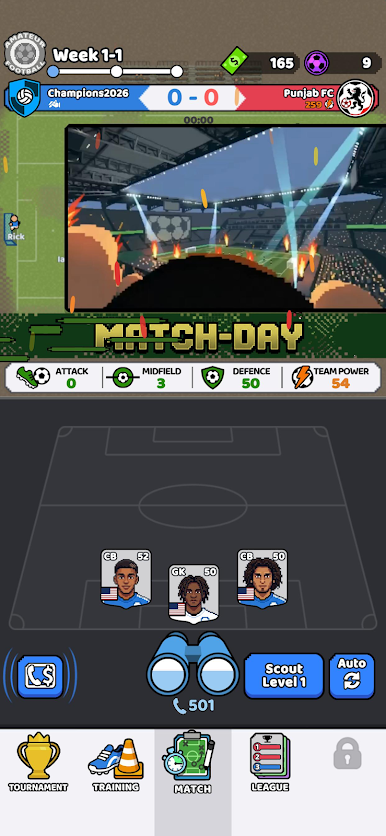
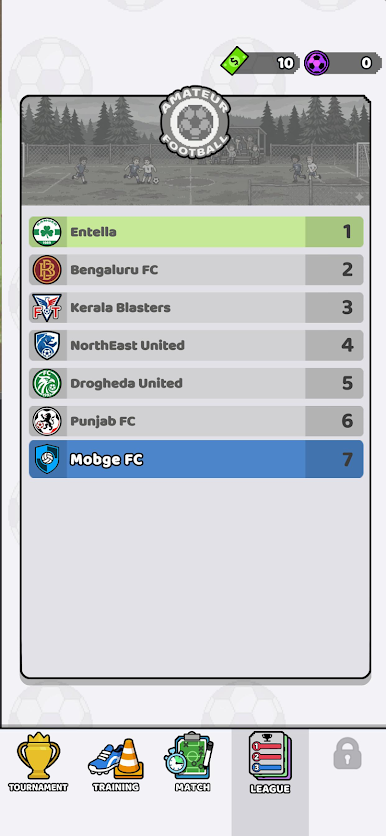
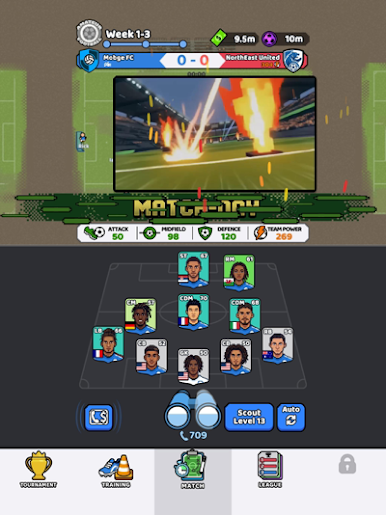
Every match is quick, readable, and full of football action. Your squad keeps growing as you unlock stronger players, improve positions, and create the best team possible.
Can you turn a small football club into a legendary squad?
Features
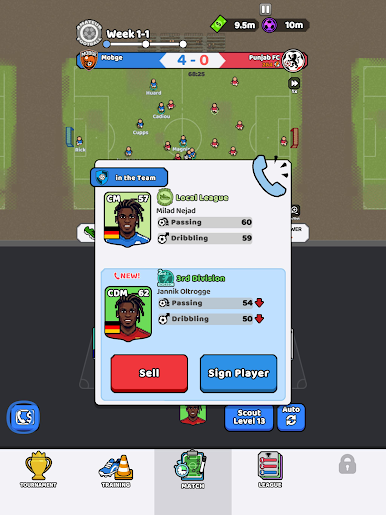
Scout and collect football players
Build and upgrade your dream squad
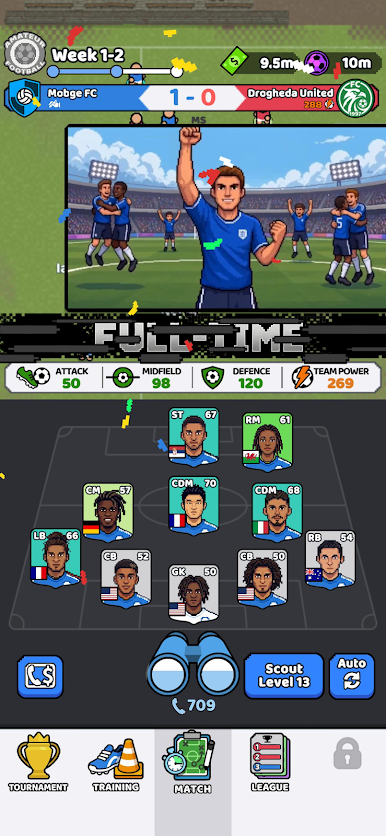
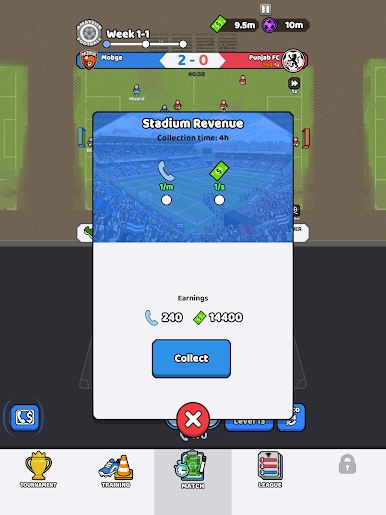
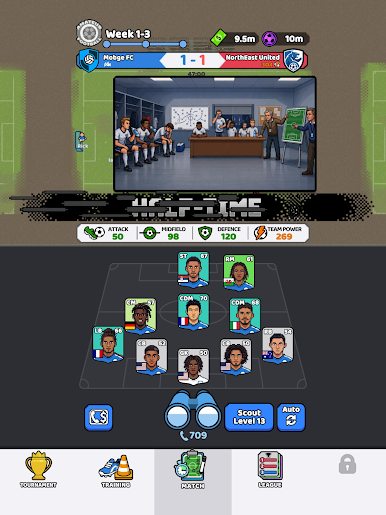
Watch fast idle football matches
Improve your team power and tactics
Unlock stronger players as you progress
Lead your club through match after match
Simple, casual, and satisfying football gameplay
Scout smart. Build strong. Win big.
Terms of Use (EULA): https://mobge.net/legal/terms
Privacy Policy: https://mobge.net/legal/privacy
Play Pocket Scout FC on PC. It’s easy to get started.
-
Download and install BlueStacks on your PC
-
Complete Google sign-in to access the Play Store, or do it later
-
Look for Pocket Scout FC in the search bar at the top right corner
-
Click to install Pocket Scout FC from the search results
-
Complete Google sign-in (if you skipped step 2) to install Pocket Scout FC
-
Click the Pocket Scout FC icon on the home screen to start playing

