


Timeline Up
Play on PC with BlueStacks – the Android Gaming Platform, trusted by 500M+ gamers.

Page Modified on: Sep 3, 2026
Main Timeline Up on PC
How to Play
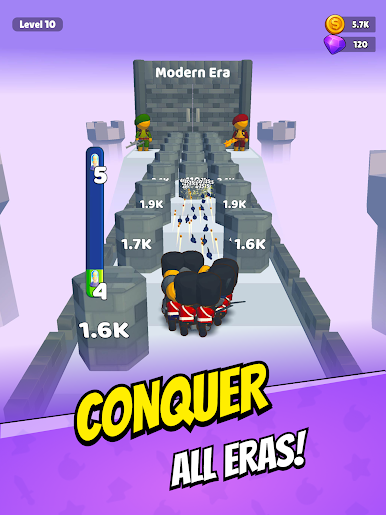
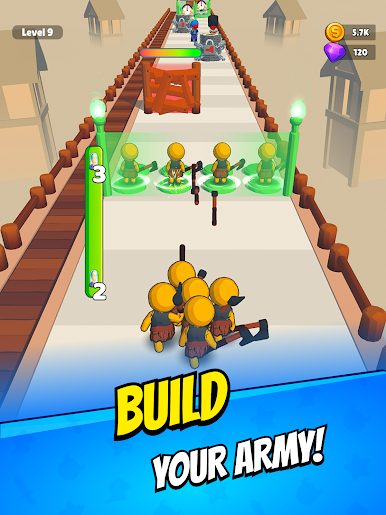
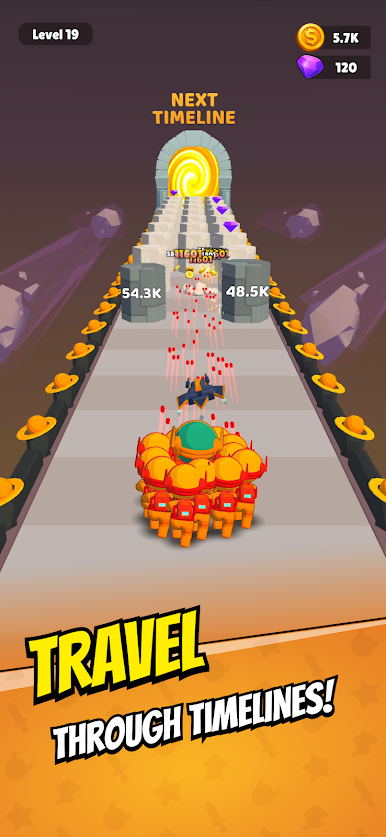
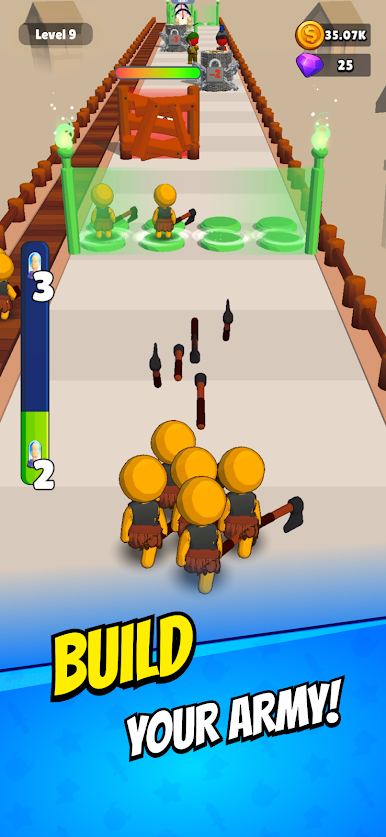
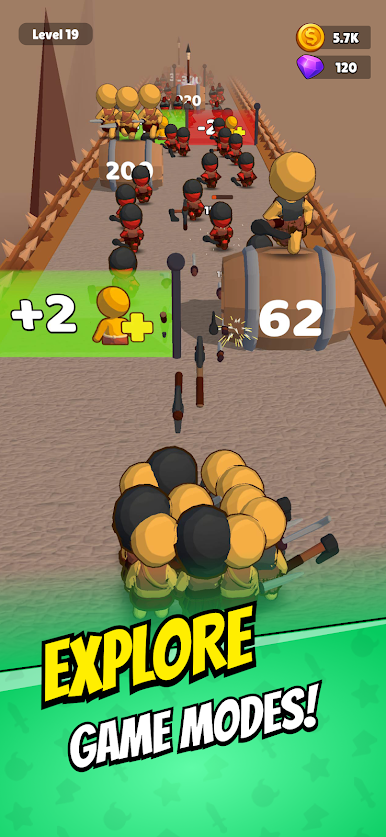
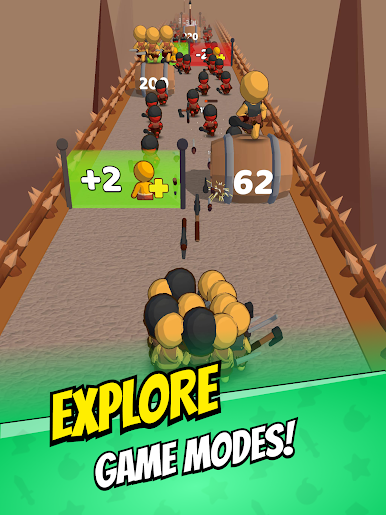
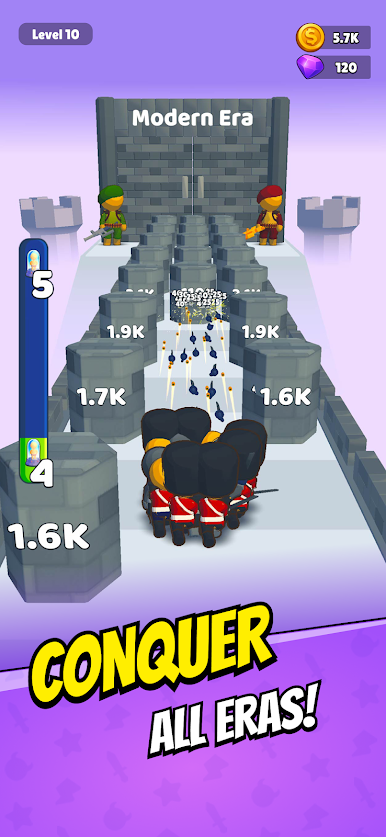
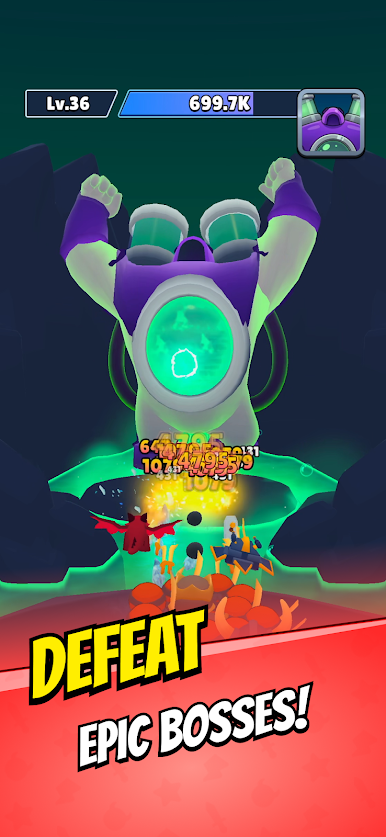
Navigate dynamic courses by swerving left and right, shooting through gates and bricks. Recruit powerful members to your crowd, enhancing your strength with each addition. Utilize upgrades to boost your team's capabilities and unlock new eras filled with unique challenges.
Key Features
- Dynamic Gun Runner Gameplay: Experience fast-paced action as you lead your crowd through challenging courses.
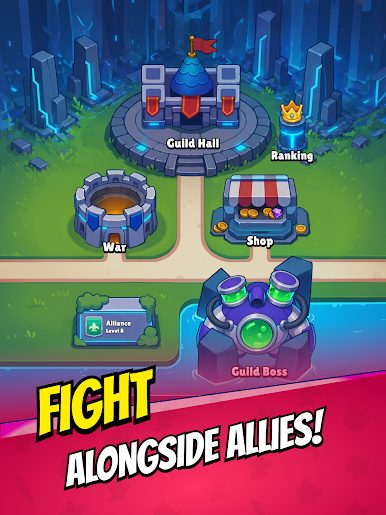
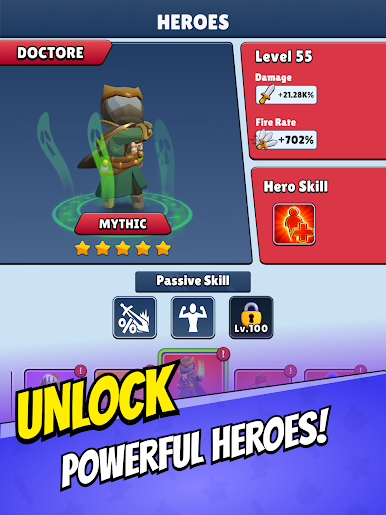
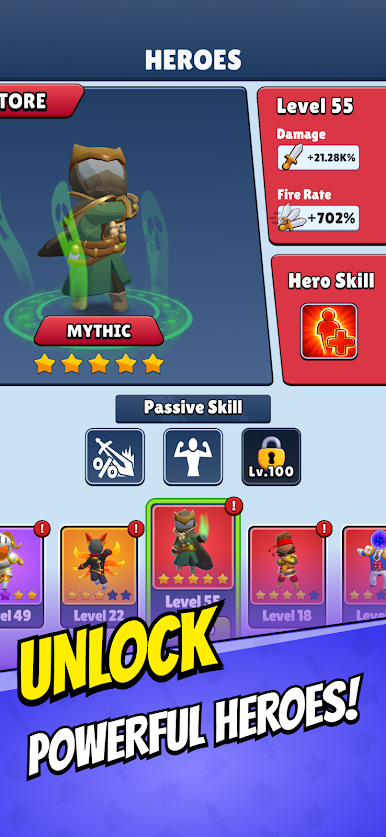
- Crowd Evolution Mechanics: Recruit and upgrade members to build an unstoppable team.
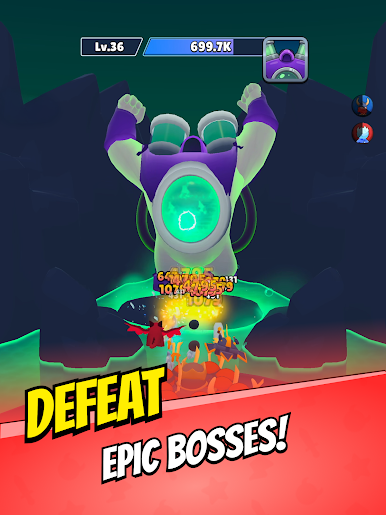
- Obstacle Course Challenges: Test your reflexes and strategy against a variety of obstacles.
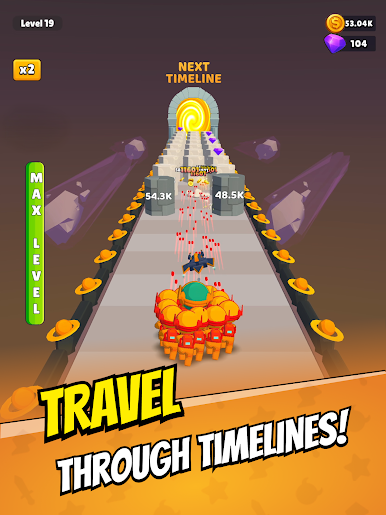
- Era Unlocking System: Progress through different historical periods, each with unique visuals and challenges.
- Upgrade and Merge System: Enhance your team's abilities through strategic upgrades and merging.
Why Play Timeline Up?
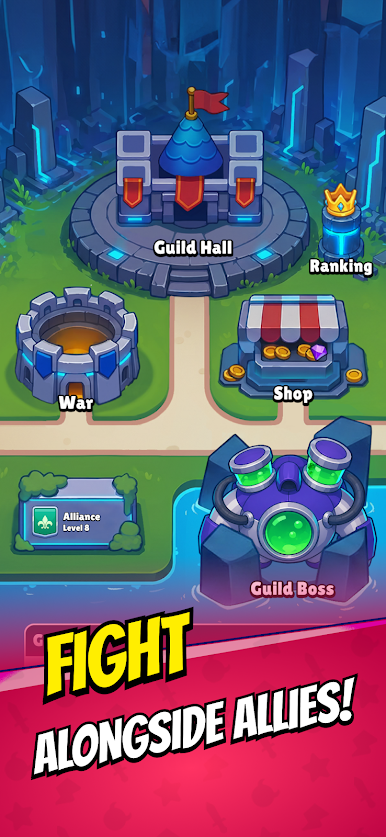
If you're a fan of games that combine action, strategy, and progression, Timeline Up offers an engaging experience. Lead your crowd, overcome obstacles, and evolve through time in this thrilling runner shooter!
Download Timeline Up now and embark on your epic journey!

Play Timeline Up on PC. It’s easy to get started.
-
Download and install BlueStacks on your PC
-
Complete Google sign-in to access the Play Store, or do it later
-
Look for Timeline Up in the search bar at the top right corner
-
Click to install Timeline Up from the search results
-
Complete Google sign-in (if you skipped step 2) to install Timeline Up
-
Click the Timeline Up icon on the home screen to start playing

