


Musi - Simple Music Streaming
Play on PC with BlueStacks – the Android Gaming Platform, trusted by 500M+ gamers.

Page Modified on: Feb 26, 2023
Overview
"Best music experience I have used on the App Store to date!" - Lupini66444
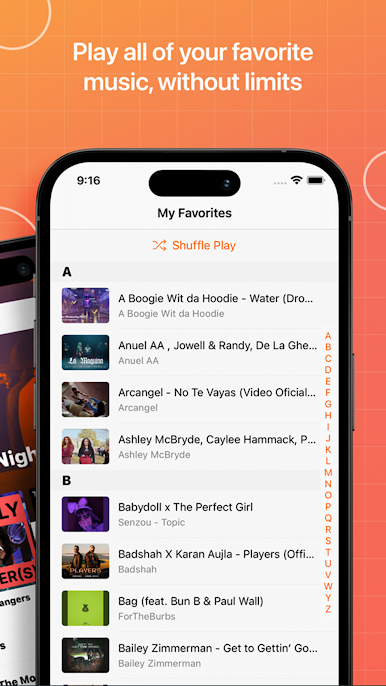
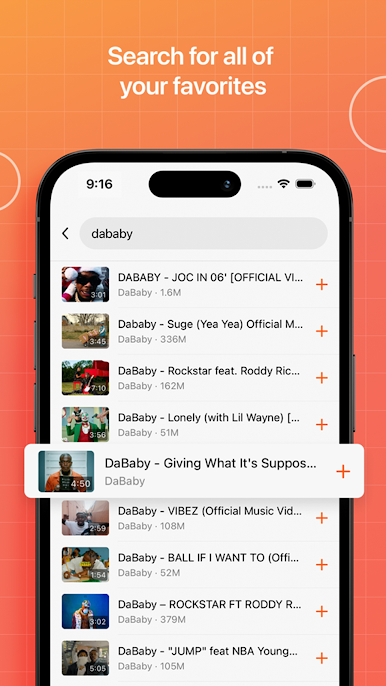
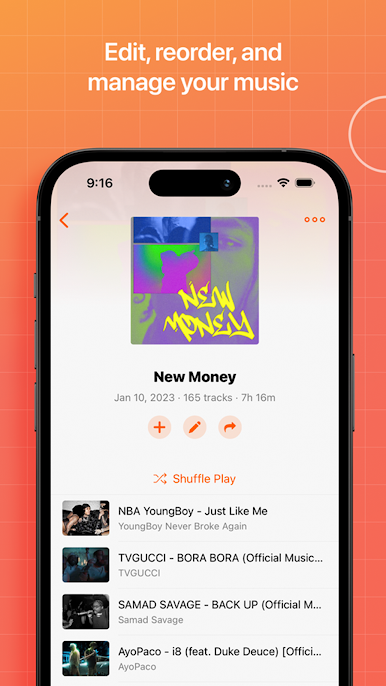
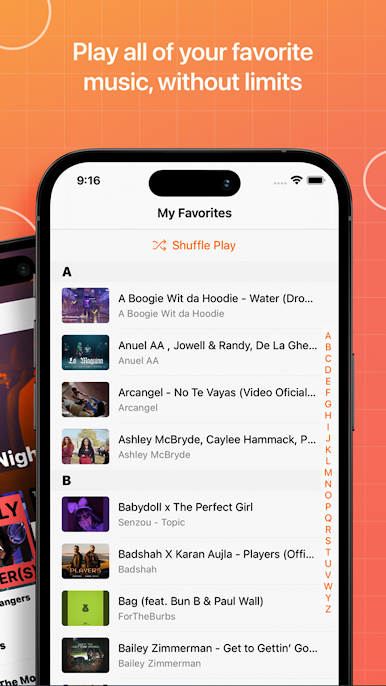
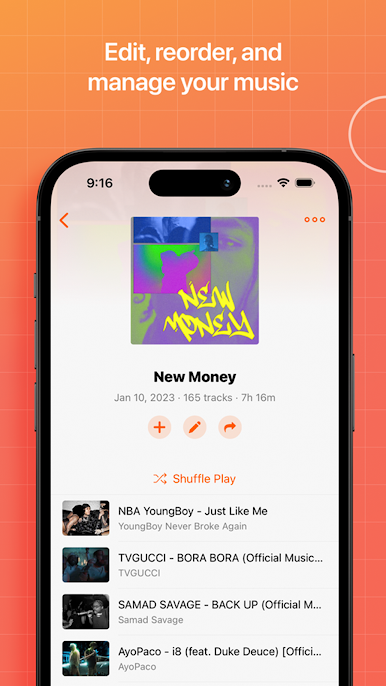
Musi lets you bookmark and organize your favourite music videos, build playlists, share with friends, and more. Musi can also stream onto any AirPlay enabled device. Best of all? IT'S FREE!
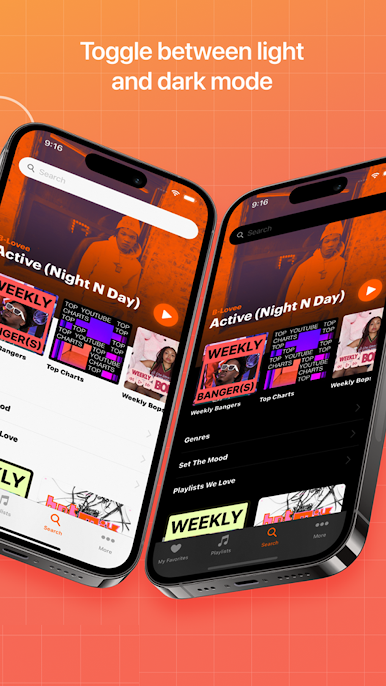
Here's a brief overview of Musi's features:
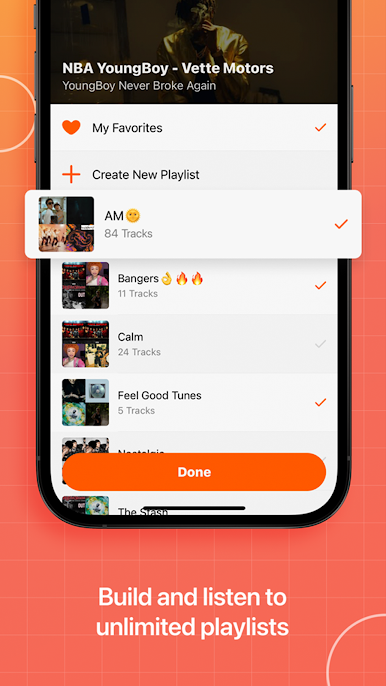
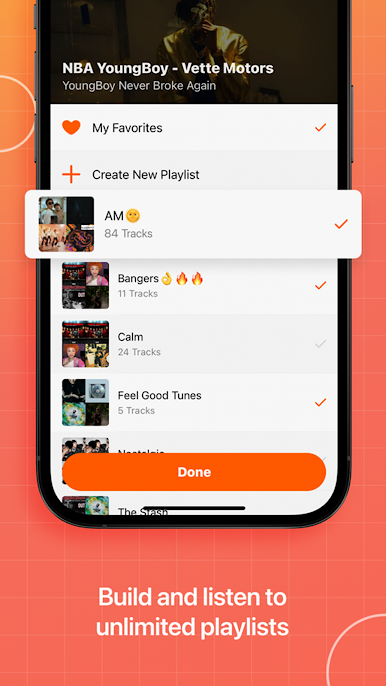
- Create infinite playlists and build the perfect library
- Share playlists with your friends
- Fine tune audio with a built in equalizer
- Stream content to any AirPlay enabled device
- Control Musi through your car, stereo, and more
Download the app now and become part of the Musi squad!


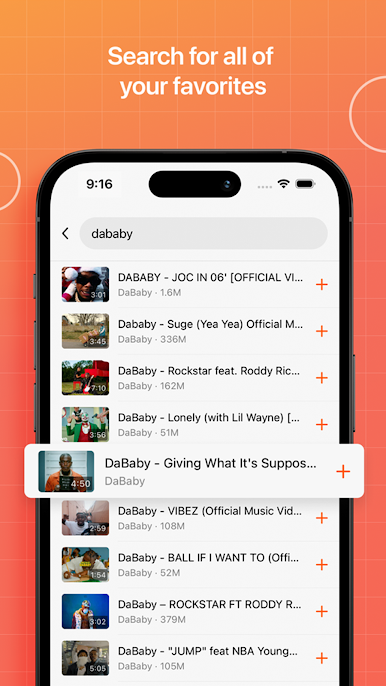
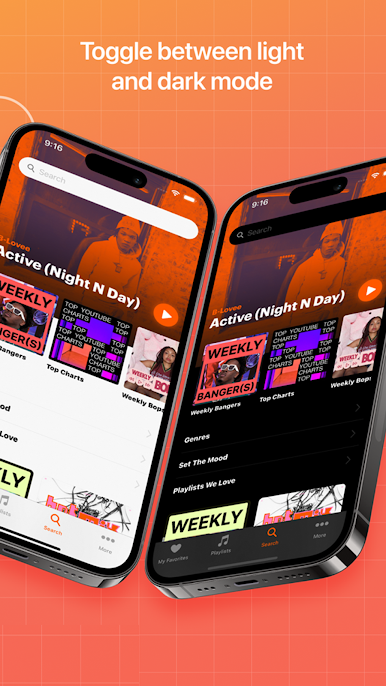
Play Musi - Simple Music Streaming on PC. It’s easy to get started.
-
Download and install BlueStacks on your PC
-
Complete Google sign-in to access the Play Store, or do it later
-
Look for Musi - Simple Music Streaming in the search bar at the top right corner
-
Click to install Musi - Simple Music Streaming from the search results
-
Complete Google sign-in (if you skipped step 2) to install Musi - Simple Music Streaming
-
Click the Musi - Simple Music Streaming icon on the home screen to start playing

