

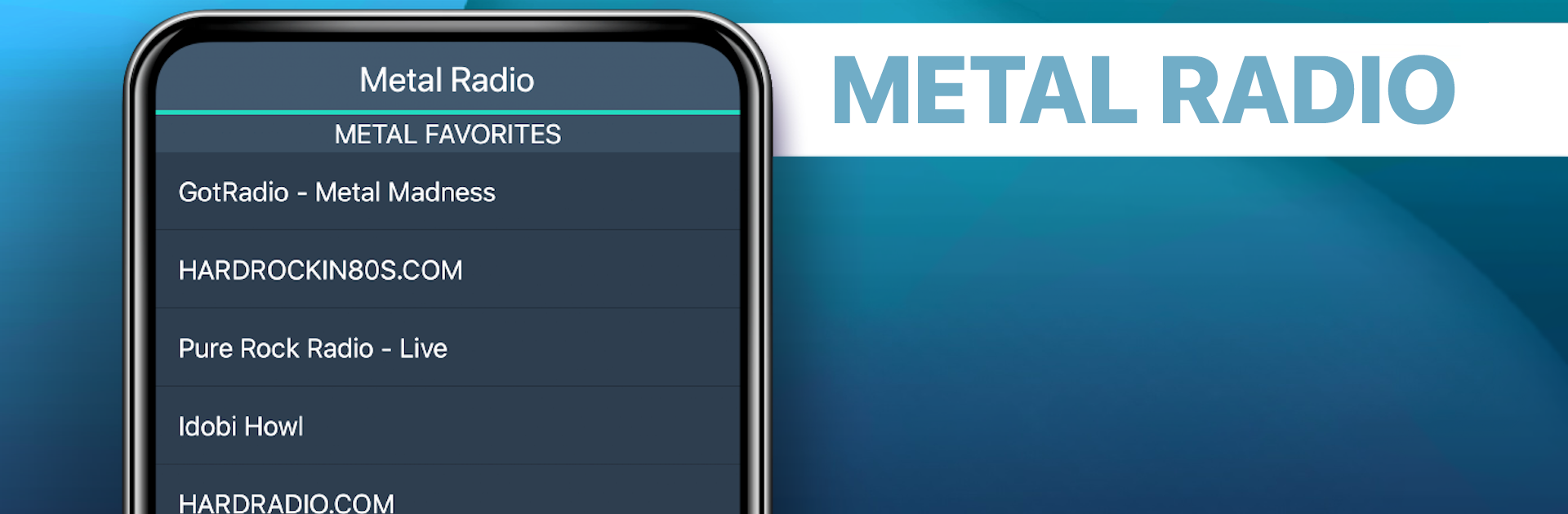
Metal Radio Favorites
Play on PC with BlueStacks – the Android Gaming Platform, trusted by 500M+ gamers.

Page Modified on: Aug 26, 2025
Run Metal Radio Favorites on PC or Mac
Multitask effortlessly on your PC or Mac as you try out Metal Radio Favorites, a Music & Audio app by MyIndieApp.com on BlueStacks.
About the App
Metal Radio Favorites brings the heavier side of music to your phone with zero fuss. Fire it up and jump straight into a powerful lineup of streaming stations covering metal, hard rock, prog, post-rock, and more. It’s built by MyIndieApp.com and keeps things simple so you can focus on the riffs, not menus.
App Features
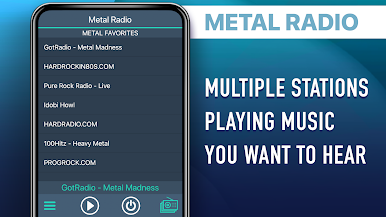
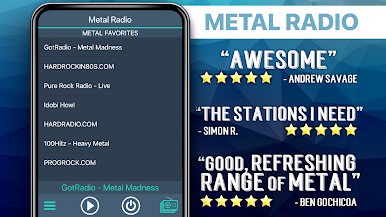
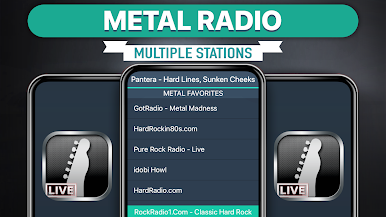
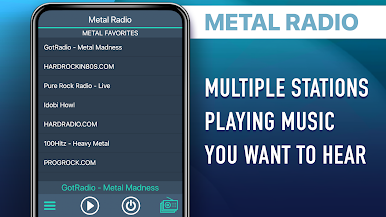
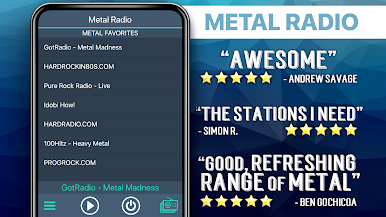
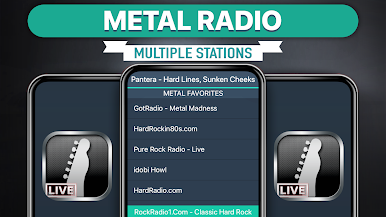
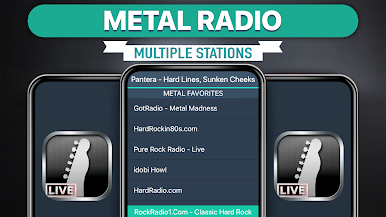
- Big station variety — Explore a wide mix of channels, from ChroniX Aggression and Rising Metal to StarFM – From Hell, PURE ROCK RADIO (LIVE), 100hitz – Heavy Metal, and Morow (Prog Rock). There’s always something loud on.
- Background play — Keep listening while you browse, chat, or lock your screen. If your device stops audio when it sleeps, check your power-saving or Wi‑Fi sleep settings.
- Quick, clean controls — Open the app, tap a station, and you’re in. No clutter, no confusing setup.
- Curated metal mixes — The “Metal Mix” section blends classic hard rock and heavy metal with prog and hardcore picks like Munich’s Hardest Hits, Classic Hard Rock Heavy Metal Radio, Punk Hardcore – 181.FM, and Pop Punk – ROCKRADIO.COM.
- Real radio feel — Many channels are run by actual DJs. If a station goes quiet or changes mood, just hop to another—you’ve got options.
- Smooth streaming tips — Hear skipping? It’s usually a station reset or a slow connection. Switching stations or using a stronger network usually clears it up.
- Global tastes, heavy roots — From rockXradio (Canada) to ChroniX Metal Masters and Power Prog Radio, the lineup spans scenes and subgenres without losing the edge.
- Listen on desktop, too — Prefer big speakers? You can run Metal Radio Favorites on BlueStacks to stream through your PC or Mac.
- Built for fans of loud music — A straightforward Music & Audio app by MyIndieApp.com that keeps you close to the guitars, drums, and growls you came for.
BlueStacks gives you the much-needed freedom to experience your favorite apps on a bigger screen. Get it now.



Play Metal Radio Favorites on PC. It’s easy to get started.
-
Download and install BlueStacks on your PC
-
Complete Google sign-in to access the Play Store, or do it later
-
Look for Metal Radio Favorites in the search bar at the top right corner
-
Click to install Metal Radio Favorites from the search results
-
Complete Google sign-in (if you skipped step 2) to install Metal Radio Favorites
-
Click the Metal Radio Favorites icon on the home screen to start playing

