


My Voice Zoo Game
Play on PC with BlueStacks – the Android Gaming Platform, trusted by 500M+ gamers.

Page Modified on: Mar 11, 2026
Overview
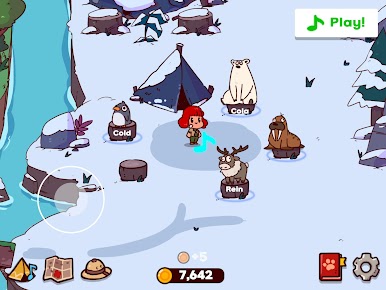
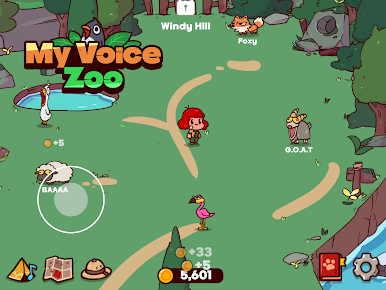
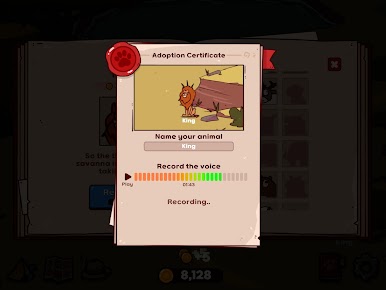
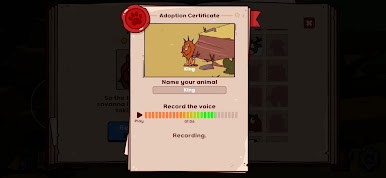
In MyVoiceZoo / My Voice Zoo, you record animal sounds with your microphone and turn them into the voices of your animals. Roar like a lion, quack like a duck, baa like a sheep, or chirp like a penguin to create a zoo powered entirely by your voice.
Every zoo in My Voice Zoo is different because every player records their own sounds. Your animals will repeat the voices you create, turning your zoo into a living, breathing world of funny and unique animal cries.
As your animals cry out, your MyVoiceZoo generates income automatically. Use this income to adopt new animals and grow your My Voice Zoo into a bigger and livelier zoo over time.
This relaxing idle zoo experience lets you enjoy MyVoiceZoo without stress, competition, or complicated gameplay. Just record voices, collect animals, and watch your My Voice Zoo grow.
🎙️ Key Features of MyVoiceZoo / My Voice Zoo
🎤 Record Your Own Animal Sounds
In MyVoiceZoo, every animal voice comes from you. Record funny sounds and turn them into the cries of your animals in My Voice Zoo.
🦁 Build Your Own My Voice Zoo
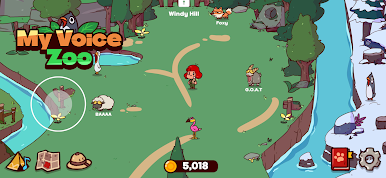
Create a zoo that exists nowhere else. Every My Voice Zoo is unique because every voice is recorded by the player.
💰 Idle Zoo Income System
Your animals generate income whenever they cry. Expand your MyVoiceZoo and adopt even more animals.
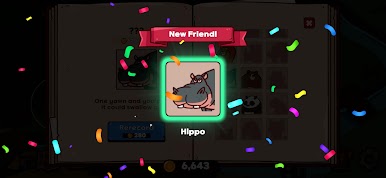
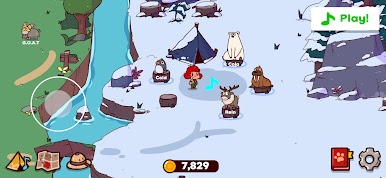
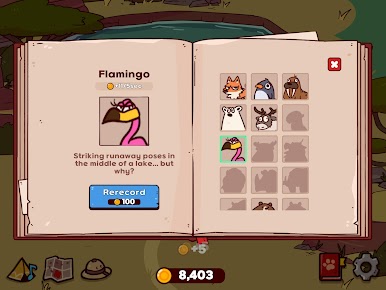
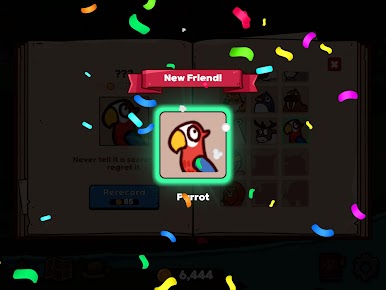
🐧 Collect Cute Animals
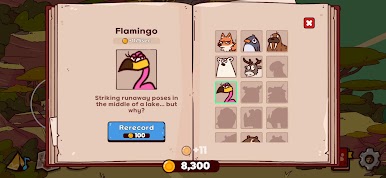
Unlock adorable animals and grow your collection in My Voice Zoo.
🌿 Relaxing Idle Gameplay
Enjoy a cozy experience in MyVoiceZoo with no competition or pressure.
🌟 Only Your Voice Can Complete My Voice Zoo
Your recorded voices are what make MyVoiceZoo special.
Build a zoo powered by your own sounds and create the most unique My Voice Zoo ever.
Start your adventure today in MyVoiceZoo – My Voice Zoo!
Play My Voice Zoo Game on PC. It’s easy to get started.
-
Download and install BlueStacks on your PC
-
Complete Google sign-in to access the Play Store, or do it later
-
Look for My Voice Zoo Game in the search bar at the top right corner
-
Click to install My Voice Zoo Game from the search results
-
Complete Google sign-in (if you skipped step 2) to install My Voice Zoo Game
-
Click the My Voice Zoo Game icon on the home screen to start playing

