


Neon Runner
Play on PC with BlueStacks – the Android Gaming Platform, trusted by 500M+ gamers.

Page Modified on: Apr 2, 2026
Play Neon Runner on PC
Master the Infinite Sprint
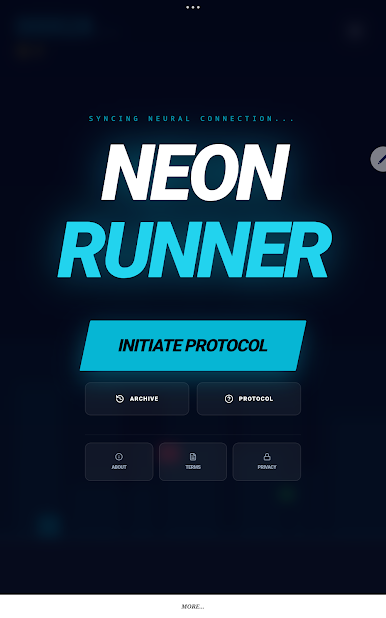
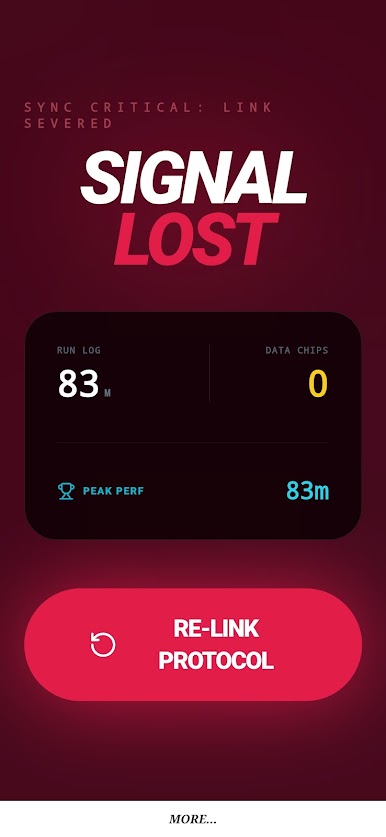
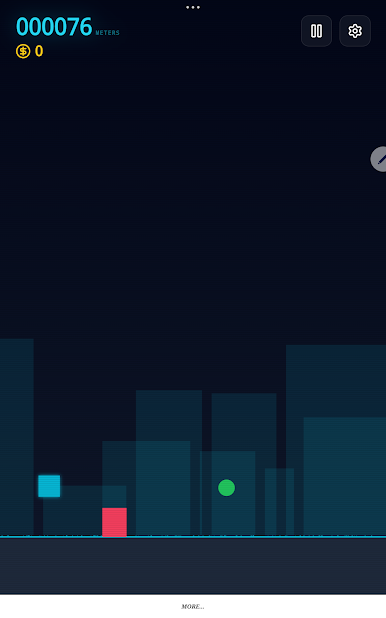
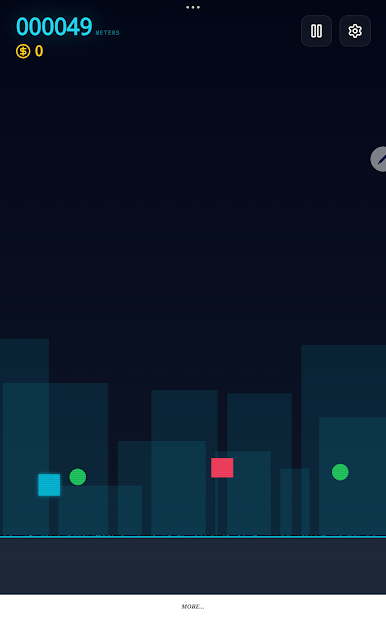
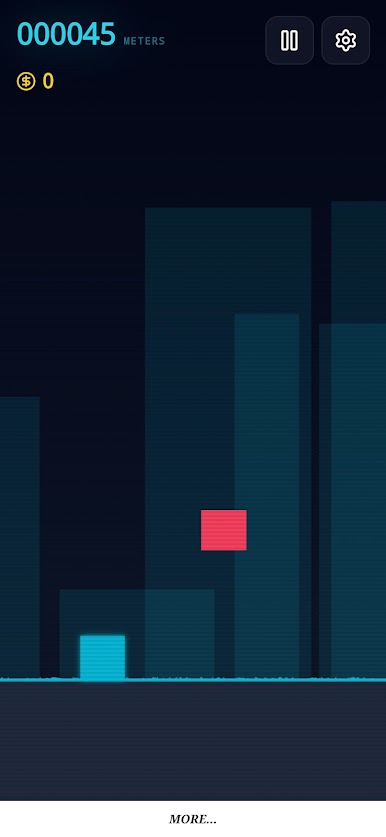
As a runner in a high-octane synthwave universe, your objective is simple: survive the pulse. With intuitive, hyper-responsive touch controls, you must time your jumps and double-jumps to evade treacherous obstacles and lethal traps. As your distance increases, the velocity scales, demanding total focus and split-second decision-making.
Immersive Retro-Futuristic Visuals
Neon Runner blends sleek, modern engineering with a stunning aesthetic inspired by the classic 80s aesthetic. Experience fluid, high-frame-rate gameplay across multiple dynamic themes—from the towering skyscrapers of "Neon Nights" to the toxic haze of "Toxic City" and the mysterious void of "Deep Space."
Power-Up Your Performance
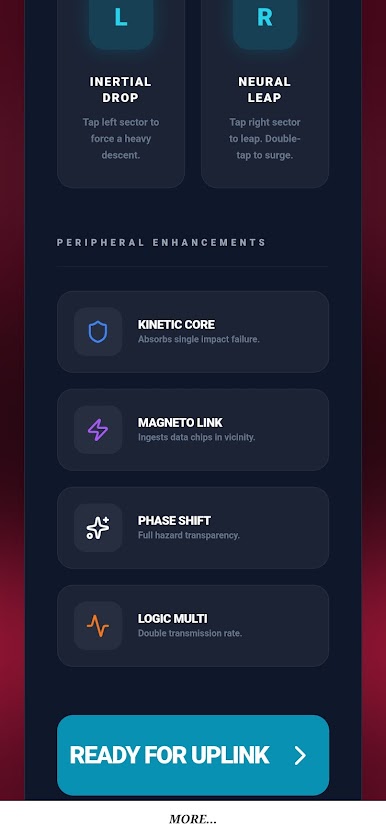
Gain a competitive edge with a variety of strategic neural enhancements found along the track:
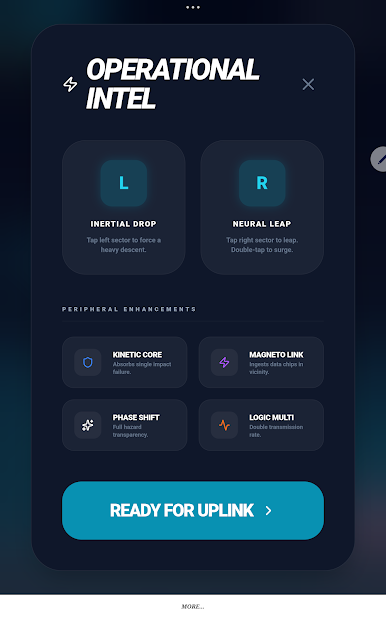
Kinetic Shields: Deploy a protective barrier to absorb sudden impacts.
Magneto Links: Automatically harvest valuable Data Chips from a distance.
Phase Shift: Gain temporary invincibility to dash through any hazard.
Logic Multipliers: Rapidly accelerate your score progression to dominate the rankings.
Complete Objectives & Archive Progress
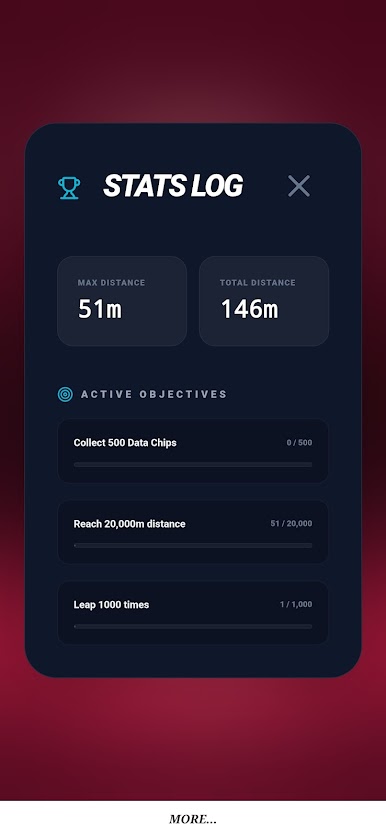
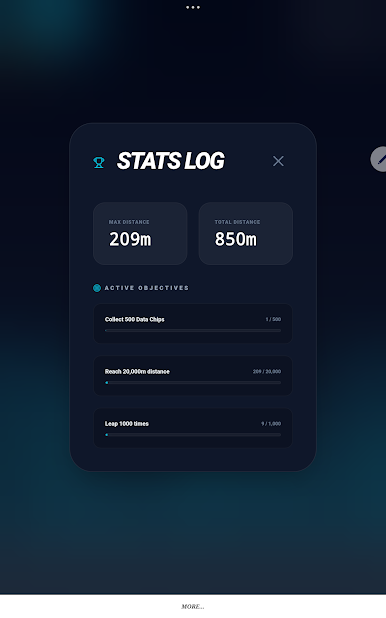
Take on challenging missions to prove your mastery of the grid. Track your growth through a detailed Archive system that logs your total distance, chip collection, and peak performance stats. Every run is a chance to beat your personal best and synchronize your name with the legends of the leaderboard.
Tailored for Mobile & Tablet
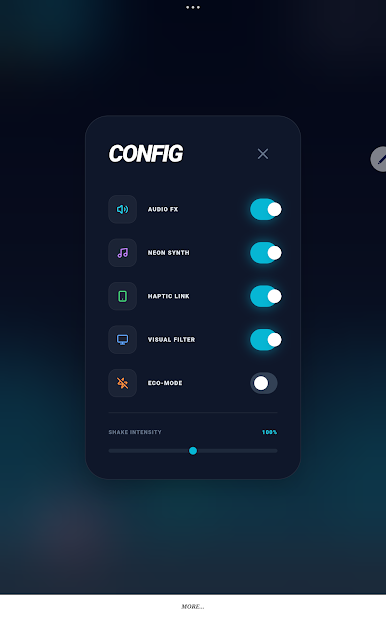
Engineered from the ground up for a premium touch experience, Neon Runner features an optimized UI that looks stunning on every screen size. From the subtle scanline filters to the screen-shaking impact effects, every detail is polished for maximum immersion.
Are you ready to synchronize with the grid? Download Neon Runner now and begin your journey into the infinite neon void!
Play Neon Runner on PC. It’s easy to get started.
-
Download and install BlueStacks on your PC
-
Complete Google sign-in to access the Play Store, or do it later
-
Look for Neon Runner in the search bar at the top right corner
-
Click to install Neon Runner from the search results
-
Complete Google sign-in (if you skipped step 2) to install Neon Runner
-
Click the Neon Runner icon on the home screen to start playing

