


Supreme Duelist
Play on PC with BlueStacks – the Android Gaming Platform, trusted by 500M+ gamers.

Page Modified on: Mar 23, 2026
Main Supreme Duelist on PC
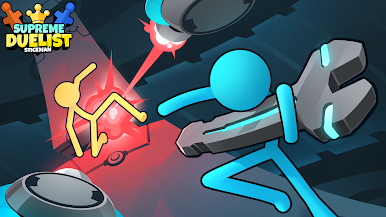
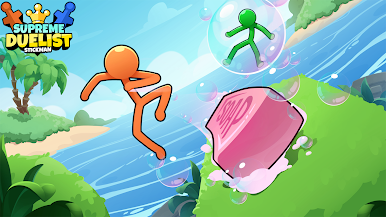
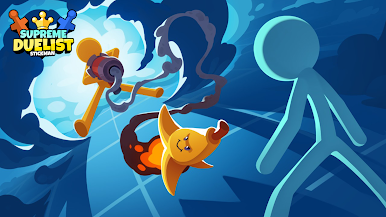
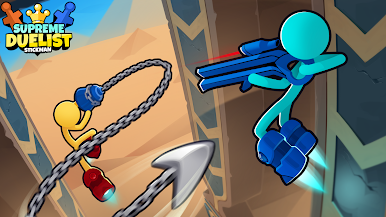
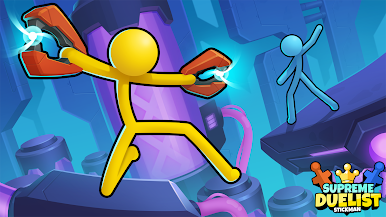
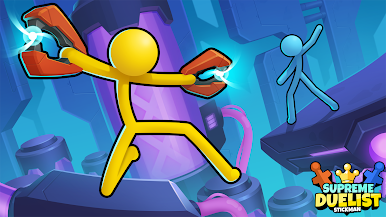
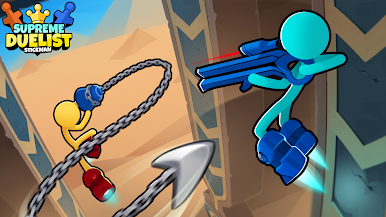
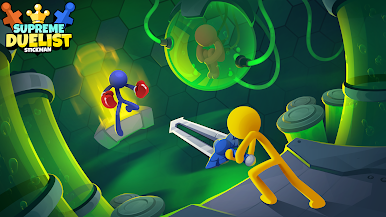
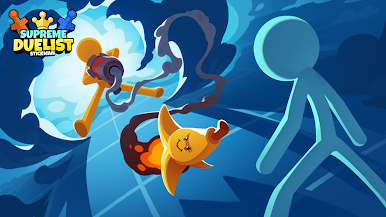
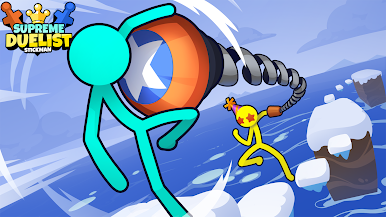
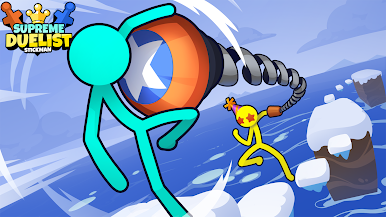
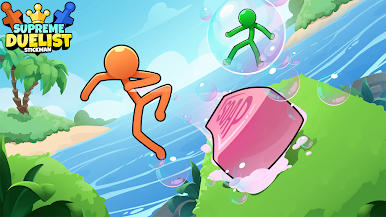
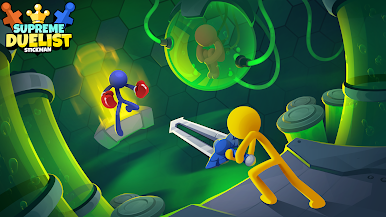
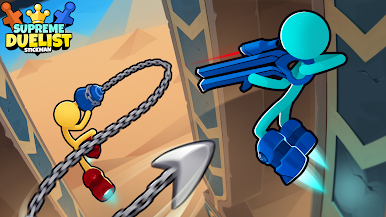
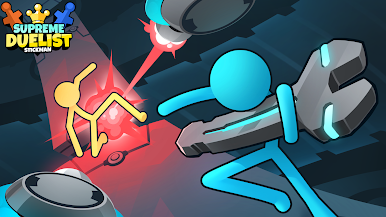
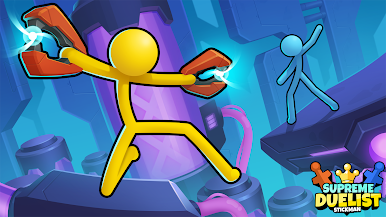
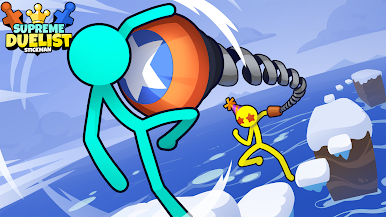
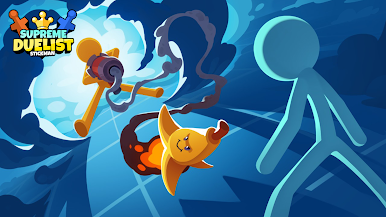
Get ready for a fast-paced, hilarious, and easy-to-play stickman fighting game! It's the perfect blend of fun and challenge, packed with unique features:
New Modes: Enjoy a football mini-game and a challenging Boss Fight Tournament, all starring dynamic stickman and stick figure warriors.
Creative Play: Explore various maps with a new editor, unlock cool skins, and create your ultimate stickman or stick figure warrior.
Versatile Gameplay: Engage in solo stickman battles, team up in 2-player mode, or survive against all odds in multiple game modes.
Engaging Physics: Experience realistic 2D physics as your stickman and stick figure characters move and fight in this addictive, casual game.
Free to play, "Supreme Duelist" is your go-to for a quick, entertaining gaming session with stickman and stick figure action!
Join the fun and let us know what you think!




Play Supreme Duelist on PC. It’s easy to get started.
-
Download and install BlueStacks on your PC
-
Complete Google sign-in to access the Play Store, or do it later
-
Look for Supreme Duelist in the search bar at the top right corner
-
Click to install Supreme Duelist from the search results
-
Complete Google sign-in (if you skipped step 2) to install Supreme Duelist
-
Click the Supreme Duelist icon on the home screen to start playing

