


I Am Cat
Play on PC with BlueStacks – the Android Gaming Platform, trusted by 500M+ gamers.

Page Modified on: Mar 17, 2026
Main I Am Cat on PC
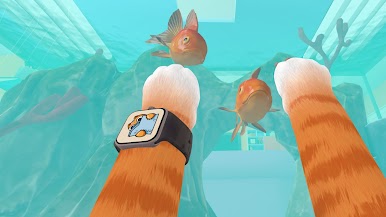
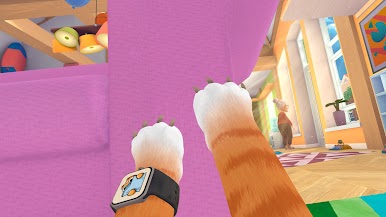
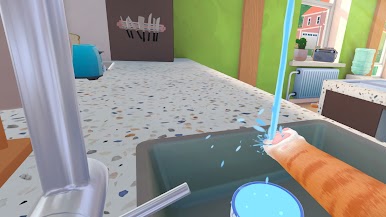
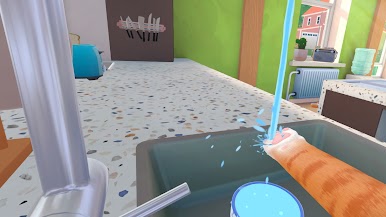
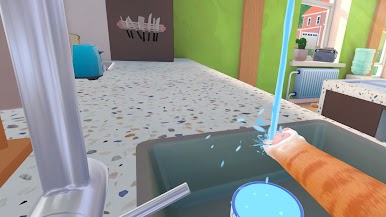
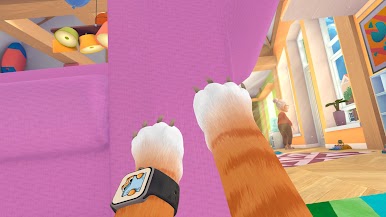
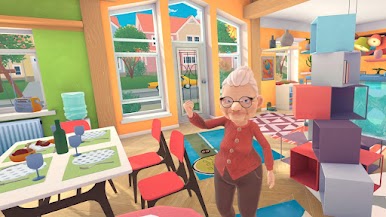
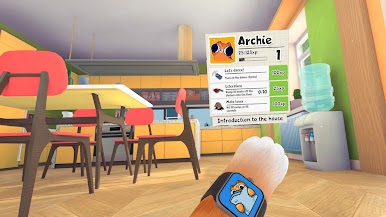
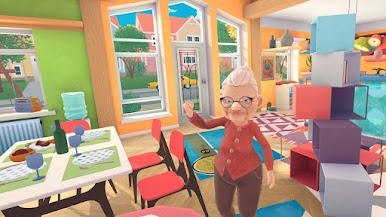
Become the ultimate feline troublemaker in this hilarious cat simulator, where your mission is to cause chaos in a world built for humans! Knock over vases, scratch furniture, steal food, and sneak into forbidden places—all in the name of being the most mischievous kitty! 🐱
💥 Create Chaos & Have Fun!
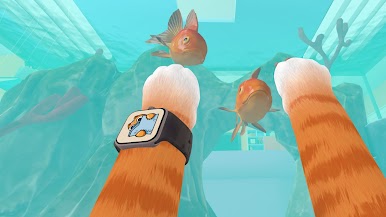
✔ Explore a detailed sandbox world filled with interactive objects.
✔ Unleash havoc—scratch, jump, knock, and be as naughty as you want!
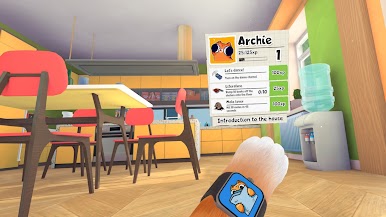
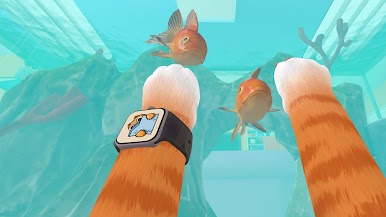
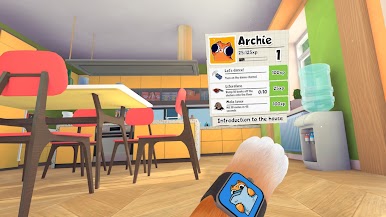
✔ Play mini-games and complete fun feline challenges.
✔ Customize your cat with different skins and accessories.
✔ Outsmart humans—how much mischief can you get away with?
Whether you love funny cat games, sandbox simulators, or pet adventures, I Am Cat lets you experience life as a playful, rule-breaking kitty!
😼 Unleash your inner cat and start your adventure now! 🐾
Play I Am Cat on PC. It’s easy to get started.
-
Download and install BlueStacks on your PC
-
Complete Google sign-in to access the Play Store, or do it later
-
Look for I Am Cat in the search bar at the top right corner
-
Click to install I Am Cat from the search results
-
Complete Google sign-in (if you skipped step 2) to install I Am Cat
-
Click the I Am Cat icon on the home screen to start playing

