


I Am Monkey
Play on PC with BlueStacks – the Android Gaming Platform, trusted by 500M+ gamers.

Page Modified on: Apr 20, 2026
Main I Am Monkey on PC
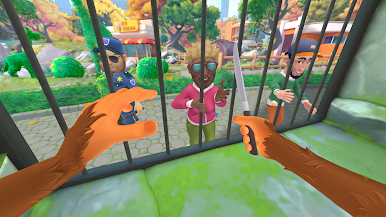
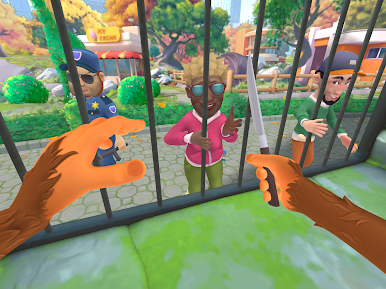
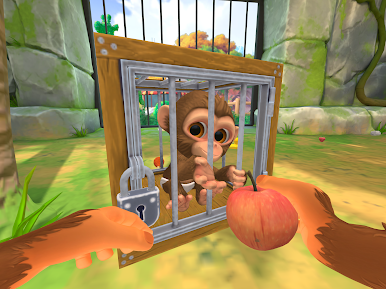
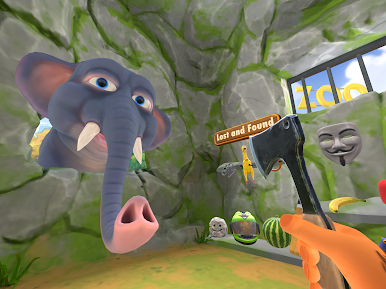
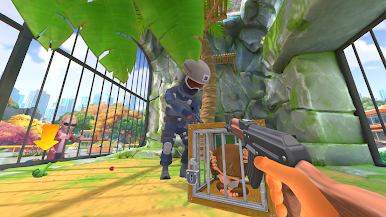
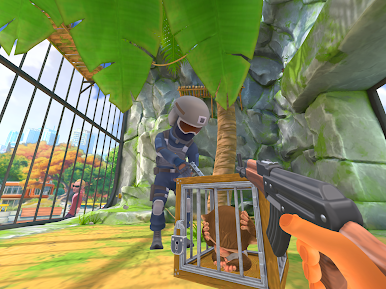
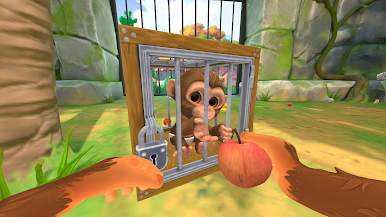
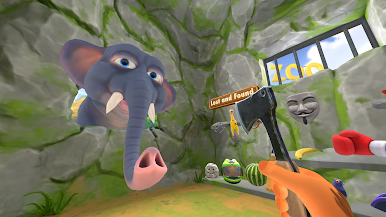
🙉 Zoo space becomes an interactive playground. Bananas, cameras, and random objects can be grabbed, eaten, or thrown. The bars, the floor, and every gift from visitors are fully interactive, making each session unique and alive.
🐒 With fully interactive objects, unpredictable visitor behavior, and a mix of humor and tension, I Am Monkey offers a sandbox experience that blends playful fun with thought-provoking encounters.
Gameplay features:
Be the Monkey – fully immersive VR perspective of a zoo animal.
Multiple play styles – charm, ignore, resist
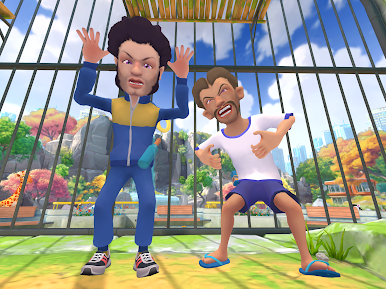
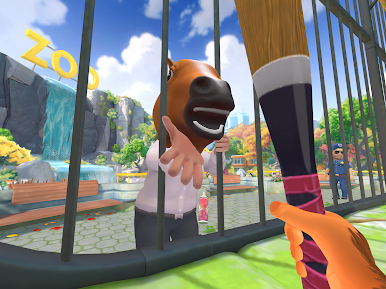
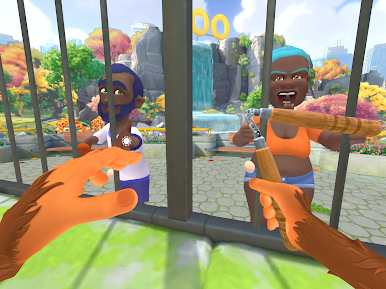
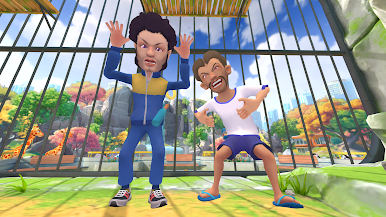
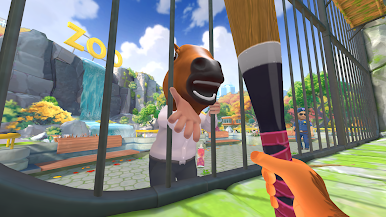
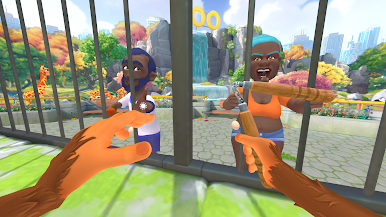
Various visitors – humans who can be cute, friendly, or aggressive.
Sandbox interactivity – throw bananas, grab visitors’ objects or the visitors, manipulate your environment.
🐒 Play as a Monkey
In I Am Monkey you live behind bars, but your world is full of choices. Visitors come and go — some gentle, some cruel — each one shaping the story of the little Monkey.
Play I Am Monkey on PC. It’s easy to get started.
-
Download and install BlueStacks on your PC
-
Complete Google sign-in to access the Play Store, or do it later
-
Look for I Am Monkey in the search bar at the top right corner
-
Click to install I Am Monkey from the search results
-
Complete Google sign-in (if you skipped step 2) to install I Am Monkey
-
Click the I Am Monkey icon on the home screen to start playing

