


Lane Escape: Traffic Rush
Play on PC with BlueStacks – the Android Gaming Platform, trusted by 500M+ gamers.

Page Modified on: Mar 24, 2026
Play Lane Escape: Traffic Rush on PC or Mac
Join millions to experience Lane Escape: Traffic Rush, an exciting Racing game from NovaTech Studios. With BlueStacks App Player, you are always a step ahead of your opponent, ready to outplay them with faster gameplay and better control with the mouse and keyboard on your PC or Mac.
About the Game
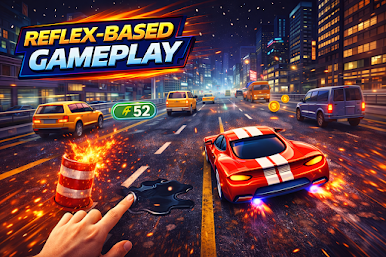
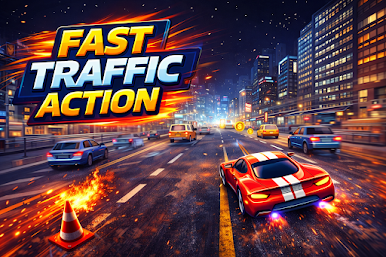
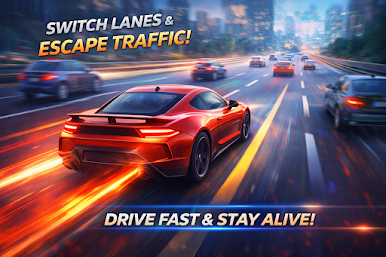
Lane Escape: Traffic Rush throws you into nonstop highway chaos and asks one thing—stay alive by switching lanes at the right split-second. It’s a sharp, reflex-first Racing game from NovaTech Studios where the pace ramps up the longer you last and every decision feels risky in the best way. Prefer a bigger screen? It plays great on BlueStacks too.
Game Features
- Lightning-Fast Lane Changes: Crisp, responsive controls let you snap between lanes without fuss—perfect for threading through tight gaps.
- Endless Survival Run: There’s no finish line here; it’s you, the road, and a growing wave of vehicles testing how long you can keep calm under pressure.
- Speed That Keeps Climbing: Survive a little, and the traffic speeds up. Hang on longer, and things get downright intense.
- Pure Score Chasing: Each run is a fresh shot at topping your personal best, sharpening your timing and focus along the way.
- Straightforward, High-Stakes Design: Easy to pick up in seconds, yet it refuses to go easy on you. One mistake, back to the start.
- Smooth on Mobile: Lightweight and tuned for steady performance, so the only hitch you’ll notice is when you hesitate.
- Made for Reflex Fans: If you’re into traffic games, car driving games, highway racing games, endless runner games, or arcade reflex games, this one hits that “just one more try” spot.
Ready to top the leaderboard? We bet you do. Let precise controls and sharp visuals optimized on BlueStacks lead you to victory.







Play Lane Escape: Traffic Rush on PC. It’s easy to get started.
-
Download and install BlueStacks on your PC
-
Complete Google sign-in to access the Play Store, or do it later
-
Look for Lane Escape: Traffic Rush in the search bar at the top right corner
-
Click to install Lane Escape: Traffic Rush from the search results
-
Complete Google sign-in (if you skipped step 2) to install Lane Escape: Traffic Rush
-
Click the Lane Escape: Traffic Rush icon on the home screen to start playing

