

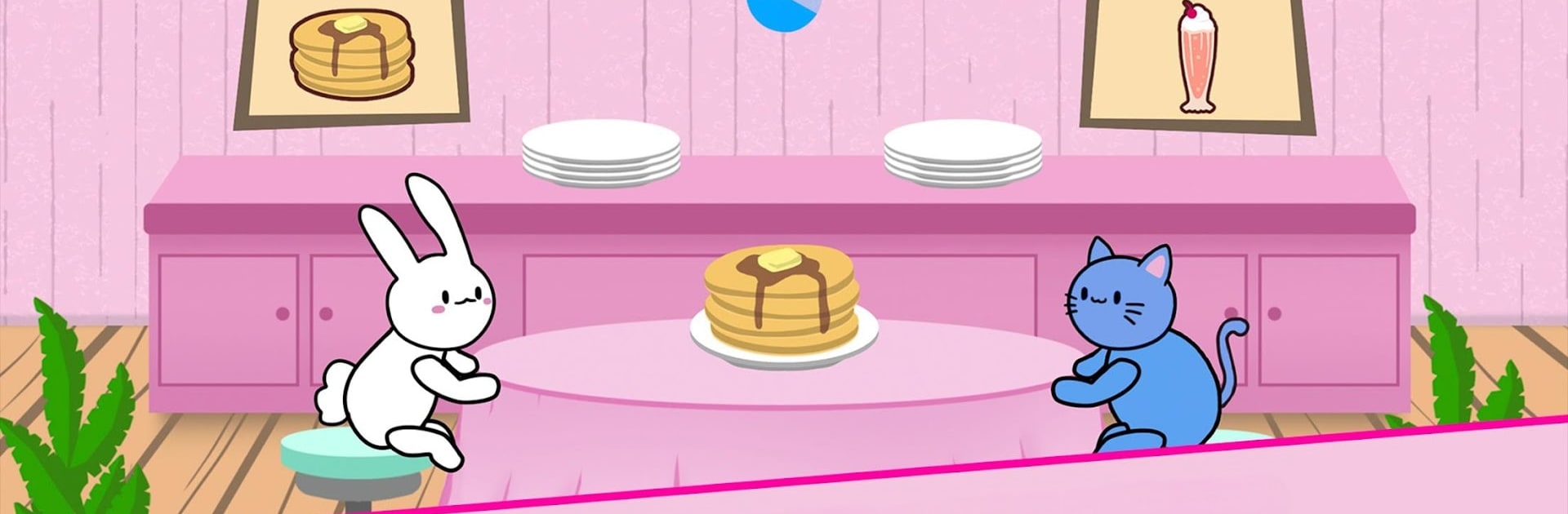
Bunny Pancake Kitty Milkshake
Play on PC with BlueStacks – the Android Gaming Platform, trusted by 500M+ gamers.

Page Modified on: Oct 20, 2025
Play Bunny Pancake Kitty Milkshake on PC or Mac
Join millions to experience Bunny Pancake Kitty Milkshake, an exciting Arcade game from Noxfall Studios. With BlueStacks App Player, you are always a step ahead of your opponent, ready to outplay them with faster gameplay and better control with the mouse and keyboard on your PC or Mac.
About the Game
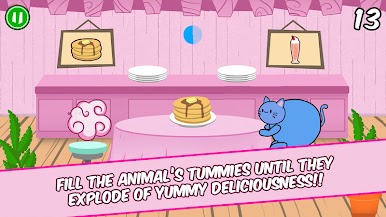
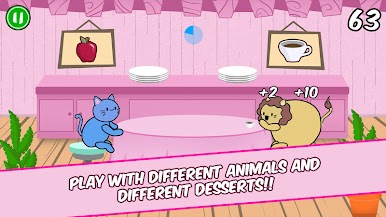
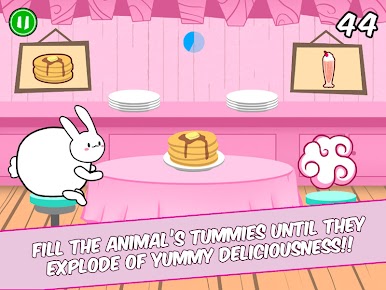
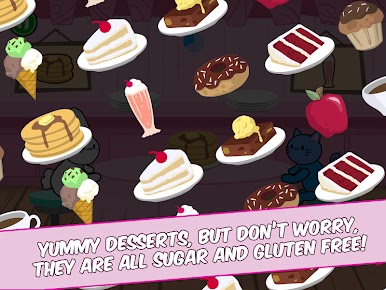
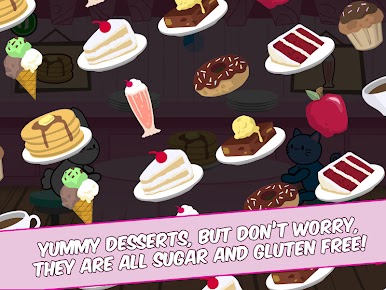
Need a cute break from your day? Bunny Pancake Kitty Milkshake from Noxfall Studios brings you heart-melting animals and all the sweet treats you can juggle in an arcade game that’s as simple as it is addicting. Ever fed pancakes to a chubby bunny or watched a kitten slurp down a milkshake? Here’s your chance to serve up adorable chaos, collect gold, and see if you can outscore everybody else!
Game Features
-
Quirky Animal Crew
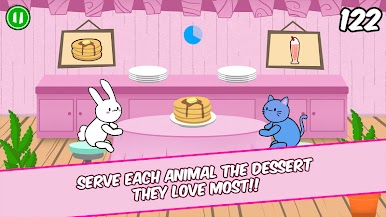
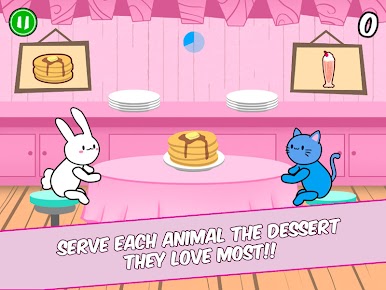
Serve up breakfast to a growing list of fluffballs—bunnies, kittens, bears, even a pudgy pig and a surprisingly soft-looking lion. Each one has their own favorite snack! -
Simple, Fast-Paced Controls
It’s all about quick moves: slide left or right to send treats to the right animal, flick food you don’t need up or down, and try not to mix them up when things get wild. -
Power-Ups with a Twist
Grab special items like glowing muffins and doughnuts to give your gameplay a boost—but don’t toss them by accident. Blink and you might miss hiding power-ups disguised as regular snacks. -
Endless Customization
Earn coins as you play to unlock silly hats, quirky glasses, hairstyles, and snazzy capes to dress your furry pals. Change up the backgrounds, too—maybe today your restaurant is snowy, tomorrow it’s a festive Christmas wonderland. -
Ever-Changing Challenges
The better you get, the faster things go—and the more competitive the global leaderboard gets. Aim for a high score and see if you can break into those elusive top five spots. -
Works Great on BlueStacks
If you want to keep your hands free for snacks (because let’s face it, we all get hungry looking at pancakes), Bunny Pancake Kitty Milkshake feels right at home on BlueStacks for desktop play.
Get ready for a buttery smooth, high-performance gaming action only on BlueStacks.
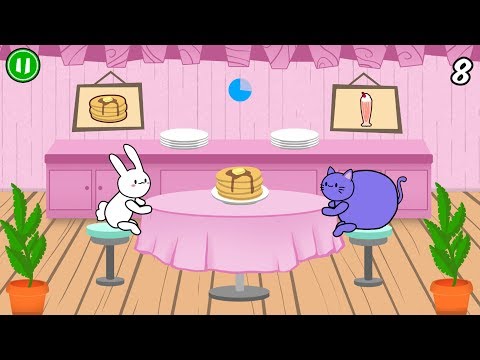
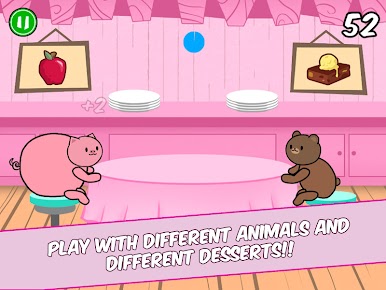

Play Bunny Pancake Kitty Milkshake on PC. It’s easy to get started.
-
Download and install BlueStacks on your PC
-
Complete Google sign-in to access the Play Store, or do it later
-
Look for Bunny Pancake Kitty Milkshake in the search bar at the top right corner
-
Click to install Bunny Pancake Kitty Milkshake from the search results
-
Complete Google sign-in (if you skipped step 2) to install Bunny Pancake Kitty Milkshake
-
Click the Bunny Pancake Kitty Milkshake icon on the home screen to start playing

