


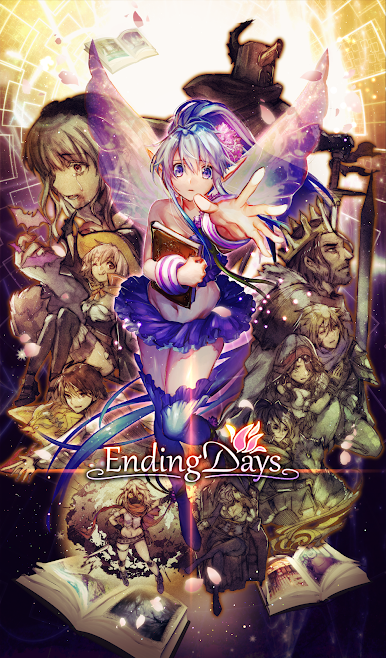
Ending Days
Play on PC with BlueStacks – the Android Gaming Platform, trusted by 500M+ gamers.

Page Modified on: Oct 13, 2025
Play Ending Days on PC or Mac
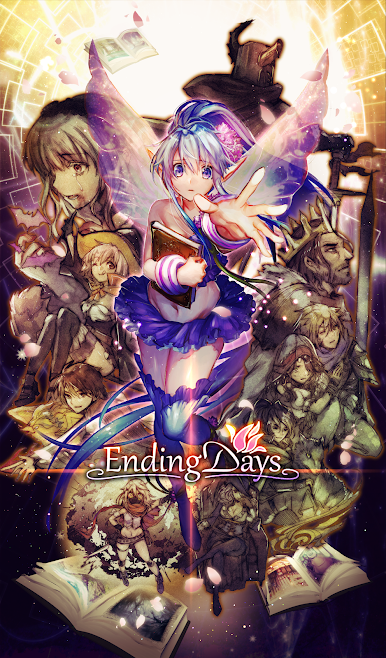
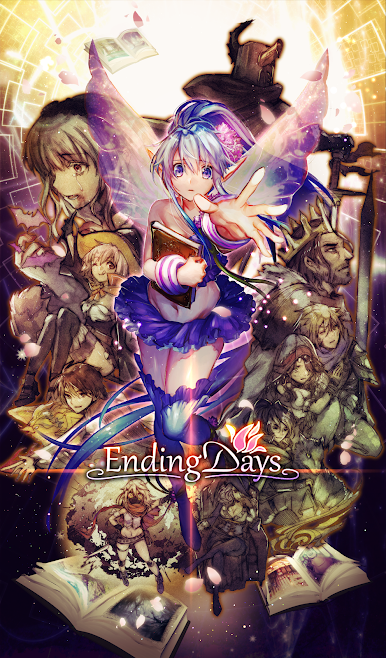
Explore a whole new adventure with Ending Days, a Role Playing game created by ohNussy. Experience great gameplay with BlueStacks, the most popular gaming platform to play Android games on your PC or Mac.
About the Game
Ever wondered what comes after the end of the world? In Ending Days, a rogue-like Role Playing game from ohNussy, you’ll step into the lonely shoes of Eco — the ancient guardian who just refuses to give up hope. The world’s wiped out, but Eco’s determined to find that one glimmer of a better future… even if it means trying again and again. Team up, plan carefully, and see how far you can get on every unique run.
Game Features
-
Relentless Loop, Fresh Every Time
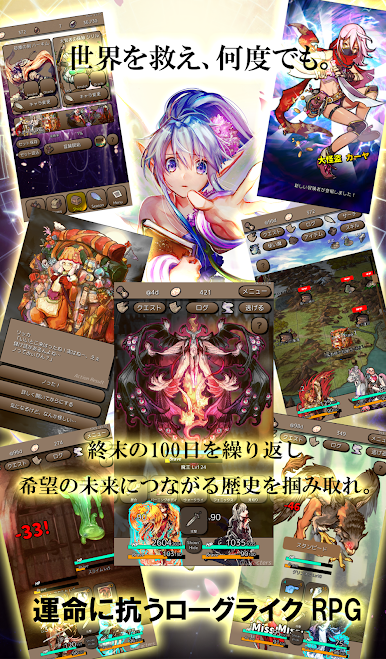
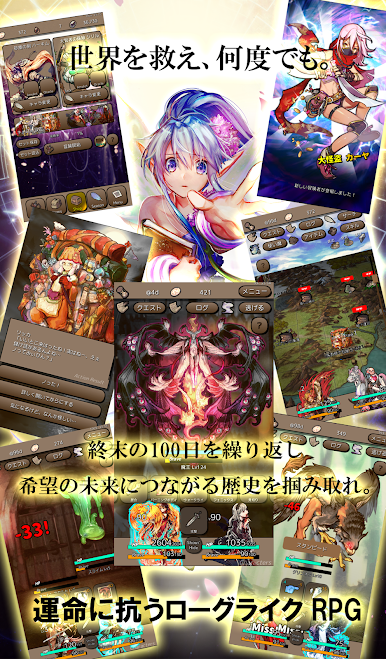
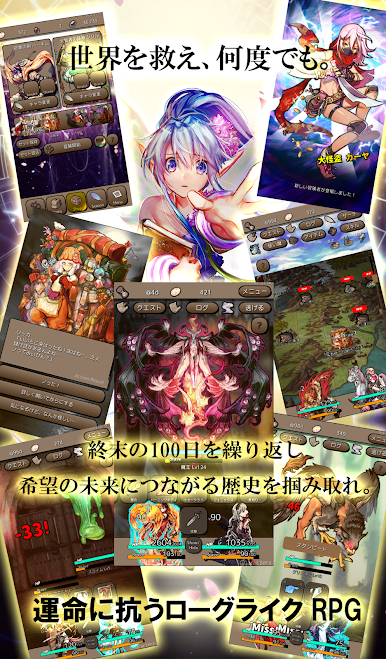
Every run has you living (and, okay, dying) through the same 100 days — but the world rebuilds itself each go, tossing fresh surprises and new layouts your way. -
Tough but Easy to Play
It’s simple to pick your next map spot and choose skills in battles. But, be ready: monsters don’t pull punches. You’ll need real strategy if you want Eco (and your hand-picked party) to actually make it. -
Build Your Dream Team
Create your party of two, mixing and matching characters as you collect them. Each has unique tricks, and the possibilities only grow with new updates. -
Evolving Gear and Decisions
Pick up gear, swap it out or keep hold of your old stuff for extra bonuses — whatever suits your style. Every choice shapes how your final fight plays out. -
Supporters and Secret Missions
Meet quirky supporters around the world, uncover rival plots, and dabble in secret missions. The decisions you make ripple through your journey and can change your endgame. -
Keep What You Earn
Fail? No problem. You’ll hang onto your gold, letting you shop for new characters and items (no paid random boxes here). Plus, unlock Chronochests for extra rewards as you tackle unique challenges. -
Surprises with Every Turn
Because the map, dungeons, and even history changes with every loop, no two runs ever feel quite the same.
And if you want to try Ending Days on a bigger screen, BlueStacks can make that happen.
Get ready for a buttery smooth, high-performance gaming action only on BlueStacks.



Play Ending Days on PC. It’s easy to get started.
-
Download and install BlueStacks on your PC
-
Complete Google sign-in to access the Play Store, or do it later
-
Look for Ending Days in the search bar at the top right corner
-
Click to install Ending Days from the search results
-
Complete Google sign-in (if you skipped step 2) to install Ending Days
-
Click the Ending Days icon on the home screen to start playing

