

Parkour Escape: Night Forest
Play on PC with BlueStacks – the Android Gaming Platform, trusted by 500M+ gamers.

Page Modified on: Apr 13, 2026
Play Parkour Escape: Night Forest on PC or Mac
Explore a whole new adventure with Parkour Escape: Night Forest, a Adventure game created by Blox Global. Experience great gameplay with BlueStacks, the most popular gaming platform to play Android games on your PC or Mac.
About the Game
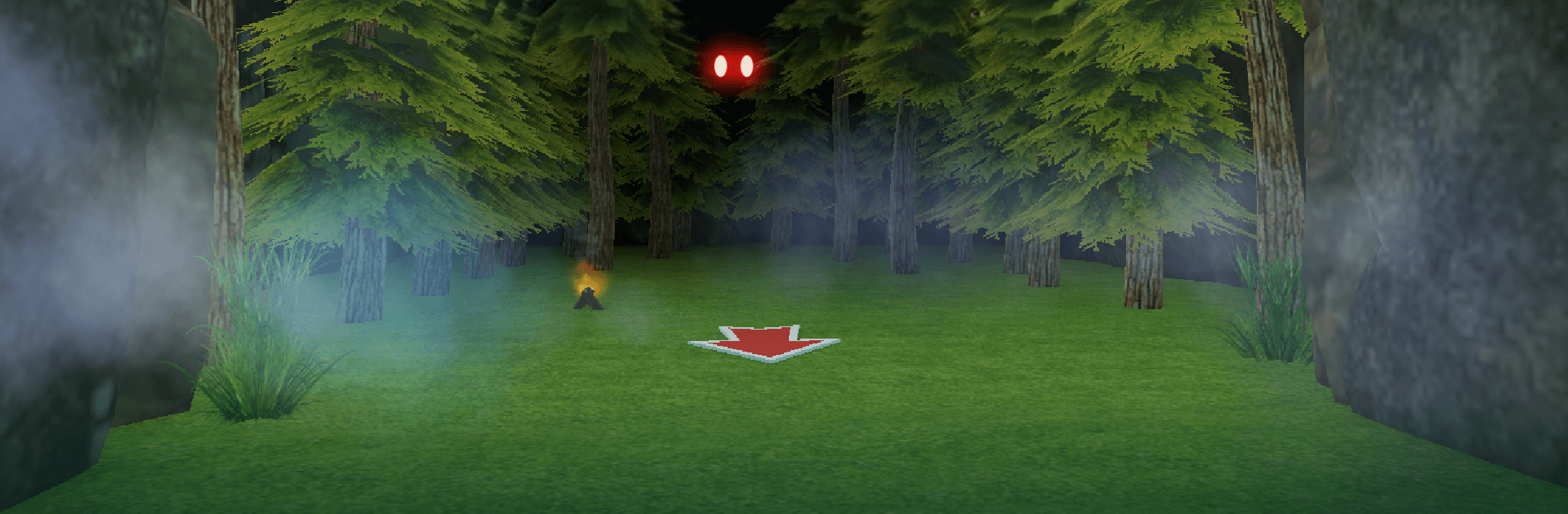
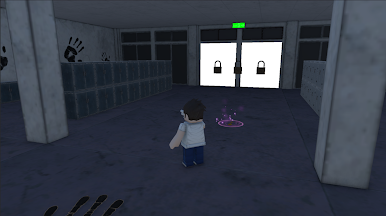
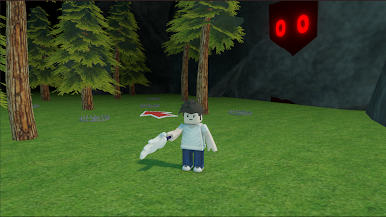
Parkour Escape: Night Forest is a fast, nerve-jangling Adventure from Blox Global where standing still isn’t an option. You’re dropped into a pitch-black forest with no map, no safe nook, and something hungry moving just out of sight. It’s all about quick reads and quicker moves—run, jump, and climb at the right moment, or the woods will swallow you whole.
Game Features
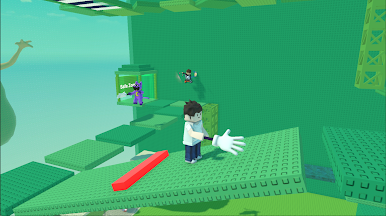
- Tense Parkour Action — Sprint, leap, and scramble over natural obstacles as you thread narrow paths and react on instinct.
- Relentless Hunters — Creepy creatures patrol the trees and change your plans on the fly; hesitate for a second and they’re on you.
- Night-Soaked Atmosphere — Thick darkness, limited visibility, and unsettling audio cues build constant pressure and keep your pulse up.
- Unpredictable Runs — Routes feel fresh from one attempt to the next, so you’re always reading the terrain and adjusting on the move.
- Smooth, Simple Controls — Thumb-friendly inputs and responsive movement make it easy to play, hard to master.
- For All Skill Levels — Great for a quick adrenaline burst, yet deep enough for players who love shaving seconds and pushing clean runs.
- Built for Mobile — Designed to feel good on a phone, with fluid motion and clear feedback when you nail a jump.
- Play on PC Too — Prefer a bigger view? Parkour Escape: Night Forest also runs nicely on BlueStacks if you want to switch screens.
Start your journey now. Download the game on BlueStacks, invite your friends, and march on a new adventure.
Play Parkour Escape: Night Forest on PC. It’s easy to get started.
-
Download and install BlueStacks on your PC
-
Complete Google sign-in to access the Play Store, or do it later
-
Look for Parkour Escape: Night Forest in the search bar at the top right corner
-
Click to install Parkour Escape: Night Forest from the search results
-
Complete Google sign-in (if you skipped step 2) to install Parkour Escape: Night Forest
-
Click the Parkour Escape: Night Forest icon on the home screen to start playing

