


Fidget Dumpling: Trade Master
Play on PC with BlueStacks – the Android Gaming Platform, trusted by 500M+ gamers.

Page Modified on: Nov 9, 2026
Play Fidget Dumpling: Trade Master on PC
Welcome to Fidget Dumpling: Trade Master, the ultimate relaxing blind box unboxing and squishy toy collection game! Tear wrappers, pop open mystery boxes, and discover adorable dumpling characters with satisfying squish physics and gentle ASMR audio.
Say goodbye to stress—collect cute dumplings and build their cozy treehouse village!
🔥 KEY FEATURES
Realistic Blind Box Unboxing: Tear foil packs, pop open lids, and reveal hidden surprise dumplings.
Oddly Satisfying ASMR Sounds: Enjoy crunchy tears, soft pops, gentle squishes, and calming lo-fi music.
Interactive Squishy Physics: Poke, stretch, and squish your toys with lifelike bounce and funny expressions.
Collect Rare Sets: Complete themed series like Chef Dumplings, Sweet Treats, and ultra-rare Rainbow editions.
Build a Treehouse Village: Decorate cozy rooms and watch your dumpling friends live and play.
Stress-Free & Antistress: No timers, no pressure—just pure relaxation at your own pace.
Play Offline: Enjoy unboxing fun anytime, anywhere without Wi-Fi.
🎮 HOW TO PLAY
Pick a Box: Choose your favorite mystery series.
Unbox & Reveal: Tear the pack and see which cute dumpling is inside.
Squish & Relax: Tap to squish, enjoy ASMR sounds, and grow your collection!
Can you collect every secret dumpling?
👉 Download Fidget Dumpling: Trade Master now and start unboxing peace!
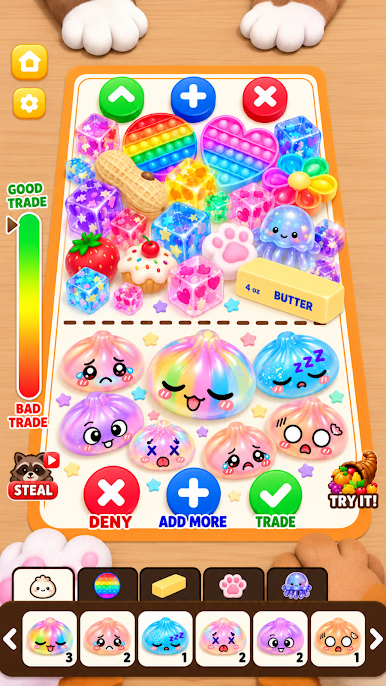
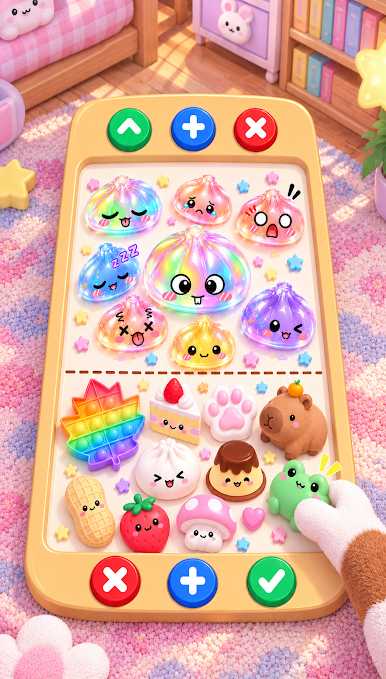
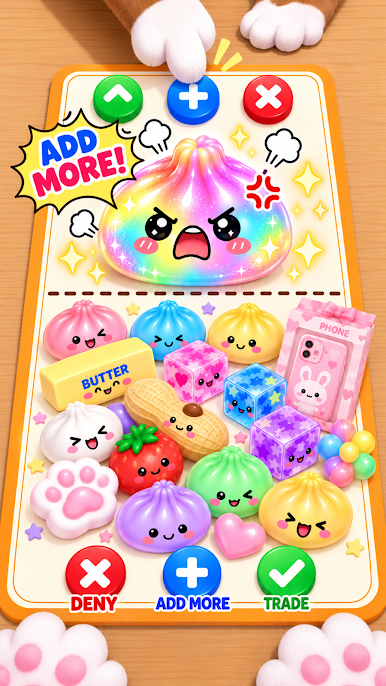
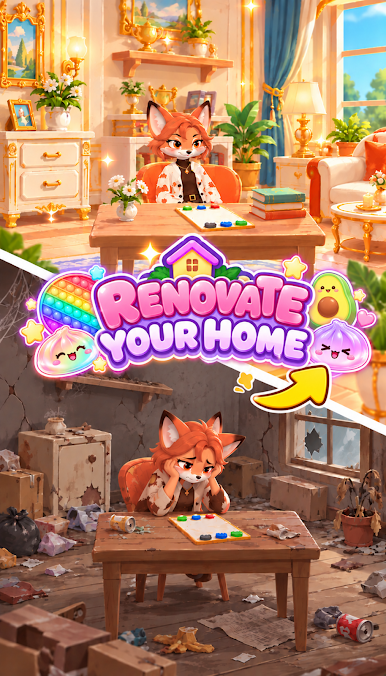
Play Fidget Dumpling: Trade Master on PC. It’s easy to get started.
-
Download and install BlueStacks on your PC
-
Complete Google sign-in to access the Play Store, or do it later
-
Look for Fidget Dumpling: Trade Master in the search bar at the top right corner
-
Click to install Fidget Dumpling: Trade Master from the search results
-
Complete Google sign-in (if you skipped step 2) to install Fidget Dumpling: Trade Master
-
Click the Fidget Dumpling: Trade Master icon on the home screen to start playing

