


Hrvatski Radio - Radio HR
Play on PC with BlueStacks – the Android Gaming Platform, trusted by 500M+ gamers.

Page Modified on: Oct 1, 2025
Play Hrvatski Radio - Radio HR on PC
Croatian Radio - Listen to the radio. A live radio application prepared for listening to music on the most beautiful radio stations from Croatia. Download now, enjoy live music and listen to live radio!
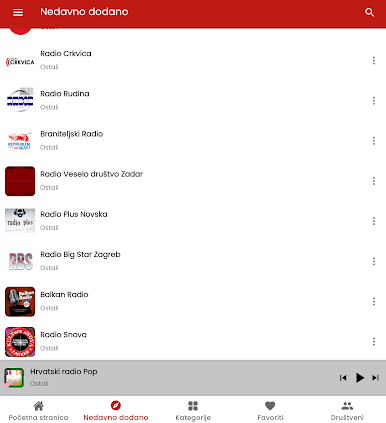
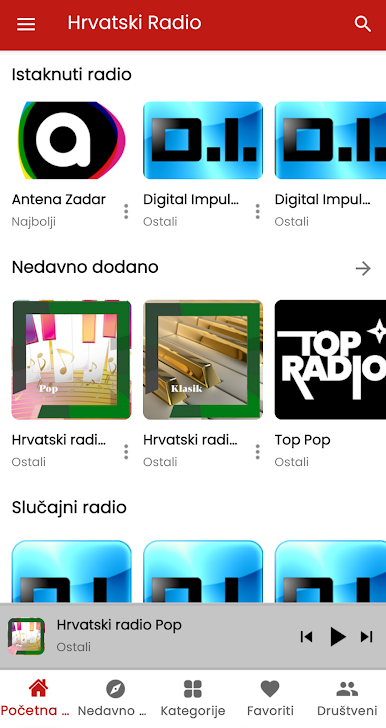
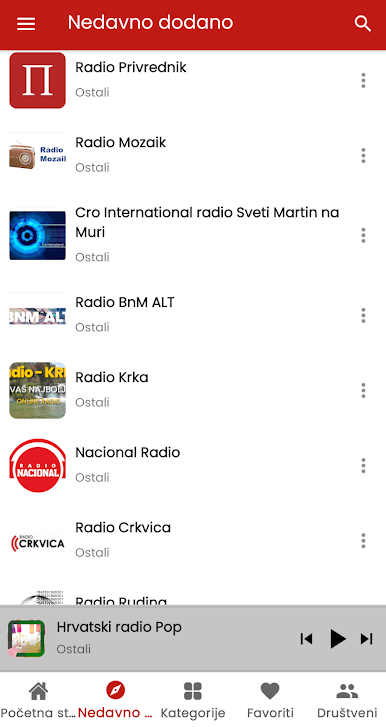
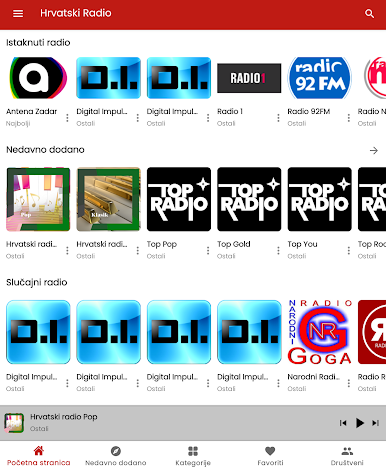
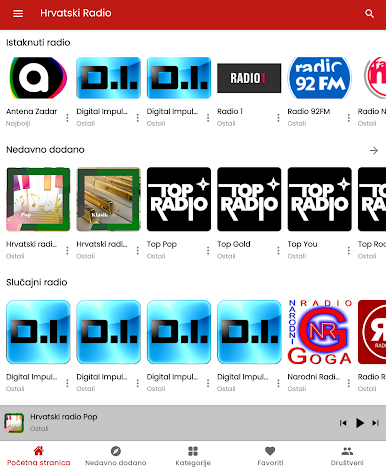
With the Hrvatski Radio application, you can access national and regional radio stations for free and enjoy listening to Croatian radio stations.
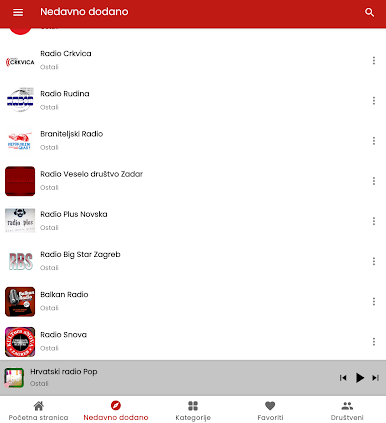
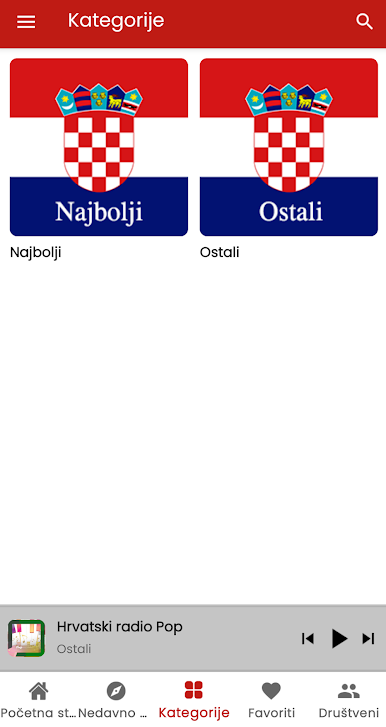
You can browse categories. You can find the desired radio by searching by name. You can mark your favorite radio stations as favorites for quick access.
Have an extraordinary musical experience with our radio app that embraces the understanding that music is food for the soul. In our Hrvatski Radio application, you can access thousands of radio stations. It is also possible to download our radio application for free via Google Play and listen live anywhere.
In our application, you can listen to radio broadcasting genres such as Croatian music, jazz, pop, sports news, pop music, 60s, 70s, 80s, 90s, nostalgia, religion, rock, rap and all others.
Listen for free to radio stations from Zagreb, Split, Rijeka, Osijek, Zadar, Slavonski Brod, Pula, Sesvet, Karlovac, Varaždin, Šibenik and Sisak.
Croatian radio stations, radio Croatian.
* To listen to the radio through the application, you must have an Internet connection.
** Visit our website to add your radio to our app.

Play Hrvatski Radio - Radio HR on PC. It’s easy to get started.
-
Download and install BlueStacks on your PC
-
Complete Google sign-in to access the Play Store, or do it later
-
Look for Hrvatski Radio - Radio HR in the search bar at the top right corner
-
Click to install Hrvatski Radio - Radio HR from the search results
-
Complete Google sign-in (if you skipped step 2) to install Hrvatski Radio - Radio HR
-
Click the Hrvatski Radio - Radio HR icon on the home screen to start playing

