


Car Chase: Police Pursuit
Play on PC with BlueStacks – the Android Gaming Platform, trusted by 500M+ gamers.

Page Modified on: Mar 2, 2026
Play Car Chase: Police Pursuit on PC
HEAT SYSTEM - THE LONGER YOU SURVIVE, THE HARDER IT GETS
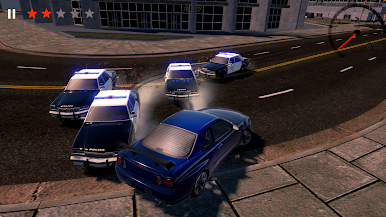
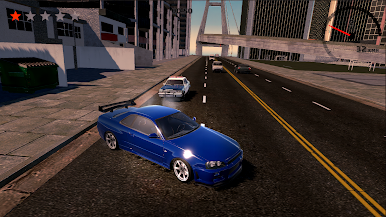
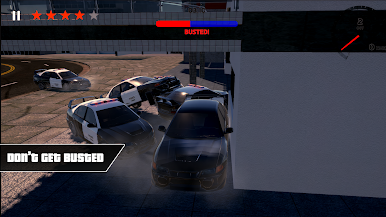
As you keep escaping, your Heat level rises. Higher Heat means more aggressive police tactics and a much tougher chase. Can you handle the pressure when the city turns into a full scale pursuit?
ENDLESS SURVIVAL GAMEPLAY
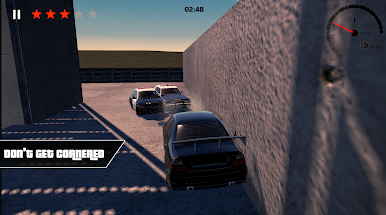
This is not just a race. It is a survival challenge. Stay on the road, avoid crashes, and keep moving. One mistake can end your run. Beat your best time, set new records, and prove you can escape longer than anyone else.
CAR MODIFICATION SYSTEM
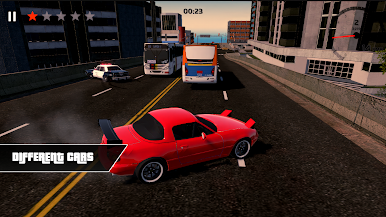
Personalize your car with a modification system and create a style that stands out during the chase. Make your getaway car truly yours while surviving the ultimate pursuit.
FAST CONTROLS, SMOOTH DRIVING
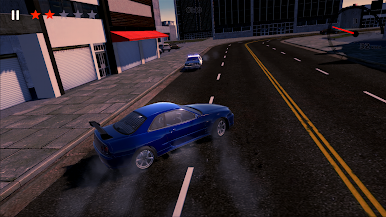
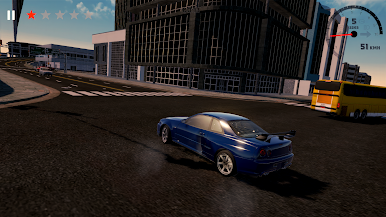
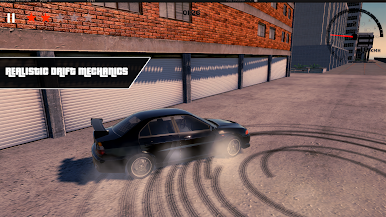
Easy to learn controls with responsive handling. Drift at high speed, dodge obstacles, and stay focused while the police close in.
HOW LONG CAN YOU STAY FREE?
Start the engine, escape the cops, raise your Heat level, and survive the ultimate police pursuit. Do not slow down. Do not crash. Do not get busted.
Play Car Chase: Police Pursuit on PC. It’s easy to get started.
-
Download and install BlueStacks on your PC
-
Complete Google sign-in to access the Play Store, or do it later
-
Look for Car Chase: Police Pursuit in the search bar at the top right corner
-
Click to install Car Chase: Police Pursuit from the search results
-
Complete Google sign-in (if you skipped step 2) to install Car Chase: Police Pursuit
-
Click the Car Chase: Police Pursuit icon on the home screen to start playing

